RAYFace 4. Operating Software
52
Unreconstructed Data Management
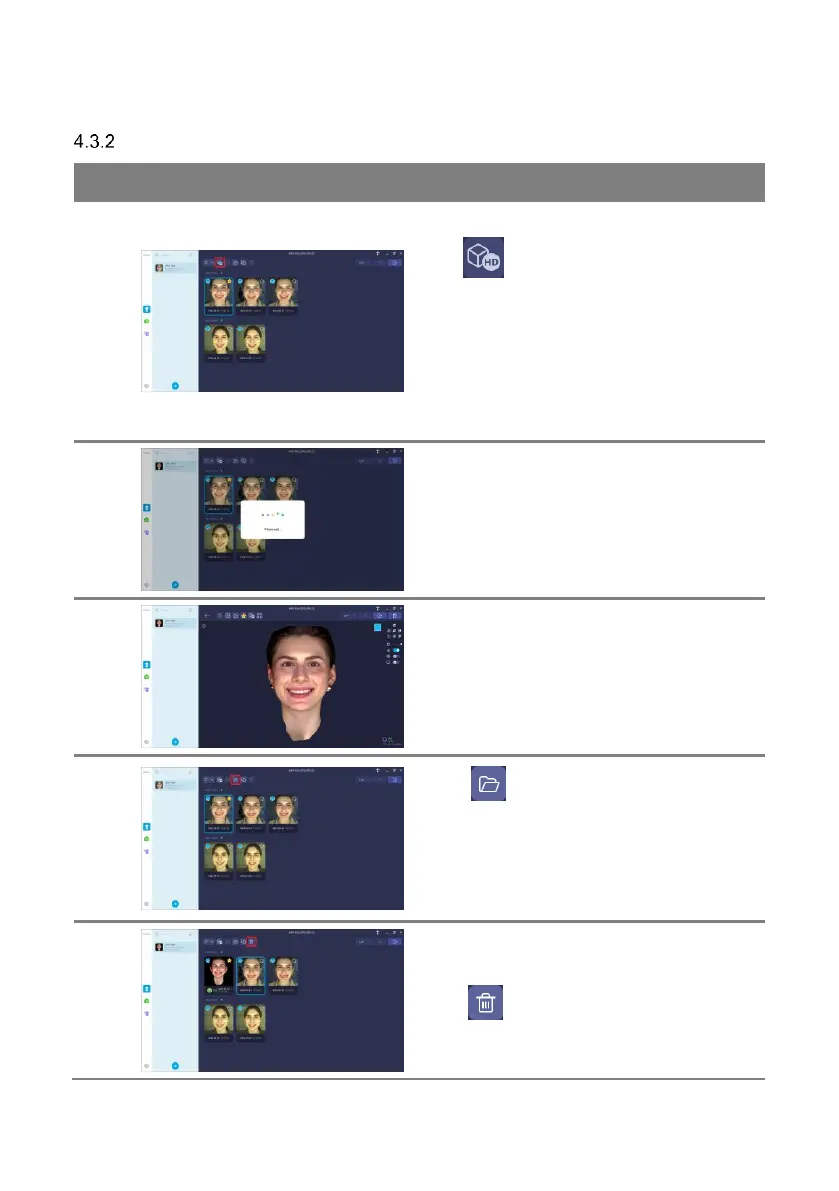
Select a unreconstructed-capture data and
click [ ] button to initiate 3D reconstruction.
Unreconstructed data is permanently deleted
after a certain period of time.
Refer to ‘4.4.1.1
General Settings’ for details about capture
options.
3D reconstruction in progress.
3D reconstructed data will be displayed.
Click [ ] button to open the path that the
original data is stored. The original data is used
to import the captured data from another
computer.
Refer to ‘4.3.6 Import Captured Data’ for details
about capture options.
Click [ ] button to delete captured data.



 To Next Page