Home
ray
Scanner
FACE
Page 53
ray FACE - Page 53
91 pages
Manual
Save Page as PDF
To Next Page
To Next Page
To Previous Page
To Previous Page
Loading...
RA
YFace
4. Operating
Software
53
6
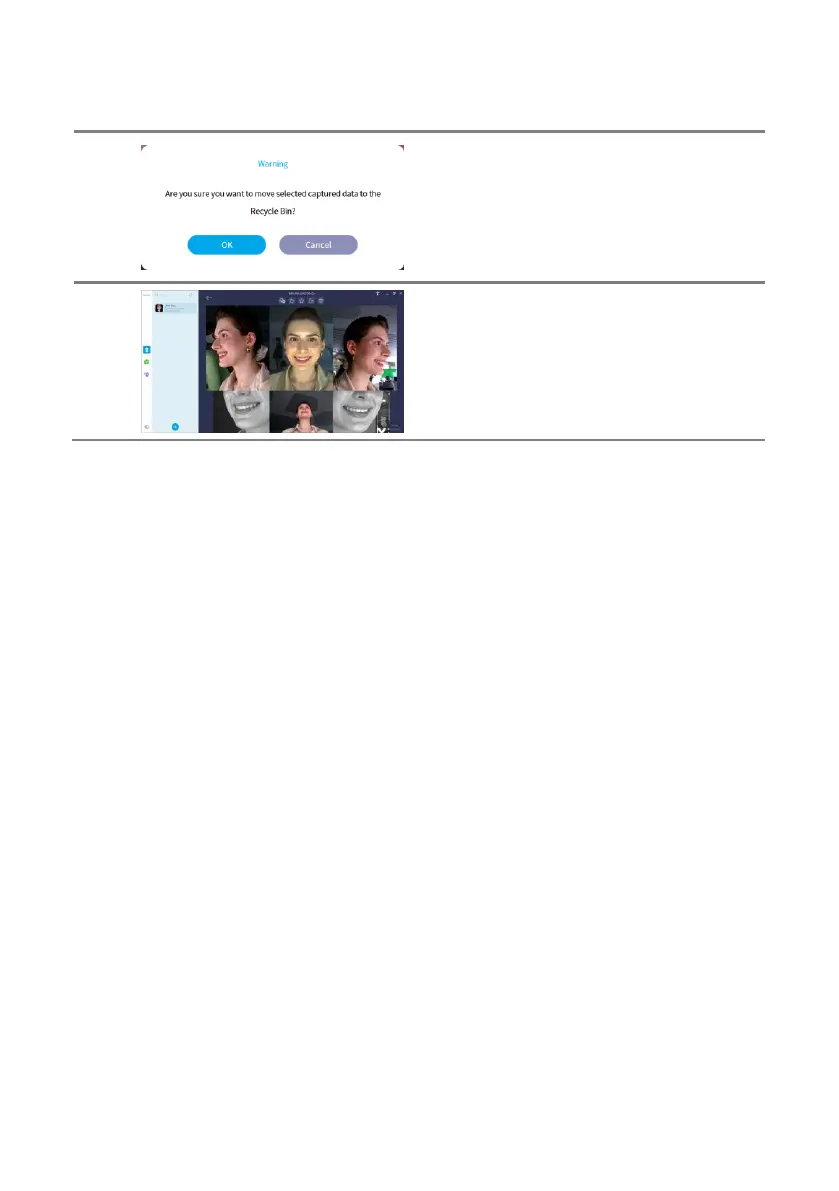
Deleted
data
c
an
be
permanentl
y
deleted
or
restored from rec
ycle bin.
When
all
the d
ata
of
t
he
subject
is perman
ently
deleted, the subjec
t is also delete
d.
Refer
t
o
‘4.3.7
Deleted
Data
Management’
f
or
details about captur
e options.
7
Double-clicking
on
the
unrecon
structed
da
t
a
allows one to view
the captured da
ta.
52
54
Table of Contents
Main Page
Table of Contents
3
User Manual Introduction
6
Related Terms
6
Symbols
6
Safety Information
7
System Symbols
7
Precautions for Installation
8
Precautions for Use
9
Precautions for Power Connection
9
Precautions for Cleaning the Product
11
Label
11
Product Introduction
13
Usage
13
Intended Use
13
Components
13
Sections and Functions (Scanner Body)
14
Sections and Functions (Calibration Kit)
15
Installation
17
Installation Environment
17
Installation Setting
17
Working Environment
18
System Requirements
19
Maintenance
20
Product Installation
21
Fix both Left and Right Arms of Main Body
21
Connect Power
22
Power on and off
23
Connect to Network
23
Network Setting Configuration
24
Connect to PC
25
Assemble Calibration Kit
26
Proceed with Calibration
27
Software Installation
28
Rayface Screen Composition
30
Register Scanner
31
Server Registration
34
Rayscan Server Registration
34
Rayface Server Registration
37
Linked Program Registration
39
Operating Software
42
Register Subject
42
Capture
43
Capture Options
46
Captured Data Management
50
Validate Captured Data
50
Unreconstructed Data Management
52
Reconstructed Data Management
54
Move Captured Data
58
Export Captured Data
59
Import Captured Data
61
Deleted Data Management
64
Settings
66
General Settings
66
Device Settings
74
Status Indicator
80
Rayface Indication
80
Appendix A. Product Specifications
81
Appendix B. Messages
82
Appendix C. Regulations
90
Related product manuals
ray RFS200
91 pages



 To Next Page