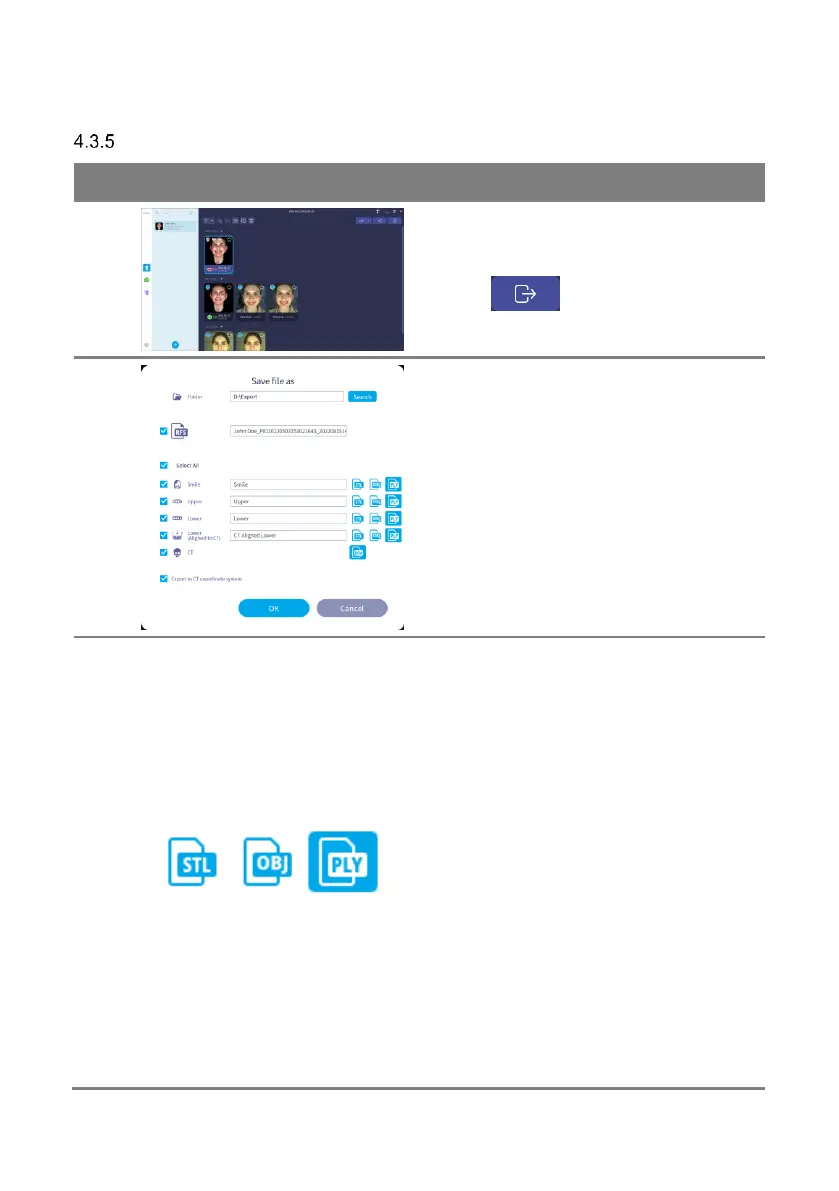
Specify the path to save the data and name the
data.
You can select only the data you want to save
by using the checkbox next to each data.
You can export in a STL, OBJ and PLY file
format.
Select an OBJ or PLY file when exporting smile
and scout images to a file including the color
information.
For OBJ and PLY files including texture files,
MTL, PNG (or BMP, JPG, JPEG) files of the
same name are created. For OBJ and PLY
files, the MTL and PNG file names are already
recorded inside the files, so if the file name is
modified after exporting, the texture
information cannot be read and the color
information is not loaded. If you need to change
the file name, specify it when exporting from
RAYFace.
When you save an OBJ or PLY file including a
texture file, if you specify its file name in



 To Next Page