RAYFace 4. Operating Software
60
Korean, Chinese, Japanese, etc., you may not
be able to open it in an external CAD program.
If you export to use in an external CAD
program, make sure to specify its file name in
English.
RFS file stands for RAYFace project file. After
exporting, it can be used when importing scan
data from RAYFace installed in another PC.
Refer to 4.3.6 Import Captured Data for how to
import the captured data.
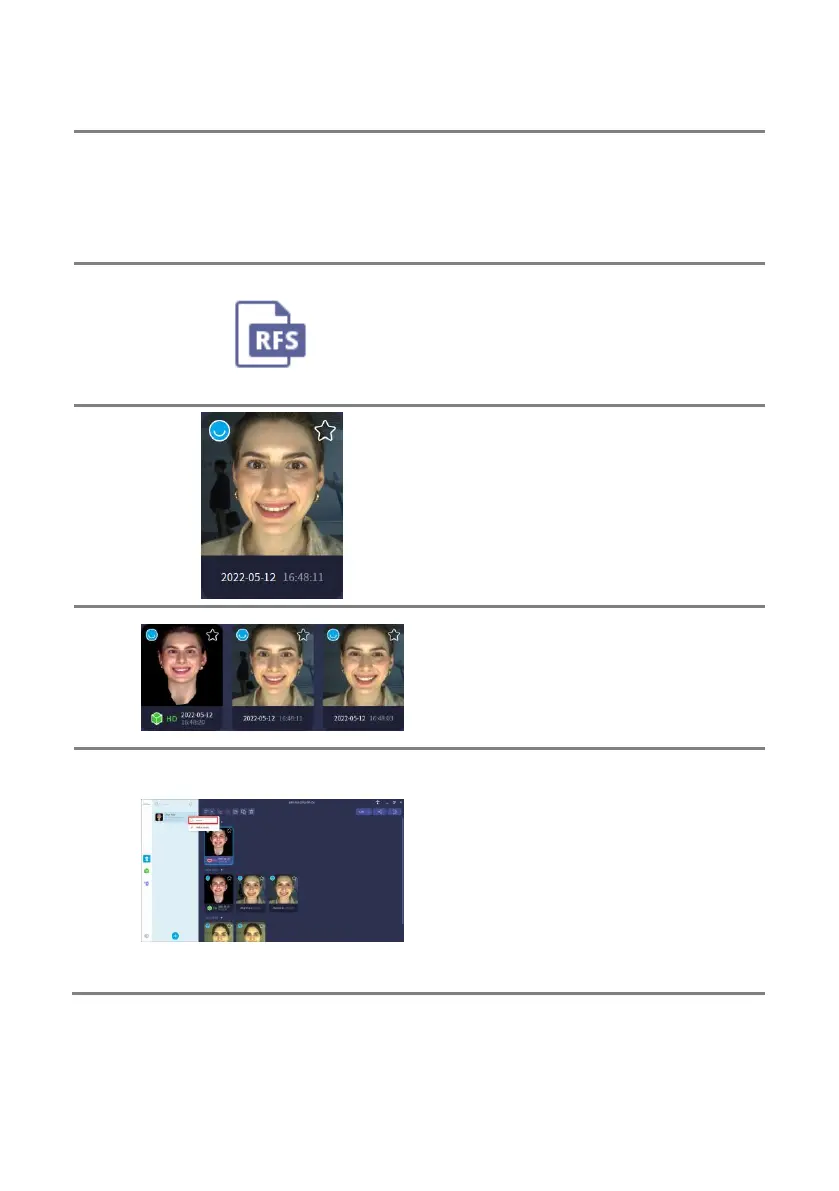
When you export the unreconstructed scan
data, you can save the RFS file to a specified
path and with a specified name.
When multiple scan data are specified and
exported, the each scan data of RFS file is
saved in the specified path. Each RFS file
name cannot be specified and is saved as
name_ID_scantime.rfs file.
You can export all the scan data of the subject
at once.
Select a subject, right-click and click the
[Export] menu to save it in the specified path
and under the specified name.
When you export a subject, the entire scan
data of the subject is saved as one RFS file. At
this time, the scan data of the subject in the
recycle bin is not saved.



 To Next Page