RAYFace 1. Introduction
6
User Manual Introduction
The following user manual contains not only a specific step-by-step guide on how to use RAYFace
(referred to as “the product”), but also the basic information regarding the product.
1) Please keep this manual for future reference.
2) Please read the safety regulations before using the product.
3) The pictures on the user manual might differ from actual ones depending on the option
and model of the product.
4) The screenshot on the user manual might differ from actual ones depending on the
software version of the product.
Related Terms
Some terms used in this manual may be used interchangeably as follows.
1) RAYFace is a software to operate RAYFace.
2) “Scanner” refers to the main body of RAYFace.
3) Left scanner, center scanner, and right scanner refers to the 3 cameras of RAYFace.
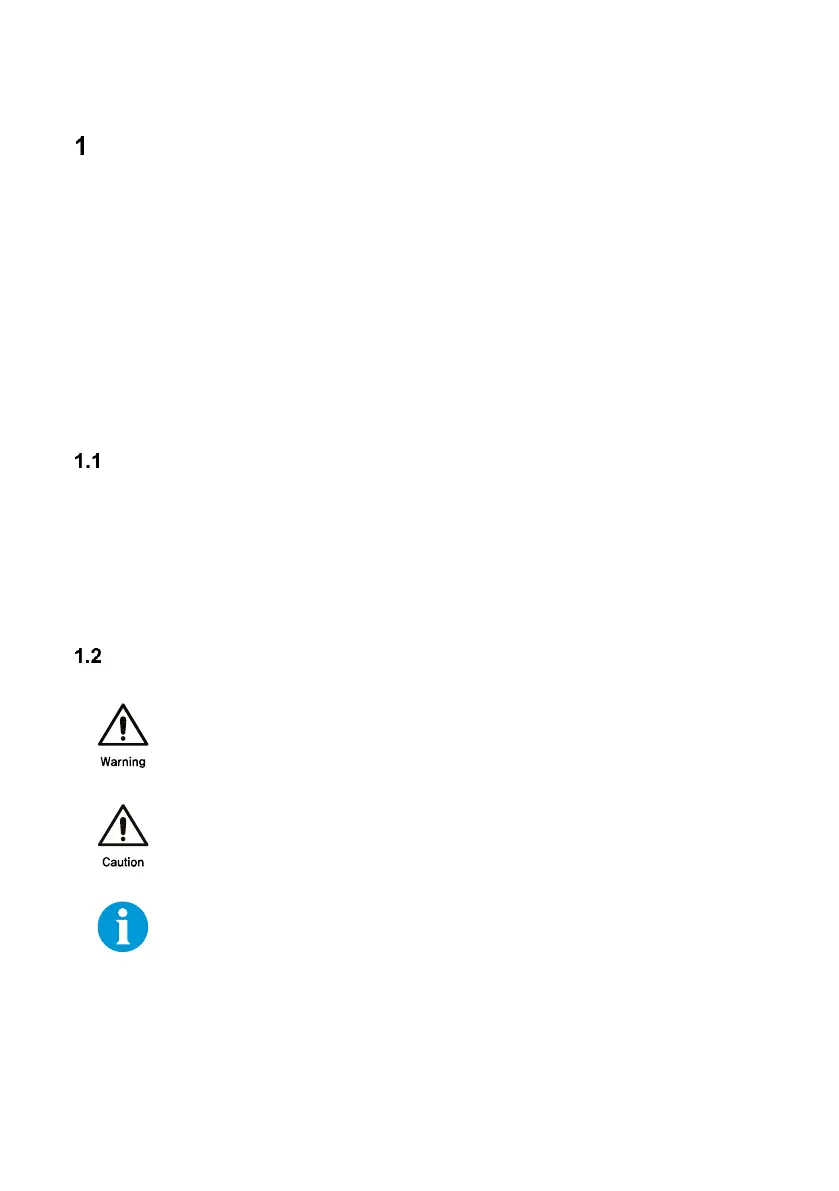
Symbols
Indicates a hazardous situation that, if the instructions are not followed, could
result in death or serious injury.
Indicates a hazardous situation that, if the instructions are not followed, could
result in minor or moderate injury.



 To Next Page