RAYFace 4. Operating Software
46
Capture Options
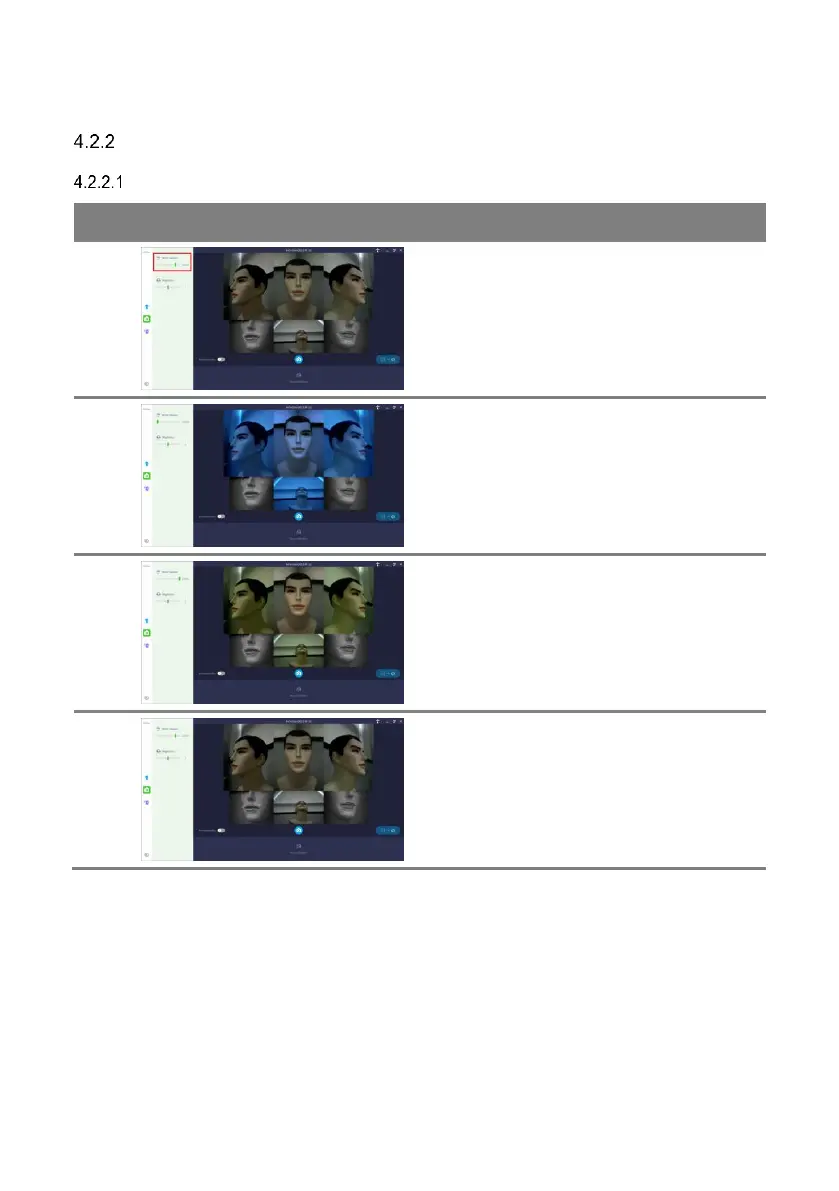
Adjust White Balance
You can adjust the color temperature of photos
under [White balance] option.
As the color temperature decreases, the photo
turns bluish.
If the ambient light uses a red color, lowering
the color temperature can neutralize the
ambient light color.
As the color temperature increases, the photo
turns reddish.
If the ambient light uses a blue color, increasing
the color temperature can neutralize the
ambient light color.
In general (e.g. fluorescent lamp), set within the
range of 5600~5800K.



 To Next Page