RAYFace 4. Operating Software
51
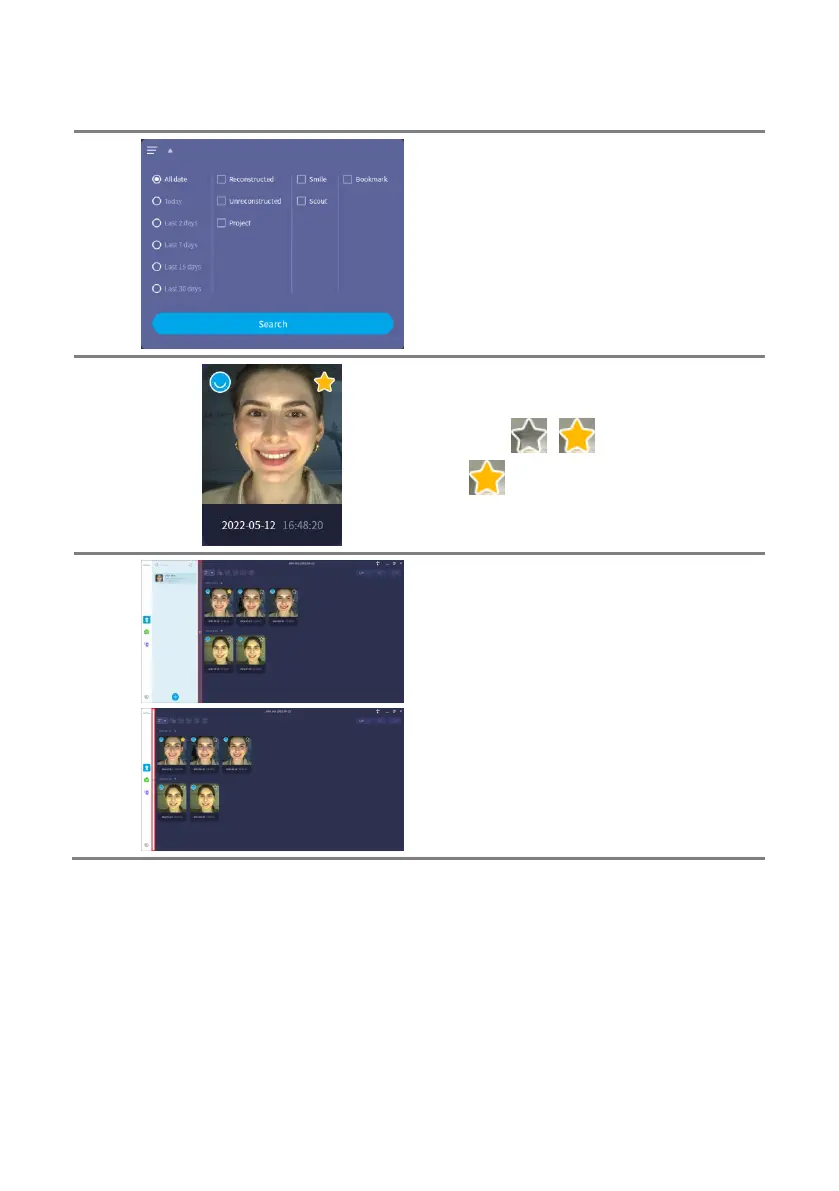
In the first column, specify the period to retrieve
the scan data.
In the second column, specify the condition of
the scan data.
In the third column, specify the scan type of
data.
In the fourth column, specify the bookmark
condition.
You can change the bookmark status by
clicking the [ ] [ ] buttons for each scan
data. [ ] means that it is bookmarked.
You cannot delete bookmarked data.
The subject list can be hidden. If you hover the
mouse on the right side of the subject list, a
button to hide and show the subject list is
displayed.



 To Next Page