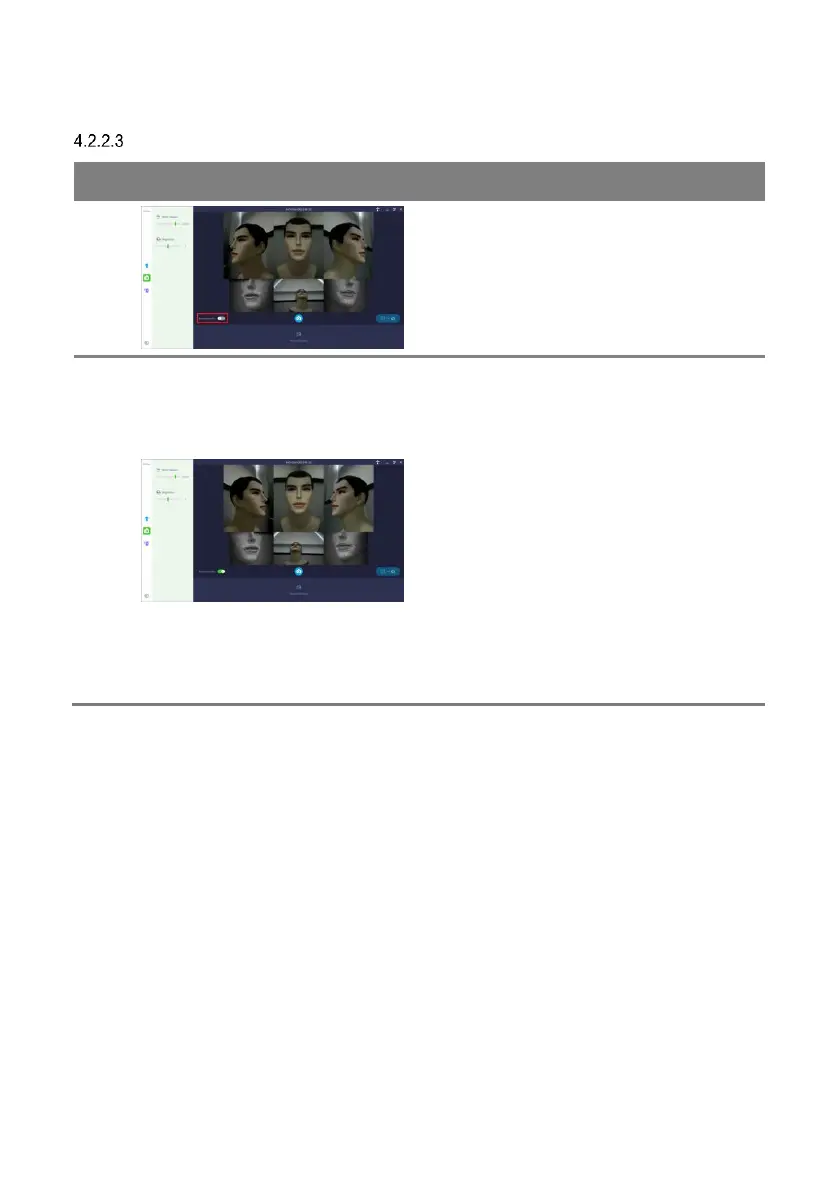
The camera position does not change even if it
is flipped left to right.
On the left, images captured from the left
camera are displayed and the same on the
right camera.
When flipped left to right, each image is
displayed inverted left/right and displayed in a
mirror image.
The [Horizontal flip] option is applied only in the
live view screen. Except live view, all captured
data are displayed with [Horizontal flip] turned
off.



 To Next Page