RAYFace 4. Operating Software
65
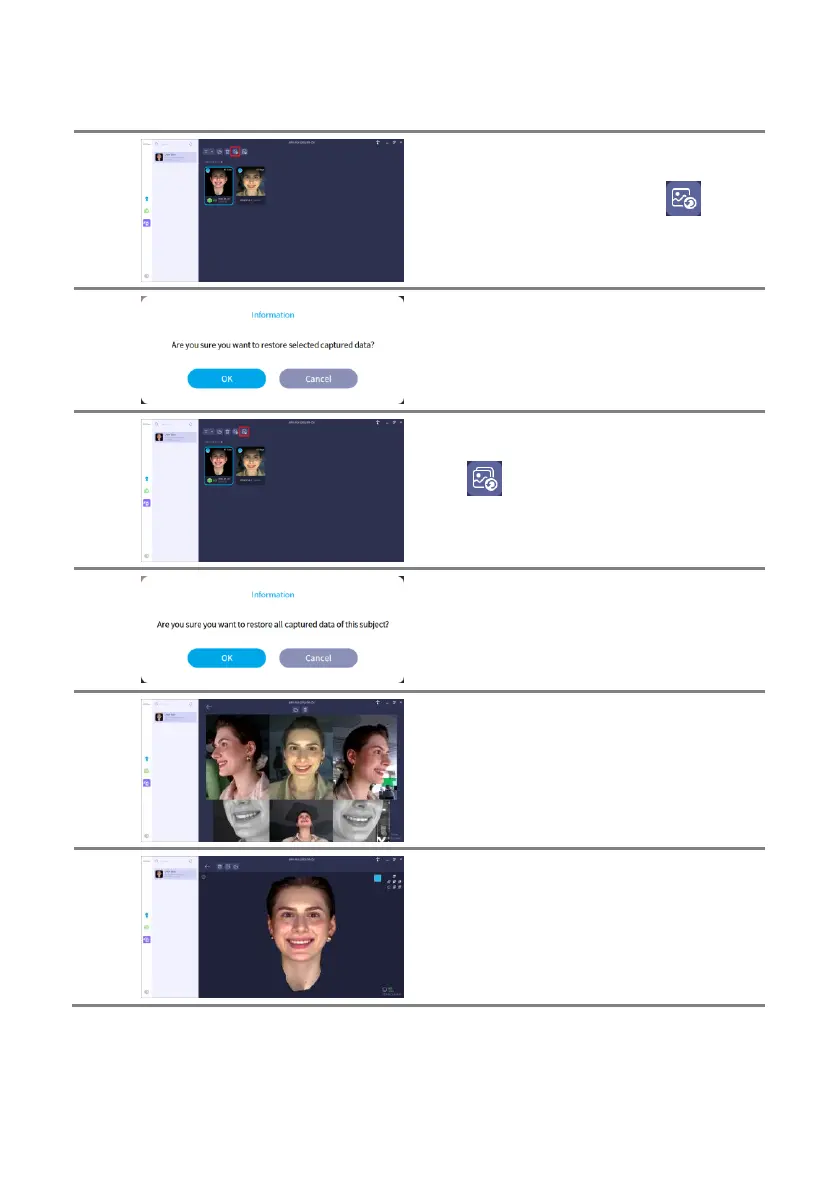
Select the deleted data and click [ ] button
to restore the data.
Click [OK] button to proceed with restoring the
selected data.
Click [ ] button to restore all deleted data of
the subject.
Click [OK] button to proceed with restoration of
all deleted data.
Captured data can also be examined in the
recycle bin.
Double-click on the unreconstructed data to
display the captured data.
Double-click on the reconstructed data to
display the reconstructed model.
You may only view the smile data even though
other data used in superimposition may be
present.



 To Next Page