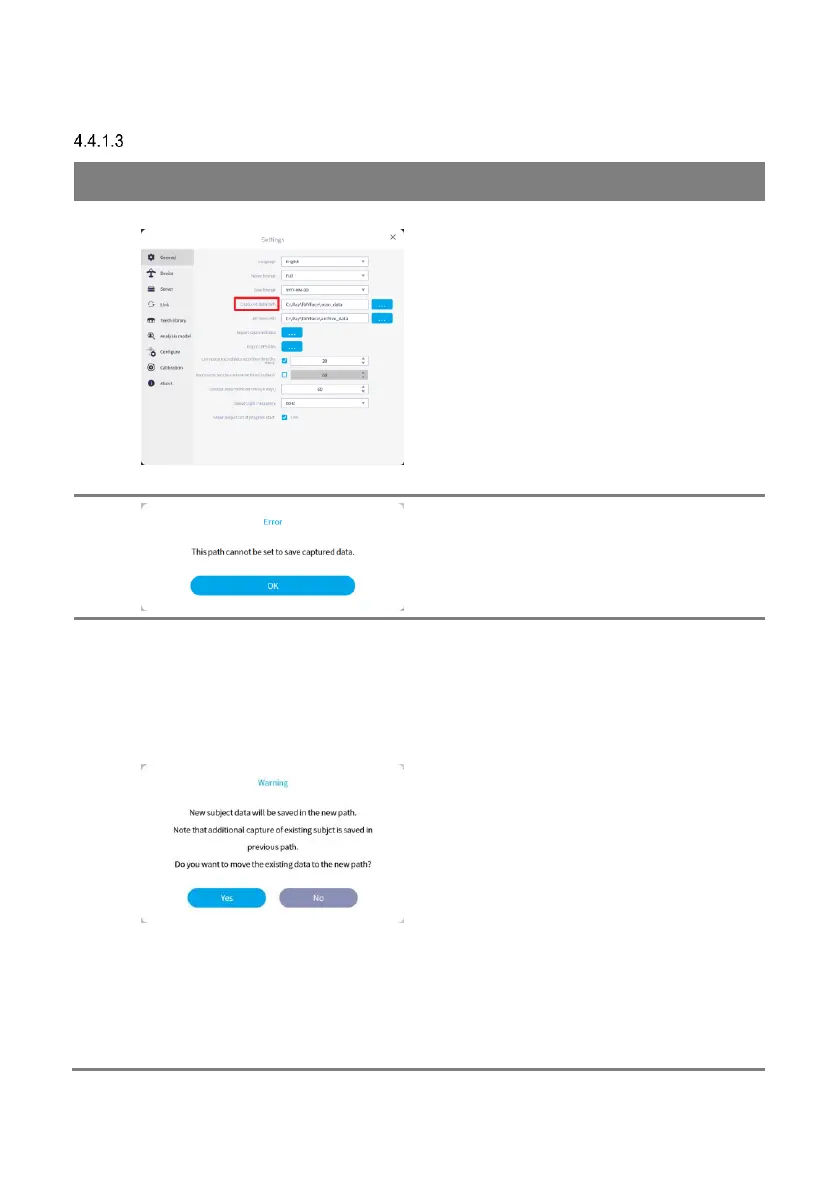
[Captured data path] option allows the user to
change the data save path for RAYFace server
and client sync data.
Changing the path only affects the local PC
where this option has been utlized, this does
not affect the data save path for other synced
PCs in the network.
Click [Search] button and specify the path to
change.
In order to maintain the consistency of captured
data management, all captured data of a
subject are saved in the same path.
Therefore, if the data path has been changed,
the additional captured data of existing
subjects will continue to be saved in the
previous path. Only newly registerd subjects’
captured data will be saved in the new path.
In order to save the additional captured data of
the existing subjects in the changed path, all
saved captured data must be moved to the new
path.
If you click [Yes] button, all saved captured data
will be moved to the new path automatically.



 To Next Page