User Manual
11
5.14 Miscellaneous Setup - Hidden Channel
5.15 Miscellaneous Setup - Audio Port Setup
Note: For 4-ch DVR, there are 2 audio inputs.
For 9-ch DVR, there is only 1 audio input.
5.16 Miscellaneous Setup - PTZ Setup
ID: Assign an ID to your speed dome.
Press [SEL] to select the camera, press [ ] and [ ] buttons to assign the ID.
Note: the ID must be unique.
The system provides a function to hide a channel
on monitoring mode. The selected channel can still be
recorded while it’s hidden; the hidden picture is
viewable during playing back.
Press [SEL] to select a channel to hide.
You can select the audio recording function to
ON or OFF, and select the video channel that you
like to record the audio on.
SPEED: Set the baud rate (2400,4800,9600,
19200,38400) to match with your speed dome
PROTOCOL: Supports “PELCO-D” and
“PELCO-P”. Select the protocol according to your
speed dome’s protocol.
CAMERA: Select the camera channel which is
connected with the speed dome.
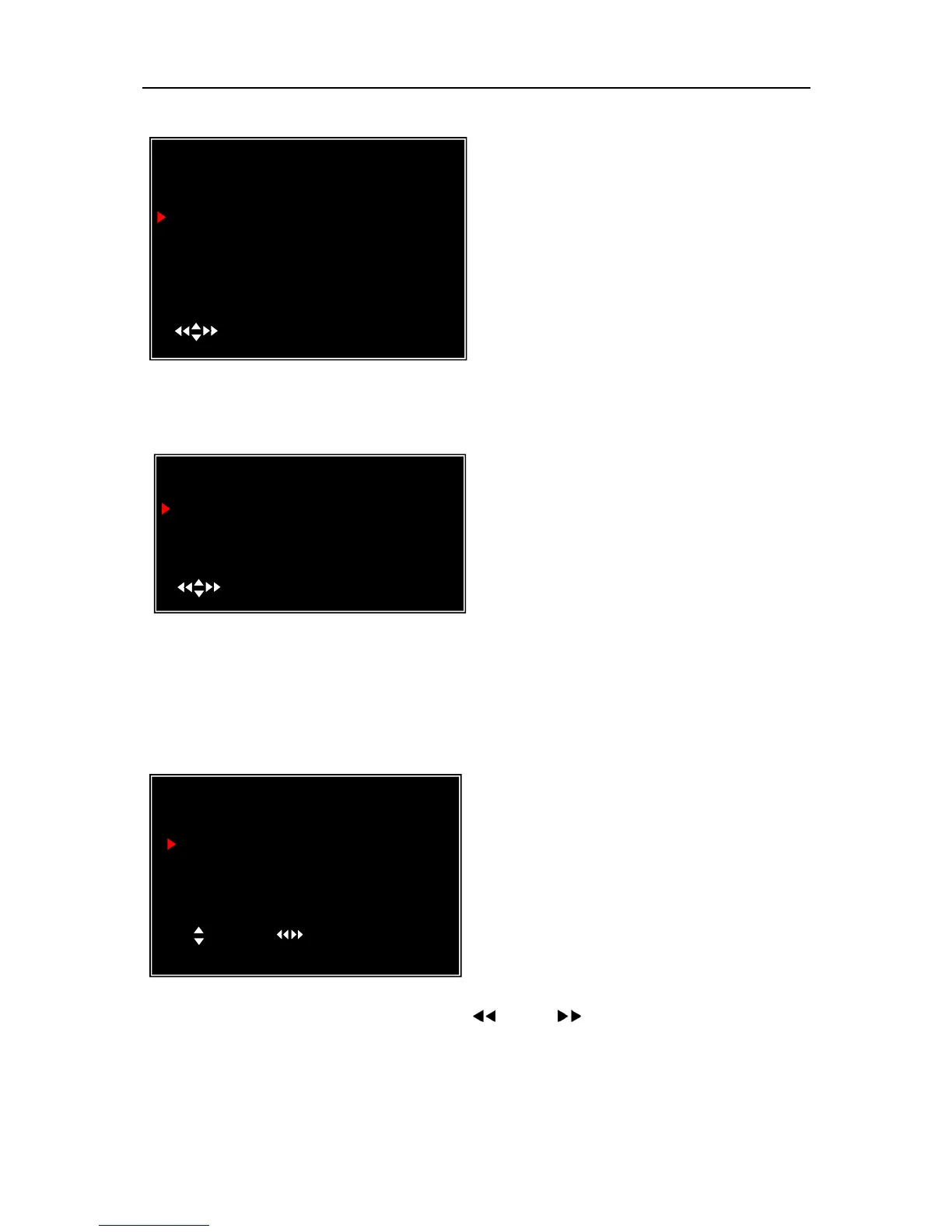
PTZ SETUP
SPEED [4800]
PROTOCOL [PELCO-D]
CAMERA- [ 1 ] ID [ 1 ]
( )MOVE ( )CAM ID
(SEL)SELECT (MENU)EXIT
AUDIO PORT SETUP
AUDIO PORT1-VIDEIO CHANNEL
AUDIO PORT1-RECORD
AUDIO PORT2-VIDEO CHANNEL
AUDIO PORT2-RECORD
( )MOVE (SEL)SELECT (MENU)EXIT
MISCELLANEOUS SETUP
CHANGE PASSWORD
SET TIME
HIDDEN CHANNEL
AUDIO PORT SETUP
PTZ SETUP
IMAGE PARAMETERS
PASSWORD ENABLE
KEYPAD TONES
SEQ。DWELL TIME
VGA SETUP
( )MOVE (SEL)SELECT (MENU)EXIT
[ 4 ]
[ CH4 ]
[ OFF ]
[ ON ]
[ 05 ]



 To Next Page