User Manual
12
5.17 Miscellaneous Setup - Image Parameters
5.18 Miscellaneous Setup - Password Enable
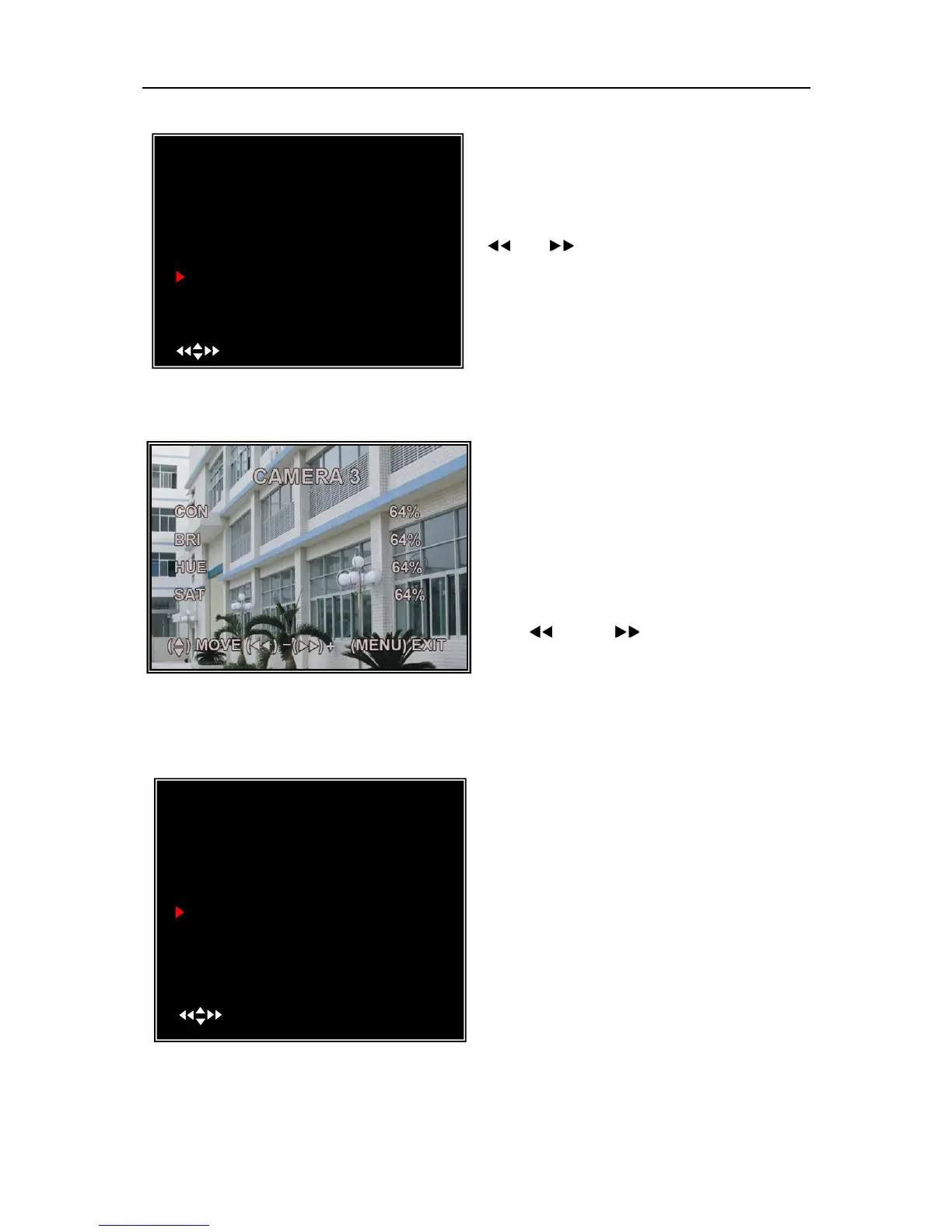
You can adjust the image parameters
according to your needs.
Move the cursor to this selection and press
[ ] or [ ] button to select a channel you want
to adjust, then press [SEL] button to edit
parameters.
CON: Contrast
BRI: Brightness
HUE: Hue
SAT: Saturation
Press [▲] or [▼] to select the item, and then
press [ ] and [ ] buttons to adjust the value.
The password will be required to control the
DVR when this option is set to “ON”, and the
password is not required when this option is set to
“OFF”.
MISCELLANEOUS SETUP
CHANGE PASSWORD
SET TIME
HIDDEN CHANNEL
AUDIO PORT SETUP
PTZ SETUP
IMAGE PARAMETERS
PASSWORD ENABLE
KEYPAD TONES
SEQ. DWELL TIME
VGA SETUP



 To Next Page