User Manual
22
8.3 Program Running
8.3.1 HDD play mode
System will detect the HDD automatically when you connect the USB cable to your PC. An
USB icon“ ” will appear in the system tray (right bottom corner of the screen). After you’ve
seen the USB icon, double click “ ” icon on your desktop to run the program.
Note: if you do not follow above steps, the program will fail to detect HDD
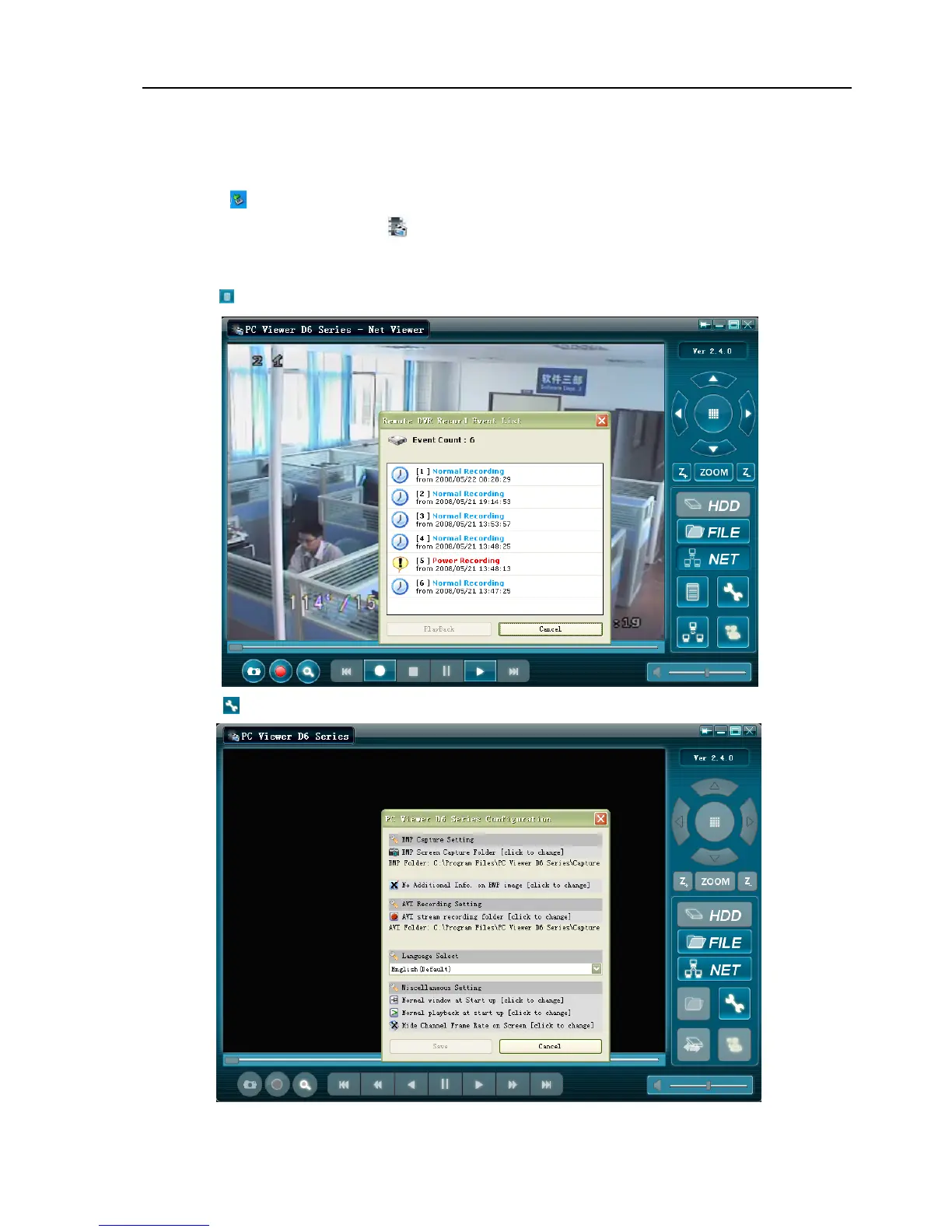
Press “ ” to open the video event lists.
Press “ ” to configure the program local settings.



 To Next Page