User Manual
13
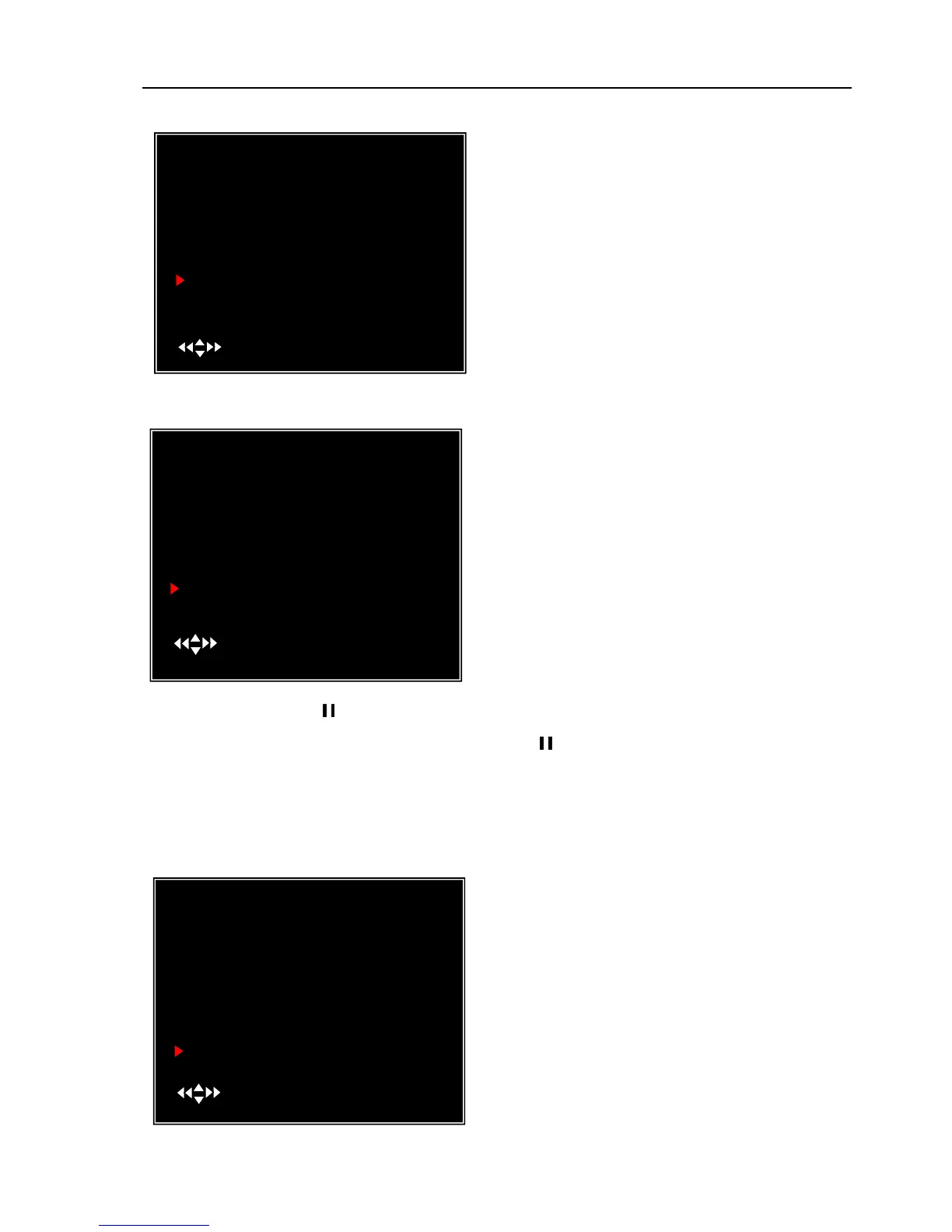
5.19 Miscellaneous Setup - Keypad Tones
5.20 Miscellaneous Setup - Sequence Dwell Time
After setting, press [ ] button to turn on auto-sequence display function and then there’s a
“SEQ”icon displayed on the right top of screen. Press [
] again to turn off this function in
preview mode
5.21 Miscellaneous Setup - VGA Setup
This function allows you to enable /disable
buzzer sound when pressing a button. Press [SEL]
to select ON or OFF.
Select a VGA resolution to match with your
CRT or LCD monitor.
NOTE: VGA video output is an optional
function and may not be available on all models.
MISCELLANEOUS SETUP
CHANGE PASSWORD
SET TIME
HIDDEN CHANNEL
AUDIO PORT SETUP
PTZ SETUP
IMAGE PARAMETERS
PASSWORD ENABLE
KEYPAD TONES
SEQ. DWELL TIME
VGA SETUP
( )MOVE (SEL)SELECT (MENU)EXIT
[ 4 ]
[ CH4 ]
[ OFF ]
[ ON ]
[ 05 ]
[1024*768 75HZ]
MISCELLANEOUS SETUP
CHANGE PASSWORD
SET TIME
HIDDEN CHANNEL
AUDIO PORT SETUP
PTZ SETUP
IMAGE PARAMETERS
PASSWORD ENABLE
KEYPAD TONES
SEQ. DWELL TIME
VGA SETUP
( )MOVE (SEL)SELECT (MENU)EXIT
[ 4 ]
[ CH4 ]
[ OFF ]
[ ON ]
[ 05 ]
MISCELLANEOUS SETUP
CHANGE PASSWORD
SET TIME
HIDDEN CHANNEL
AUDIO PORT SETUP
PTZ SETUP
IMAGE PARAMETERS
PASSWORD ENABLE
KEYPAD TONES
SEQ.DWELL TIME
VGA SETUP
( )MOVE (SEL)SELECT (MENU)EXIT
[ 4 ]
[ CH4 ]
[ OFF ]
[ ON ]
[ OFF]
[1024*768 75HZ]
This function allows you to set the dwell time for
each camera when you enable the auto sequence
display function.
Press [◄◄] and [►►] buttons to adjust the
value.



 To Next Page