User Manual
6
Chapter 5: DVR Menu System
5.1 Navigating the Menus
5.2 Menu Overview
Menu Directory
Camera Setup
Record Setup
Record Frame rate
Video Quality
Record Schedule
Sensor Setup
Hard Drive Setup
Miscellaneous Setup
Network Setup
Language
Video Backup
Reset Menu
5.3 Camera Setup
Press [MENU] to enter Main Menu
Press [▲, ▼, or ] button to move the
cursor
Press [SEL] to select/modify settings
Press [MENU] again to exit or go back to previous
menu.
Camera Setup allows you to turn cameras on or
off.
Press [▲, ▼, or ] button to select a
channel and then press [SEL] to modify the setting
ON or OFF.
Main Menu
Change Password
Set Time
Hidden Channel
Audio Port Setup
PTZ Setup
Image Parameters
Password Enable
Keypad Tones
Seq. Dwell Time
VGA Setup
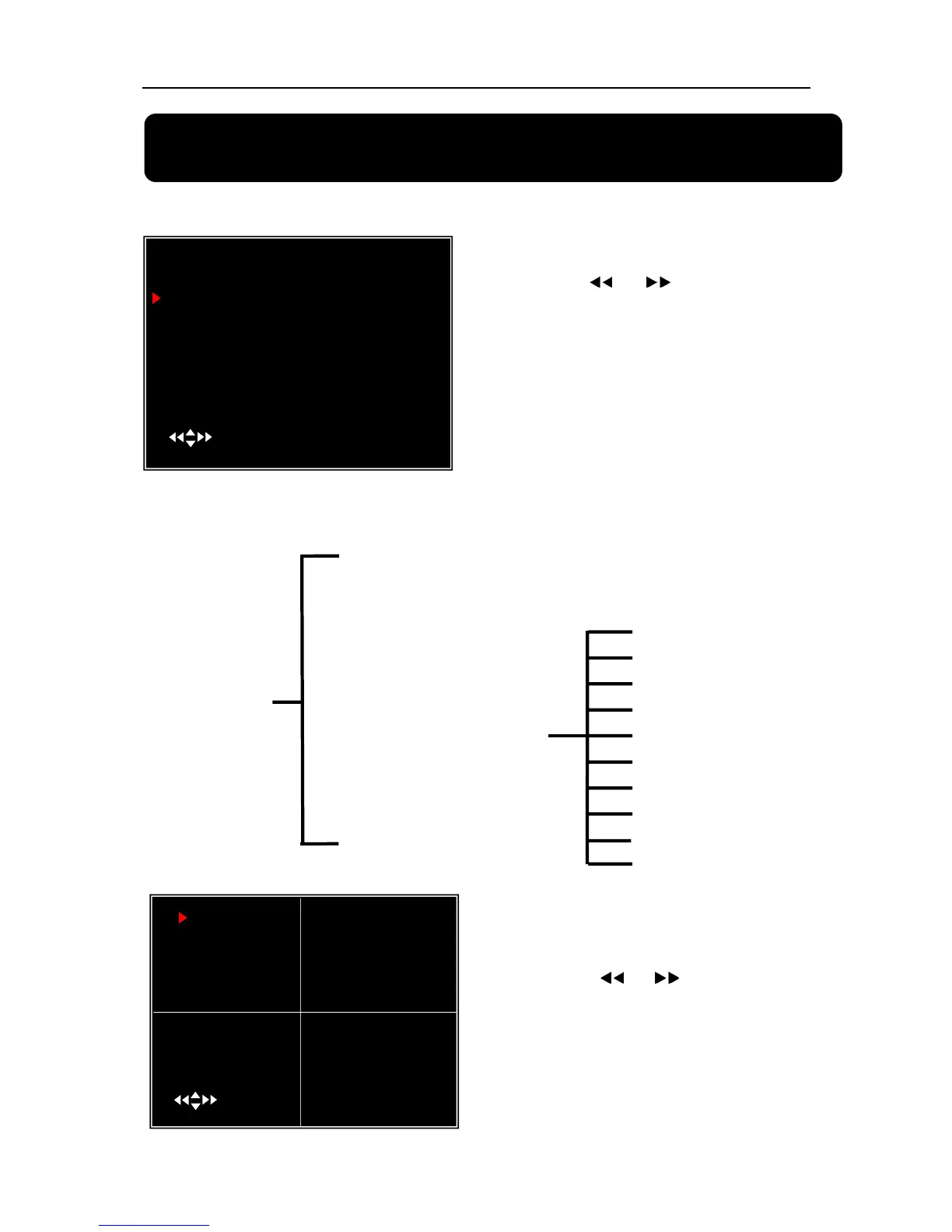
MAIN MENU
CAMERA SETUP
RECORD SETUP
RECORD FRAMERATE
VIDEO QUALITY NORMAL
RECORD SCHEDULE
SENSOR SETUP
HARD DRIVE SETUP
MISCELLANEOUS SETUP
NETWORK SETUP
LANGUAGE ENGLISH
VIDEO BACKUP
RESET MENU
( ) MOVE (SEL)SELECT (MENU)EXIT
1 ON 2 ON
CAMERA SETUP
3 ON 4 ON
( )MOVE (SEL) SELECT (MENU)EXIT



 To Next Page