SAM 400 SPEED-AREA-DISTANCE METER
15
Changing the RPM Sensor Factor
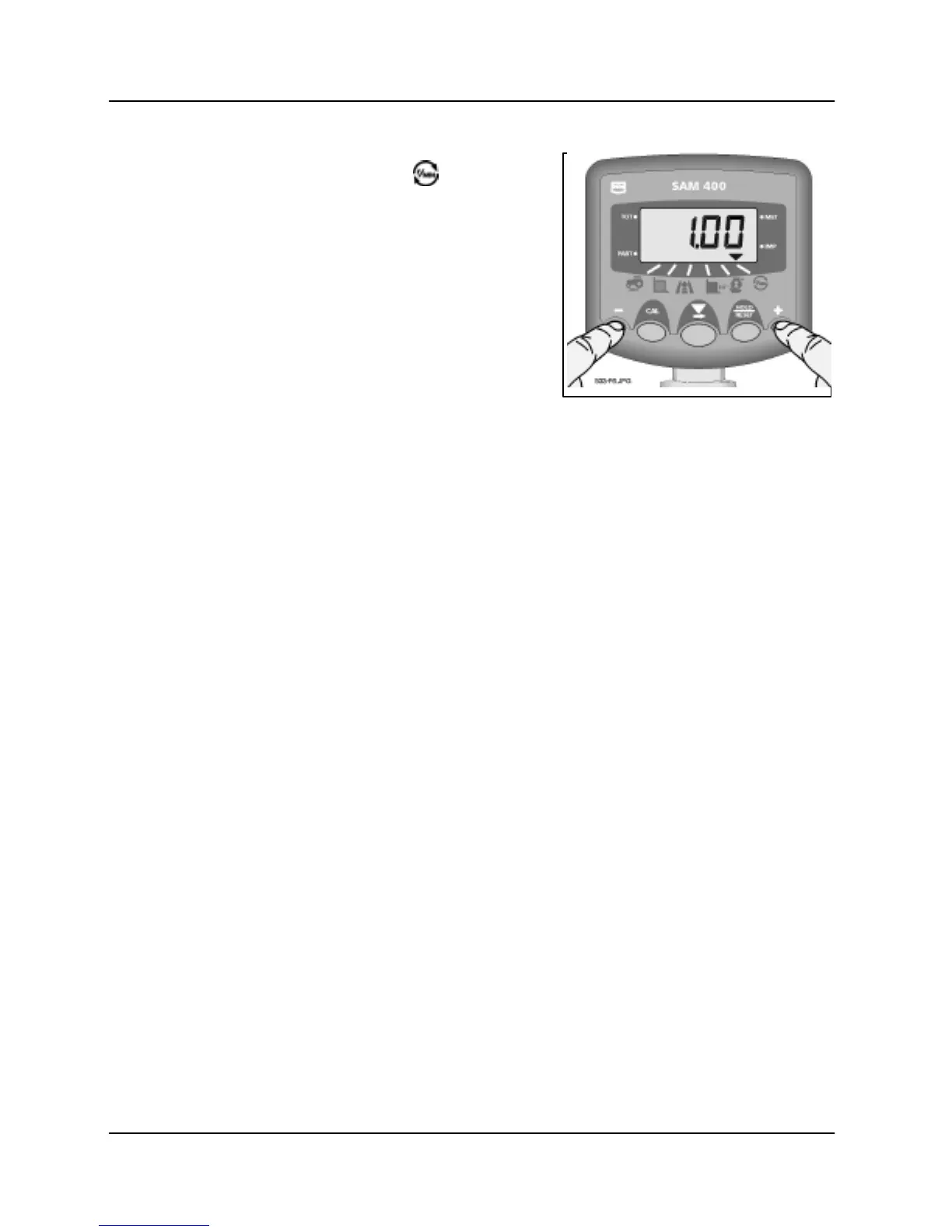
1. Select the RPM channel ( ).
2. Press and hold the CAL button while
switching the instrument on until the
instrument displays 'CAL.1'.
3. Press the centre button to select
channel 6.
4. Use the '+' and '-' buttons to programme
the new factor.
Check the calibration again to ensure the
RPM display is now reading correctly.



 To Next Page