Operating instructions (RED)
4
BAL_SYS20_RED_EN_2V2_REC_102-020110693 14/ 27
NOTICE
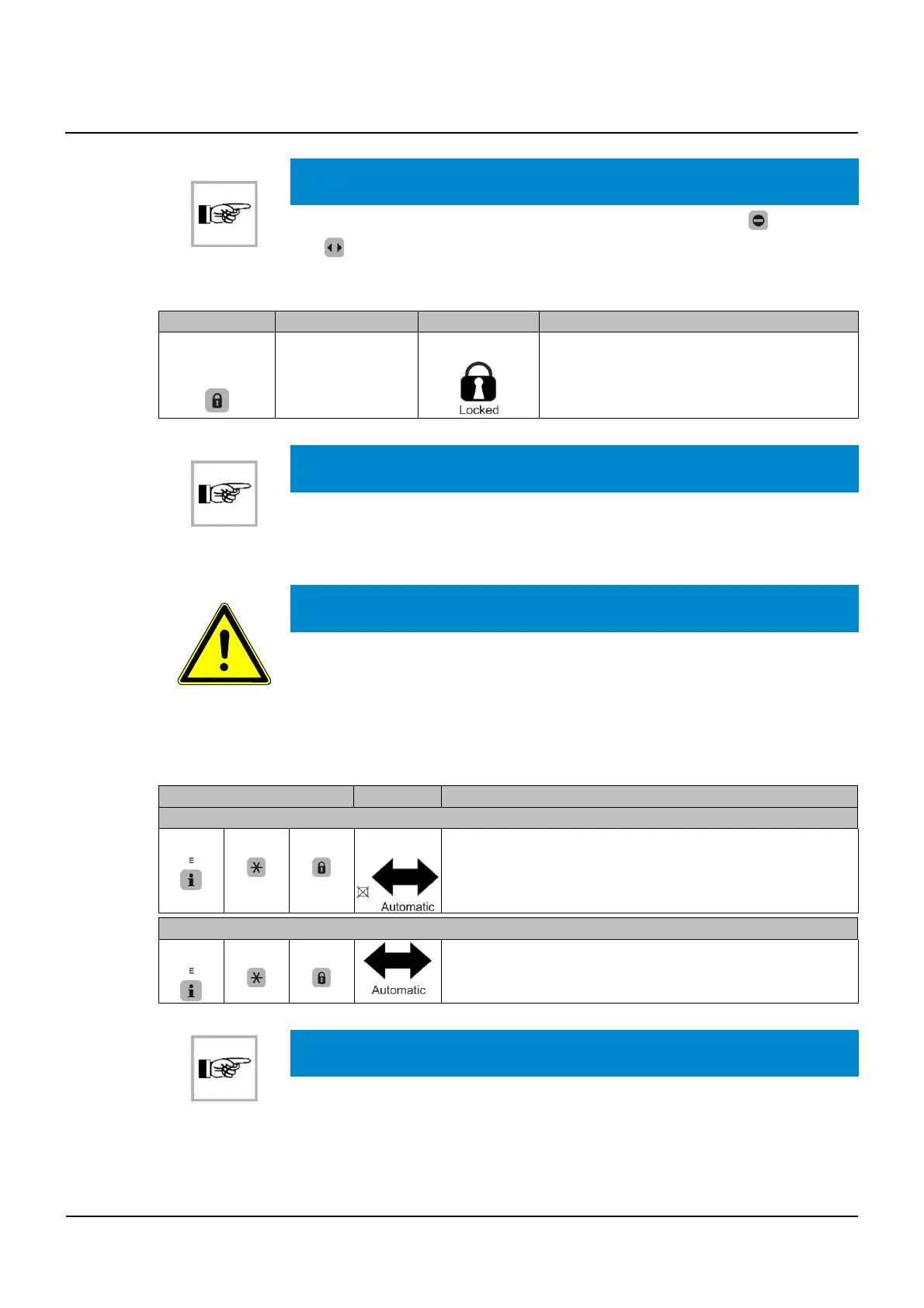
The reduced opening width is also effective with operating modes (One-Way)
and
(Continuously open).
Selection of special functions (RED)
Ke
Function Displa
Description
Single opening
▪ Door is closed and locked
▪ 1 keystroke unlocks the door
▪ An opening/closing cycle is performed
▪ Once closed, door locks again
NOTICE
utomatic doors on escape routes (RED installations) cannot be maneuvered by
hand for safety reasons
Locking the control panel with the keyboard
IMPORTANT
Standard EN 16005 requires protection of the selection of the mode of operation
of pedestrian automatic doors used as emergency exits so that they may not be
inadvertently locked when the building is in use.
If a "locked" mode of operation is available, the mode of operation must be protected, e.g. by an ac-
cess code or a key, so that changes can only be made by authorized personnel.
It is the responsibility of the operator of the pedestrian automatic door used as an emergency exit to
lock the control panel into automatic position when the facility is being used.
Ke
sequence Displa
Description
Lockin
the control unit
▪ Undesired manipulation of the control unit is hindered
▪ Panel is locked
▪ Locked status of the BDE-D is displayed
Unlockin
the control unit
▪ Free selection of operating modes and special functions
is ensured
NOTICE
The installation remains in the mode of operation previously selected
4.2
4.3



 To Next Page