Behavior in event of faults
8
BAL_SYS20_RED_EN_2V2_REC_102-020110693 23/ 27
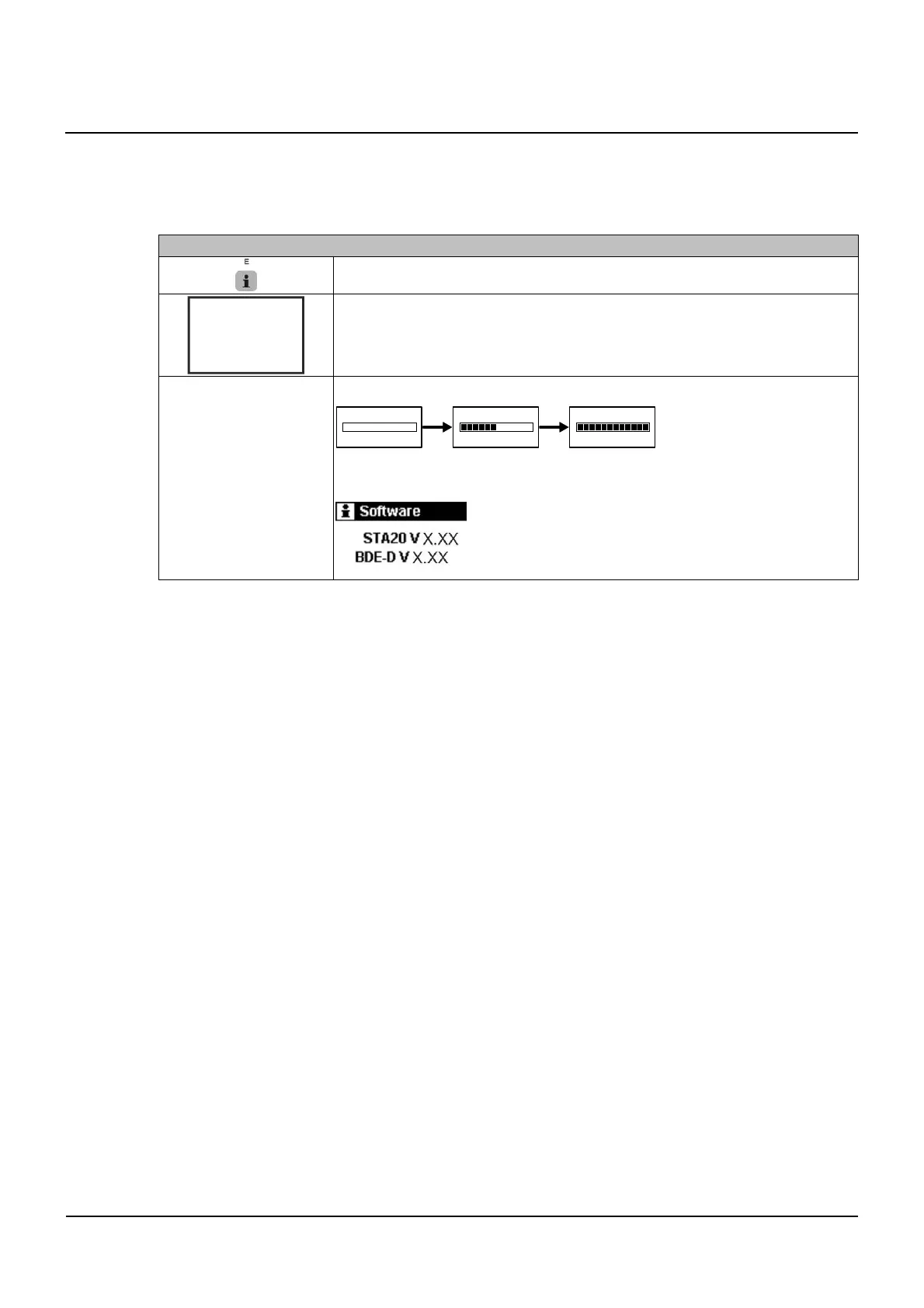
Control unit BDE-D does not react
If the control panel does not react when the keys are pressed or if no message appears on the dis-
play, a reset of the control panel could eliminate the problem.
Proceed as follows:
RESET HARDWARE BDE-D
Press E key > 12 seconds
Display without any message
Connecting to control unit....
Connection has been established (example)
▪ After resetting, the control panel is again operational
▪ If this is not the case, please inform our service center
8.4



 To Next Page