30 | Installation — Wiring
CANBUS CONNECTION (B)
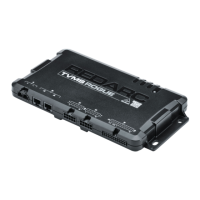
Connecting the TVMSRogue the RedVision system�
NOTICE: Do not connect computers or IT equipment to R-Bus Network (B) on the
TVMSRogue. This may damage the Main Unit internal components.
CANBUS CONNECTION STEPS
Note: The RedVision
®
Display (DISP4300) is not supplied.
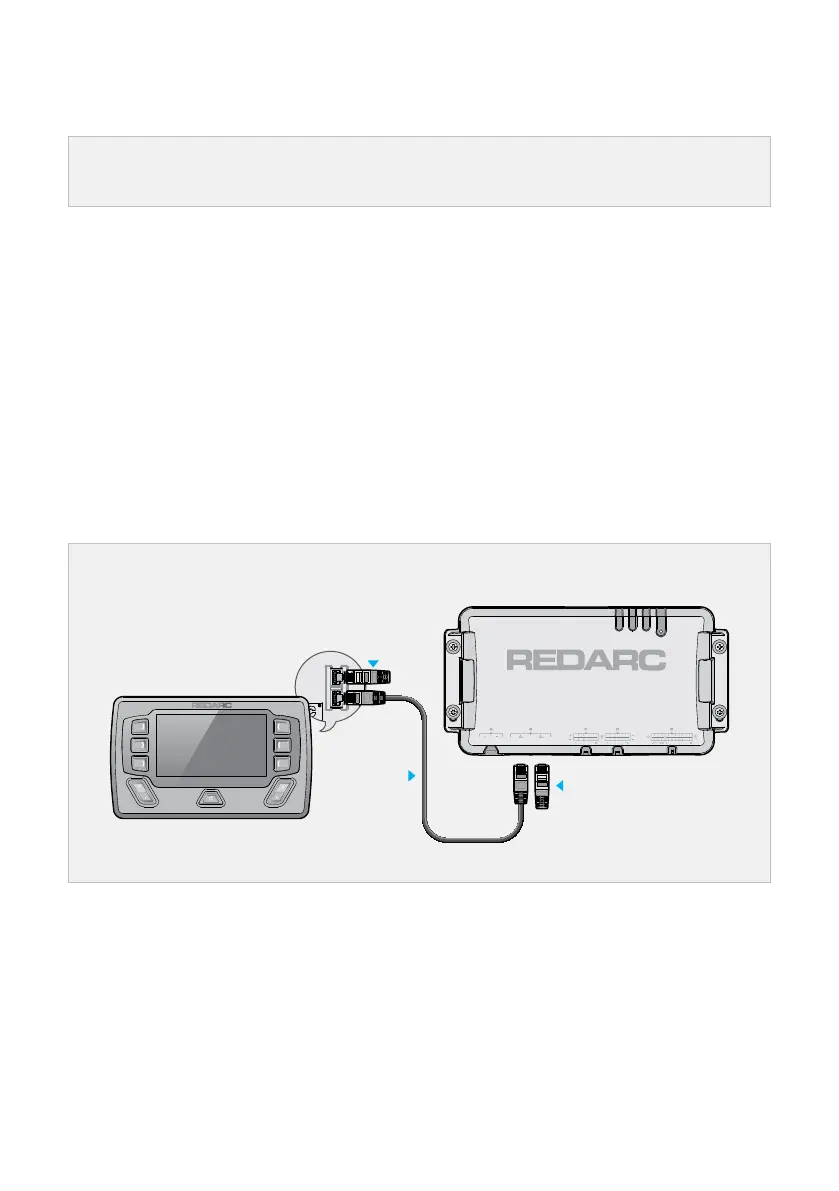
1. Connect the supplied RJ45 Cable between R-Bus Network interface (B) on the Main Unit and
the interface in the rear of the Display (DISP4300).
2. Connect the Terminating Resistor supplied with Display (DISP4300) to the any unused interface
in the rear of the Display.
3. Connect the Terminating Resistor supplied with the TVMSRogue to the unused interface (at B)
on the Main Unit. This will complete the CANBus daisy-chain.
If your installation includes a Manager, refer to the Manger product manual for CANBus
connection instructions.
CANBus connection to the Display
Display
Terminating
Resistor
Terminating Resistor
RJ45 (CAN
Bus) Cable


 To Next Page