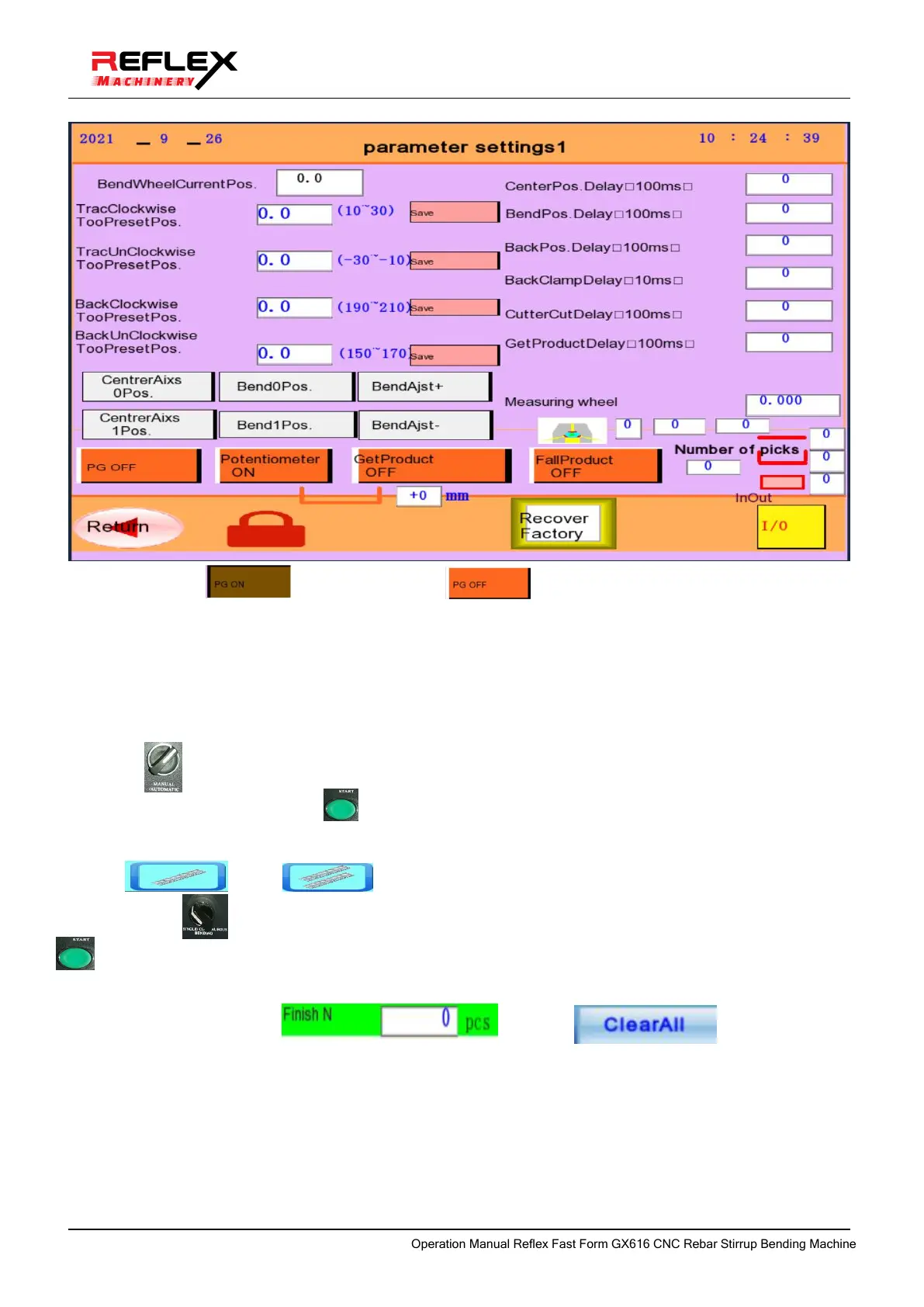
once to switch to
the state, you can simulate
the stirrup feeding operation.
Note: When the hoop is bent normally, it must be switched to the encoder effective (closed-loop
feeding) state!
e. Move the manual/automatic knob switch to the middle, return to the reference gear, press the start
button once, and the bending arm will return to the original position at 12 o'clock.
Move the manual/auto knob switch to the right automatic gear, the single-step/continuous knob to the
left single-step gear, press the start button once, and the system will automatically perform a hoop
bending simulation operation.
f. Enter the value in the box of planned output on the touch screen,Set the number of bending steel bars
to one or two
g. Move the single step/continuous knob to the continuous gear on the right and press the start
button once. At this time, the system will automatically execute the planned number of hoop bending
simulation operations until the output is completed.
i. Clear the current output:
Click to complete the output ,Or clik Clear the already
produced quantity.
j. When there is an emergency or wrong action, the emergency stop button must be pressed in time.
k. Remove the error according to the alarm prompt on the display screen, and press the reset button to
restore the ready-to-work state.
OperationManualReflexFastFormGX616CNCRebarStirrupBendingMachine



 To Next Page