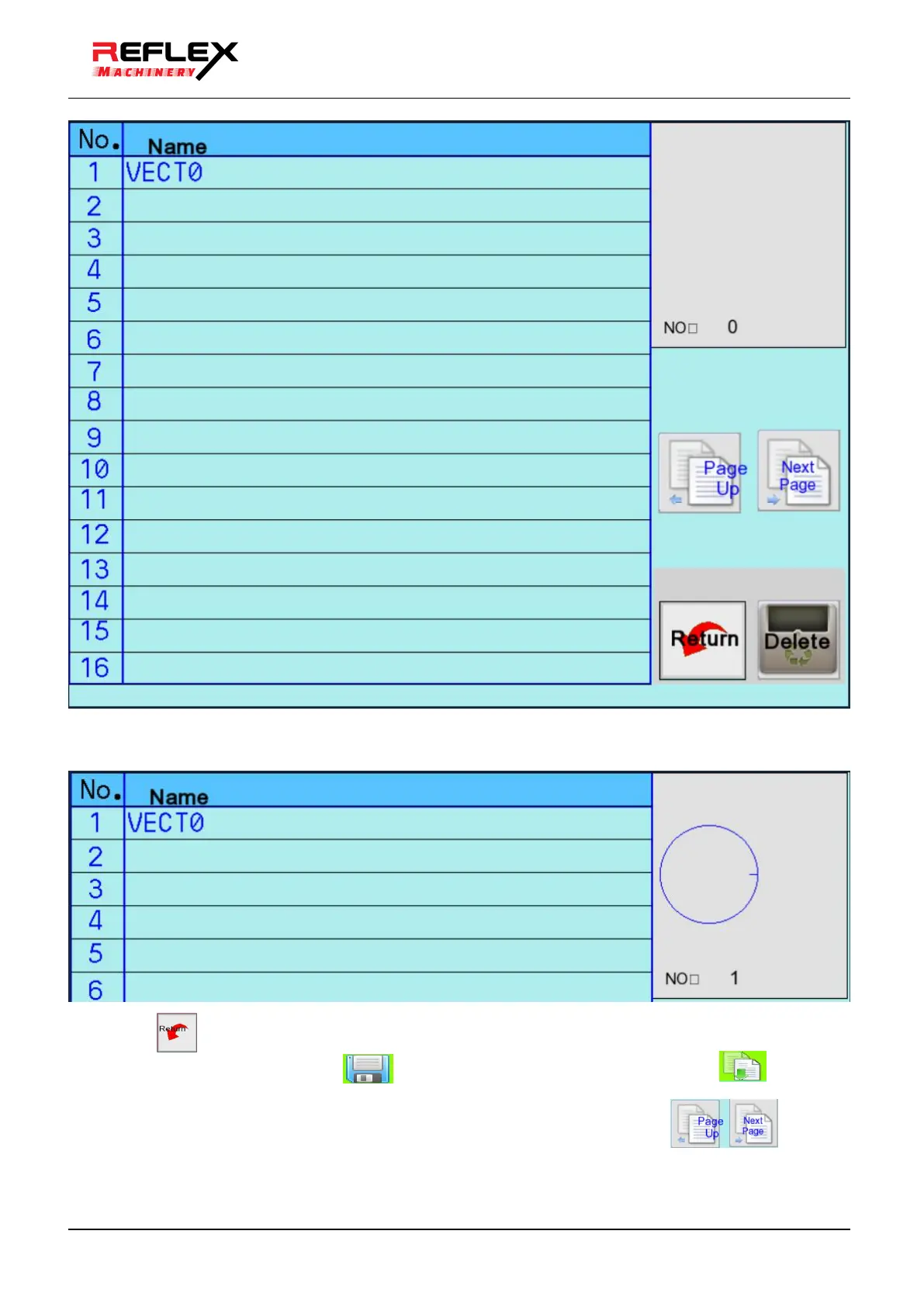
●Click the area with different graphic names in the sequence number, and the corresponding graphic screen
will appear on the upper right side.
●Click the button to confirm the use and return to the operation screen.
●In the running screen, click the Save button to save to the system, and then click Download
to confirm it as the current task.
●A total of 400 graphic elements can be edited in the gallery, and the pages can be turned
through.



 To Next Page