40 REFUsol 40K / 46K-MV REFU Elektronik GmbH
5.10
Standardized Energy Yield Data Display
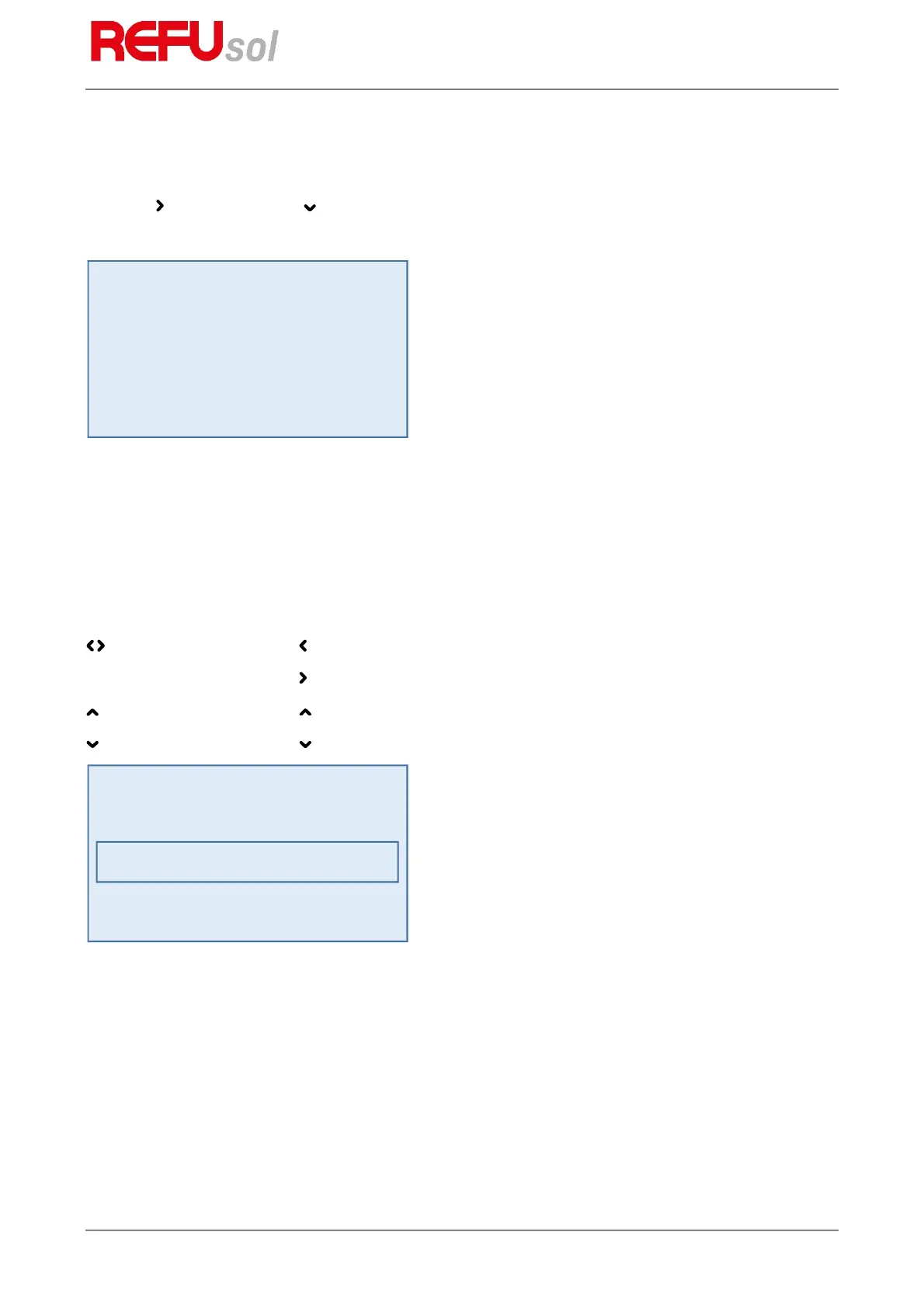
Press the arrow key, then the arrow key to display the development of standardized energy yield data.
Fig. 19: Energy yield normalized on the display
Press the
ESC
key to return to the basic screen display.
Pos: 56 /Inverter M anuals/Betri eb/Inbetrie bnahme/Eingab e Normierun g/WR @ 1\mo d_140507243 7225_641.docx @ 7100 @ 3 @ 1
5.10.1
Input of Standardized Data
To change the normalization, press the
F2
key and enter the currently connected PV generator power as
follows:
keys: Press the key to select the digits before the point.
Press the key to select the digits after the point.
key: Press the key to increment the selected digit by 1.
key: Press the key to decrement the selected digit by 1.
Fig. 20: Standardized data input display
Press the
OK
key to apply the set value.
Press the
ESC
key to discard the value and display the previous “normalized yield” level.
Press the
F1
key to display the menu.
Day : 0.7 kWh
Month : 5.3 kWh
Year : 49.2 kWh
Total : 265.8 kWh


 To Next Page