CHAPTER 6
6-18
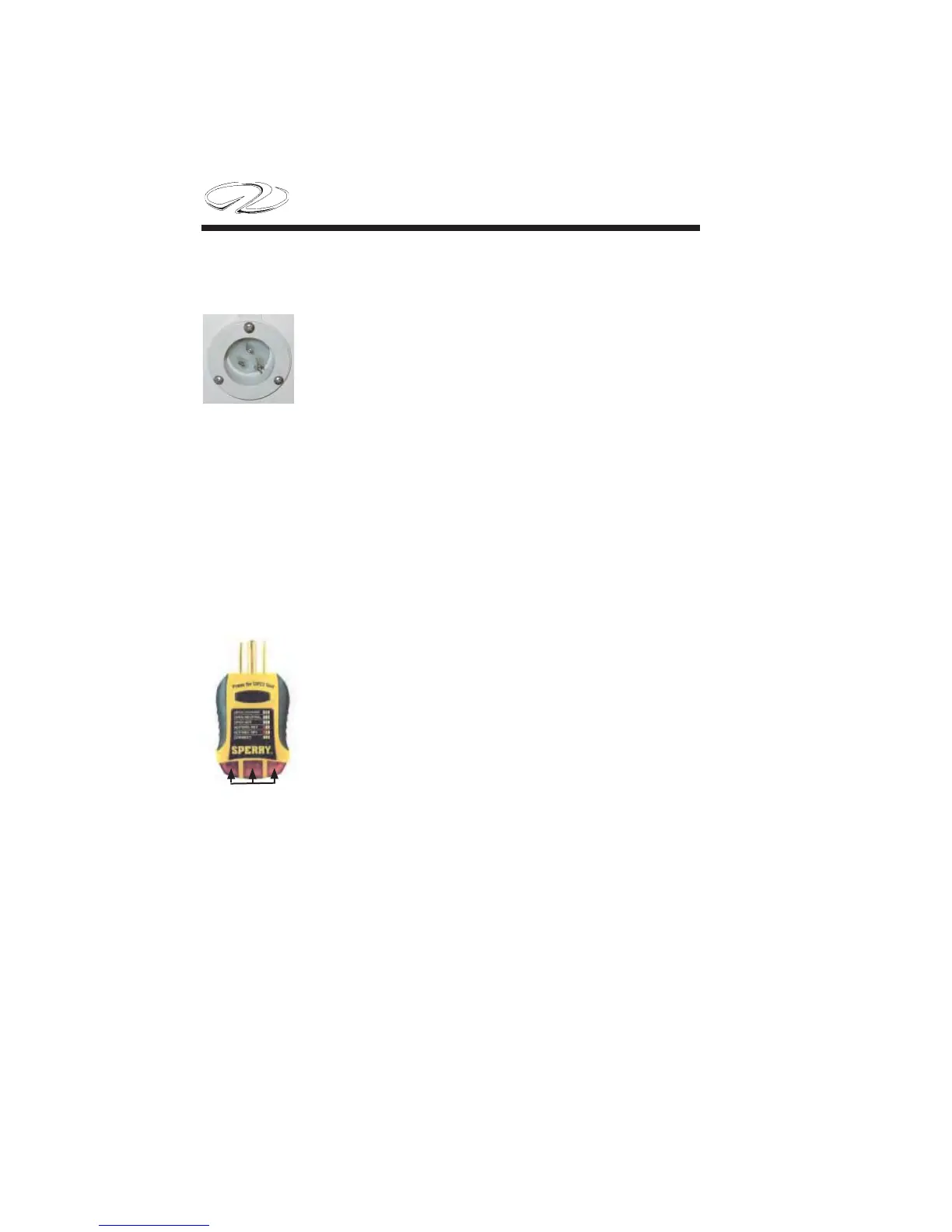
The battery charger option features a 15 amp female plug mounted
in the cockpit (see illustration). When outfi tted with an approved ex-
tension cord the system assists in charging both the
house and cranking system batteries through the bat-
tery management panel.
The battery charger features a 20 amp capacity and is
of the self-limiting type. A dedicated bank exists for
each battery along with over current protection for each bank at the
battery management panel. The SCR discussed in the following pages
and located on the battery management panel assists in regulating the
battery charging process.
Note: The battery switches located on the battery management panel
do not need to be in the “on” position for the system to charge the
system.
To activate the battery charger do the following:
1. At dockside locate a grounded 3 prong straight
bladed female marina outlet for plugging into an ex-
tension cord. Use this outlet to test the dockside wir-
ing circuit before plugging in an extension cord.
2. Using a circuit tester (available at most box stores)
check to ensure the dockside GFCI or GFCI pro-
tected outlet has correct polarity as reverse polarity
will “blow” the internal battery charger fuse.
3. Contact appropriate marina personnel if the tester does not show
correct polarity. Normally the tester will display a specifi c set of icon
lights for correct current fl ow and grounding.. Look for icon con-
fi gurations which point to hot and ground wires reversed or a circuit
ungrounded. Also, the icons could indicate the neutral and hot wires
reversed. Refer to the specifi c tester for its icon defi nitions. They are
usually stamped on the top of the tester. Again, contact appropriate
personnel as needed to correct any deviations from the normal test
results before plugging into a dockside outlet.
Icons


 To Next Page