92
Chapter 4
DVD-CD
Disc Care
Dirt or scratches on a disc can prevent it from playing
properly.
You can avoid this problem by:
1. Handling all discs by their edges to prevent fi nger-
prints and scratches. Return them to their cases after
use.
2. Avoiding exposing discs to chemical products that
can cause damage
3. Writing directly on a disc or on a label attached to the
disc.
4. Direct sunlight, high temperatures, and humidity.
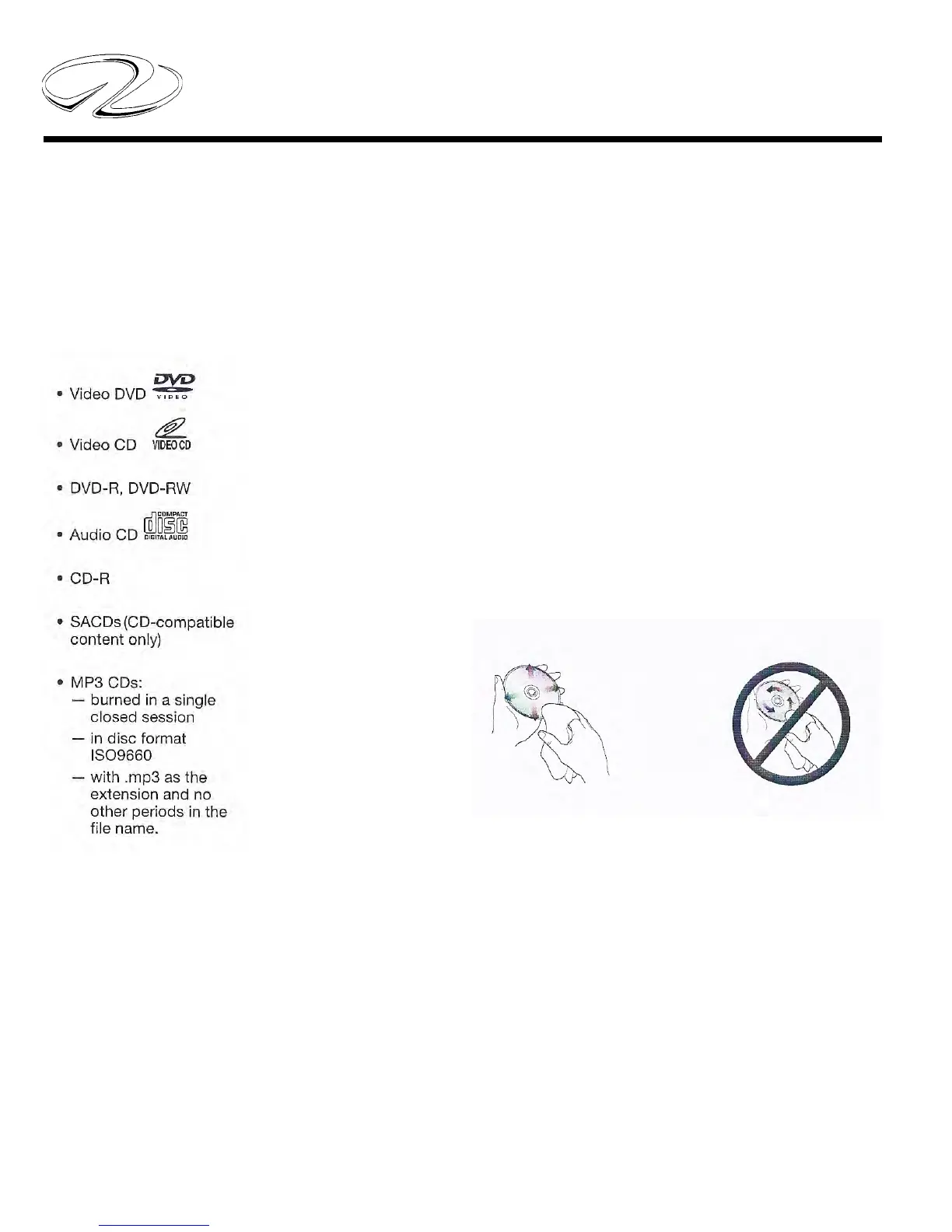
5. Always use a soft, dry and lint-free cloth to clean the
disc. Wipe straight out from the center to the edge.
DO NOT USE A
CIRCULAR MOTION
WIPE STRAIGHT OUT
Checking For Disc Compatibility
If you encounter a problem when attempting to play a
disc, check to make sure it is one of the compatible types
as shown below.



 To Next Page