28
Chapter 8
Battery Parallel
Solenoid
If the battery switch (DC distribution panel) should lose
pow
er to one of the batteries, check the breakers close
to that battery switch. Look for a “popped breaker. The
above problem could be recognized by the appropriate
icon not being lighted at the DC distribution panel. These
breakers protect the charging/battery circuitry. Always
fi nd the cause of the overload before resetting the circuit
breaker.
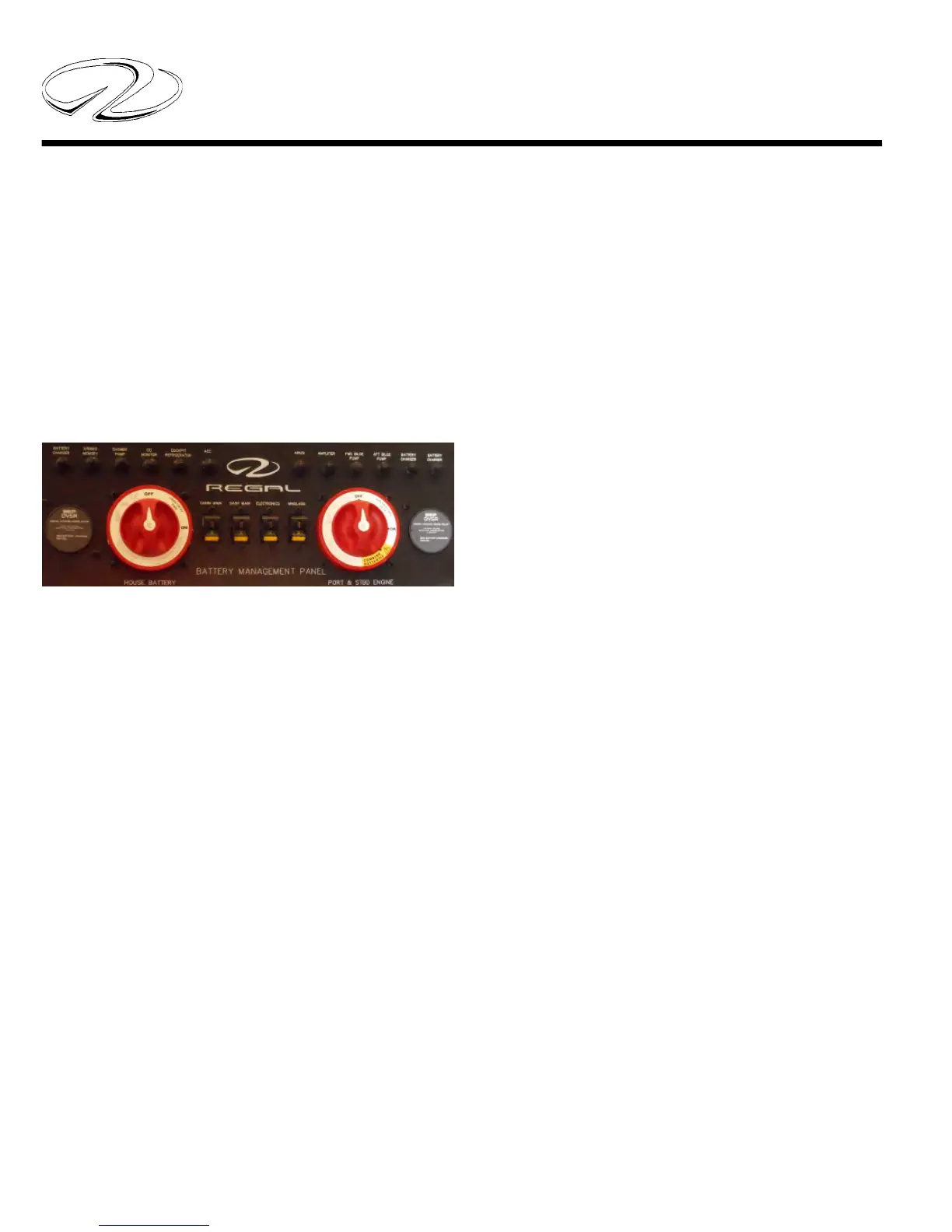
BATTERY SWITCH MANAGEMENT
PANEL



 To Next Page