19
Note
• If you need to go back to a setting, you must scroll through each
setup option. You cannot go backwards in setup mode.
• In setup mode, the meter will turn off automatically after 3 minutes
of nonuse.
Basic Rules for Meter Setup
Step 1: Turn off meter.
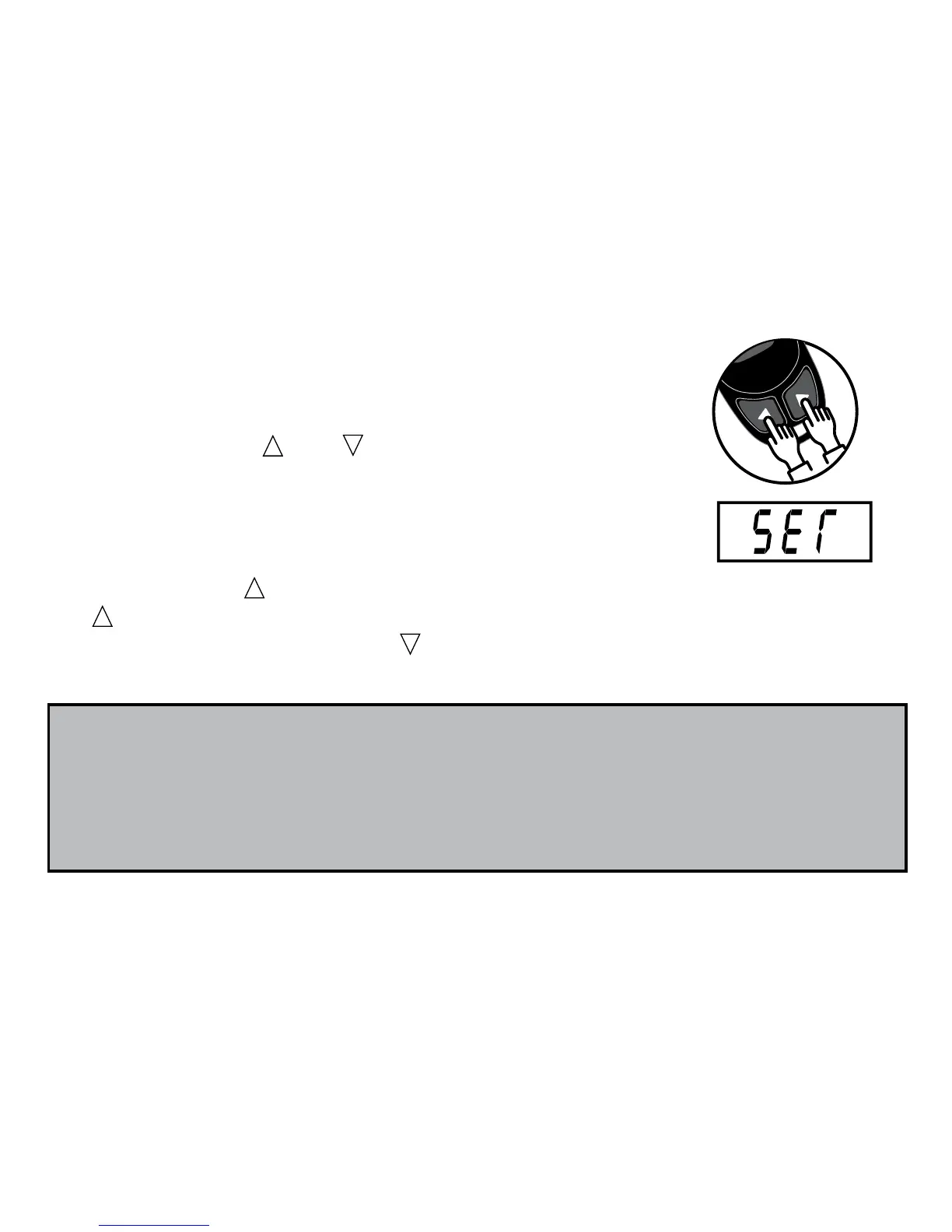
Step 2: Press the and buttons at the same time
for 5 seconds. A beep sounds and the meter turns on.
Next, a second beep sounds and “SET” shows on
the screen.
Step 3: Use the button to change the setup screen. When you press
the button, the setup screen changes in the order shown in the
diagram to the left. Press the button to change a setting within a
setup screen menu.
Setup mode Audible Beep Date and time Test average display End
See page 20 See page 22 See page 25



 To Next Page