RENA XPS-80/90
User Guide
5-18
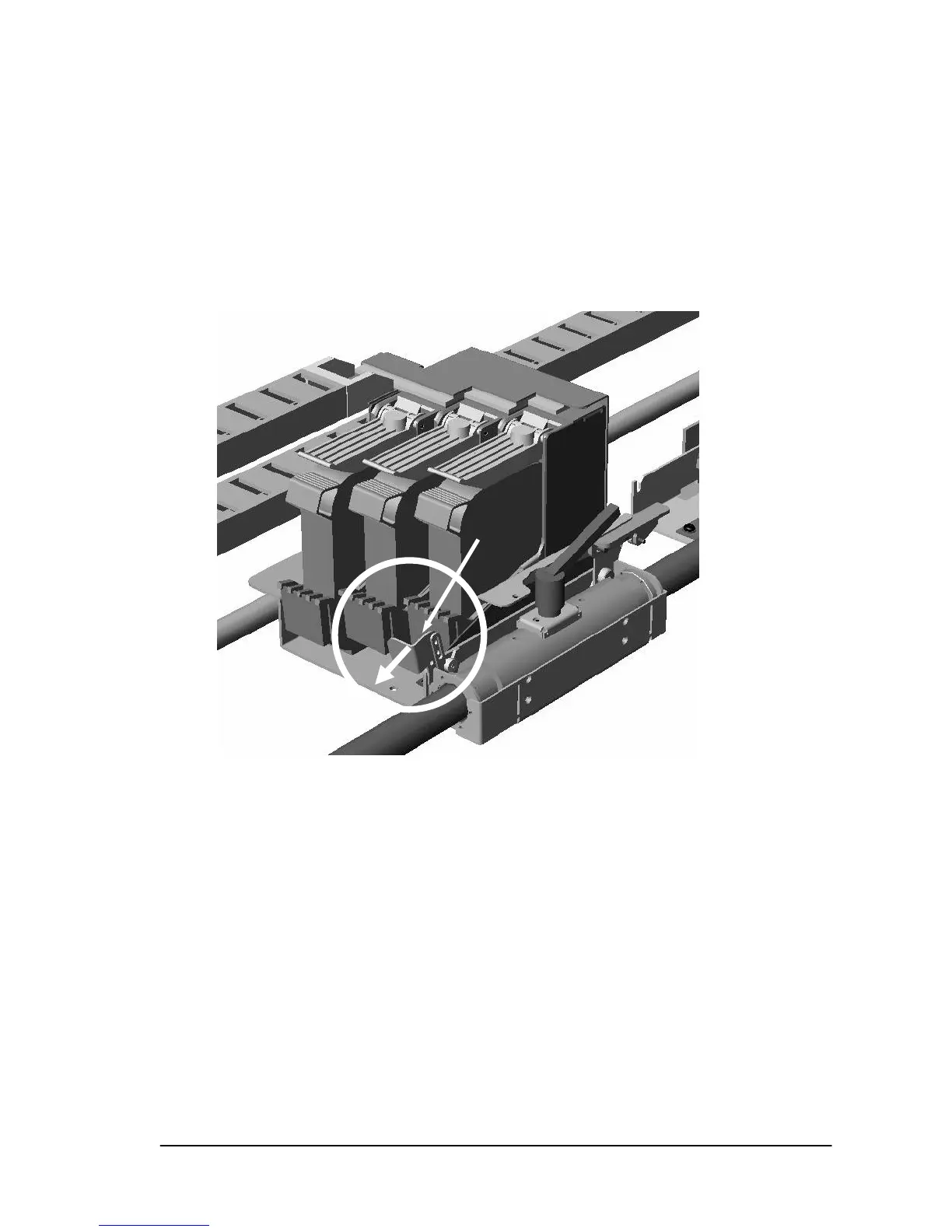
• Move the print unit out so it is centered above the four trans-
port belts.
• Fix the unit in place with the clamping lever.
• Pull the lever (L2) forward, to unlock the print unit.
• While continuing to pull the lever (L2) forward, swing the
front of the print unit upwards
• Clean the nozzle surfaces with the microfiber (ling free) cloth
by wiping them transversally (90 degrees) to the direction of
transport while applying gentle pressure. Lightly dampening
the cloth with distilled water may aid the cleaning process.
L2
ull forward



 To Next Page