RENA XPS-80/90
User Guide
5-30
Creating a new print job (project)
The creation of a print job will now be described. It covers all rele-
vant information for the XPS-80/90.
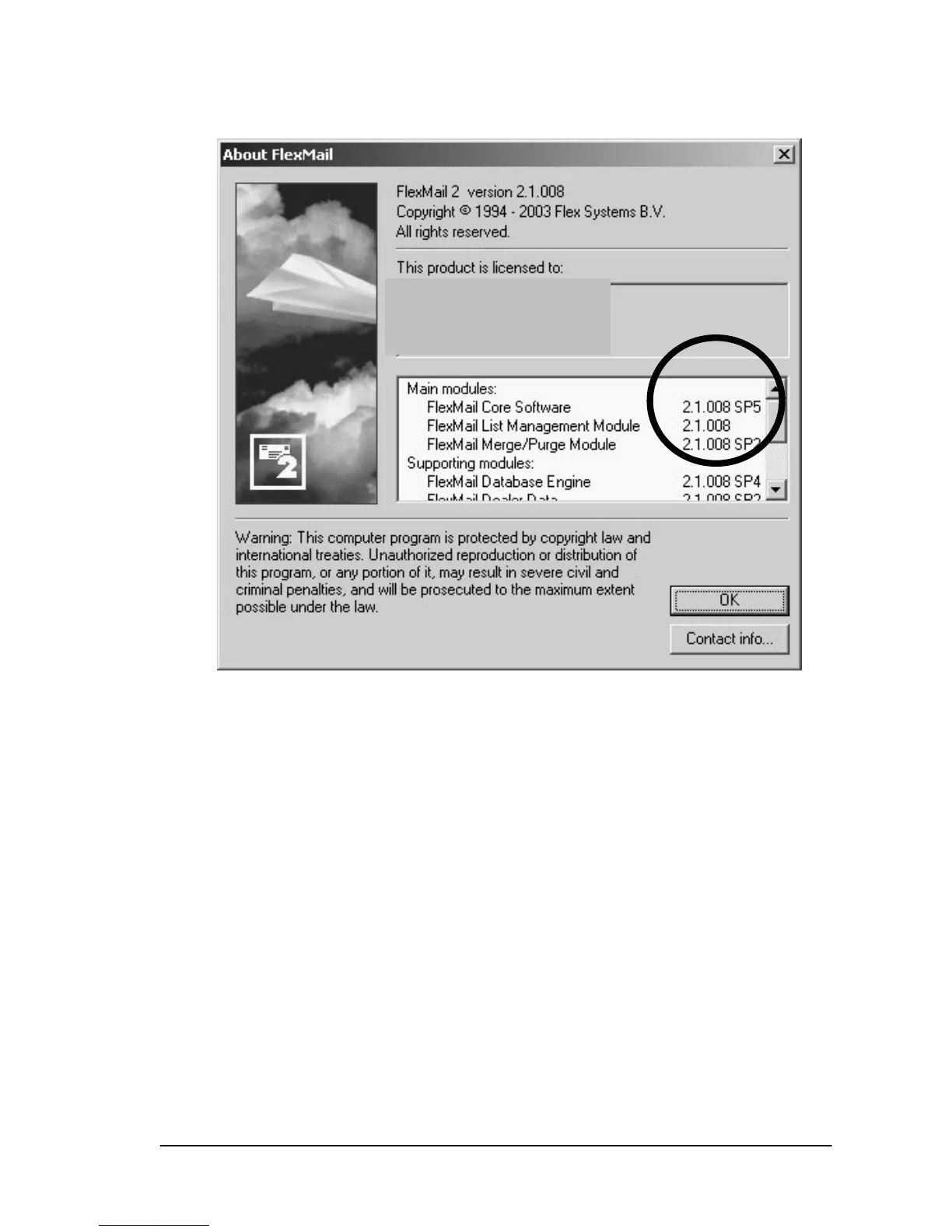
• Start the FlexMail program
• By default, FlexMail opens with a new project window.
If a previous project is already open, you can open a new pro-
ject via the “New Project“ icon or by opening the “File” menu
and selecting “New”.
Linking to an address database
A blank data sheet will first appear. The address data must be
linked to the new project.
• Open on “Data“ menu and select “Link data“. Navigate to your
address database and select it.


 To Next Page