RENA XPS-80/90
User Guide
5-31
Note: If the selected data file has never been opened via Flex-
Mail, a program “Wizard” may open, allowing you to customize
the way your data is viewed and linked to FlexMail. Once com-
pleted, the linked addresses will be displayed on the data sheet.
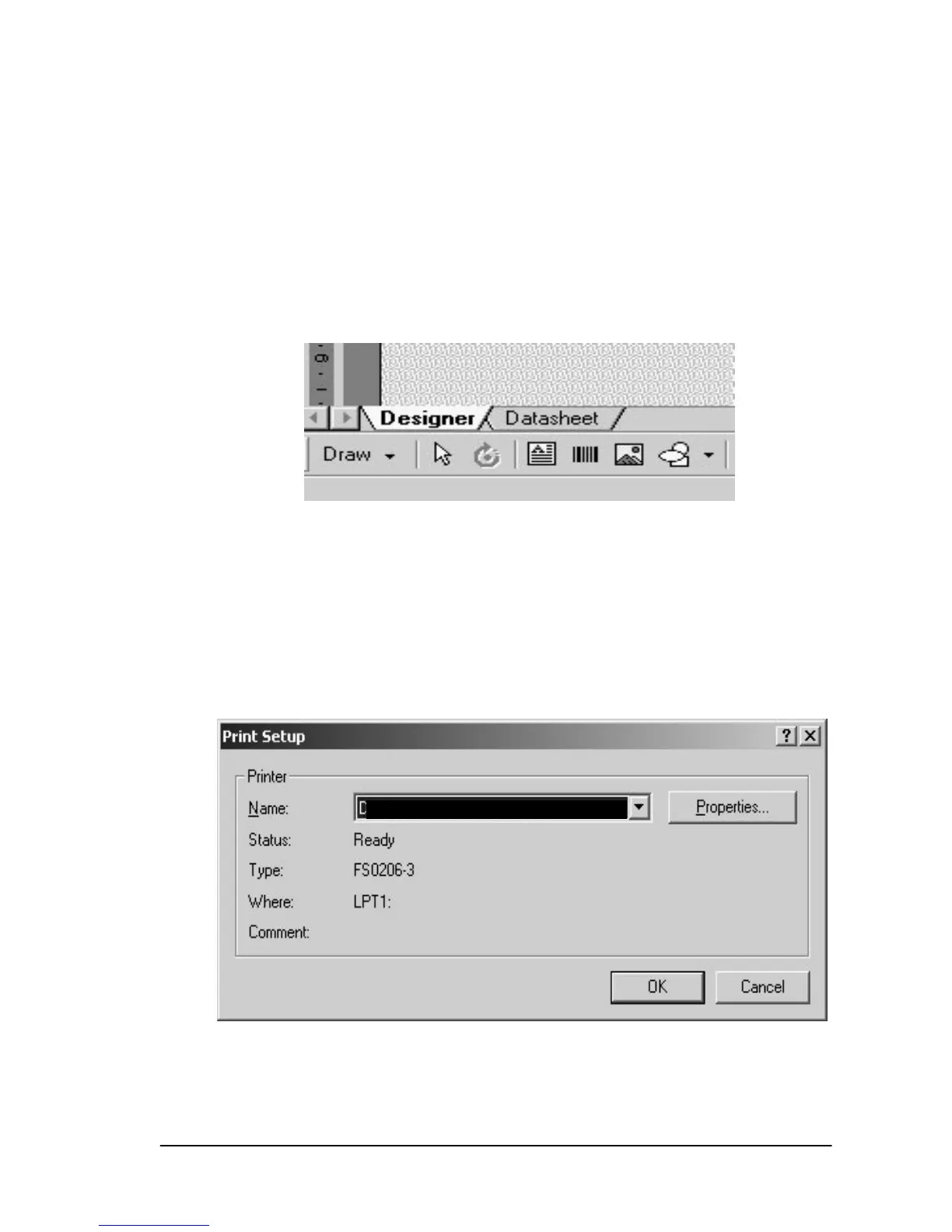
Switching to the designer
• Click onto the “Designer“ tab, located at the lower, left edge of
the display window
The designer appears. It does not yet contain any data.
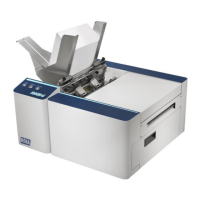
Printer set-up
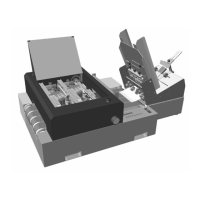
• Open the “File” menu and select “Printer Setup“. Select the
correct printer.
Recommendation: Set the XPS-80 or XPS-90 as your default
driver, via Windows®, so that you will not have to select it again
for every new project you open.
XPS-90


 To Next Page