RENA XPS-80/90
User Guide
5-44
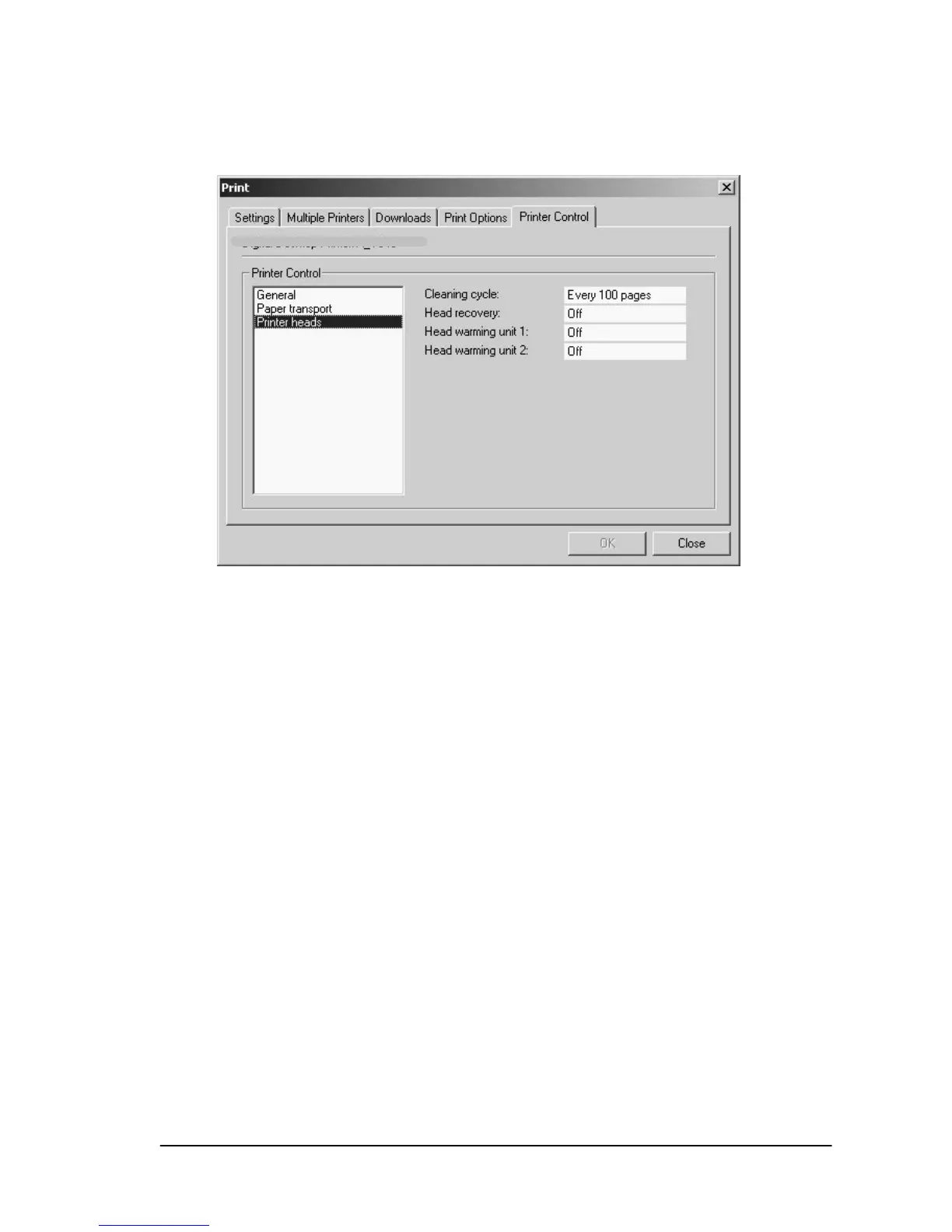
The “Print heads” option allows you to set cartridge cleaning,
purging and head warming features.
“Cleaning cycle:” This function defines the number of printed
pages after which the printer automatically cleans the cartridges
(only XPS-90).
“Head warming unit 1or 2:" The pre-warming of the cartridges can
also be set here. This is required only if the printer is located in a
room with low temperatures. It is normally recommended to leave
this feature set to “off”, since this feature may promote cartridge
clogging if other choices (on, pre-warming)are selected.



 To Next Page