RENA XPS-80/90
User Guide
5-43
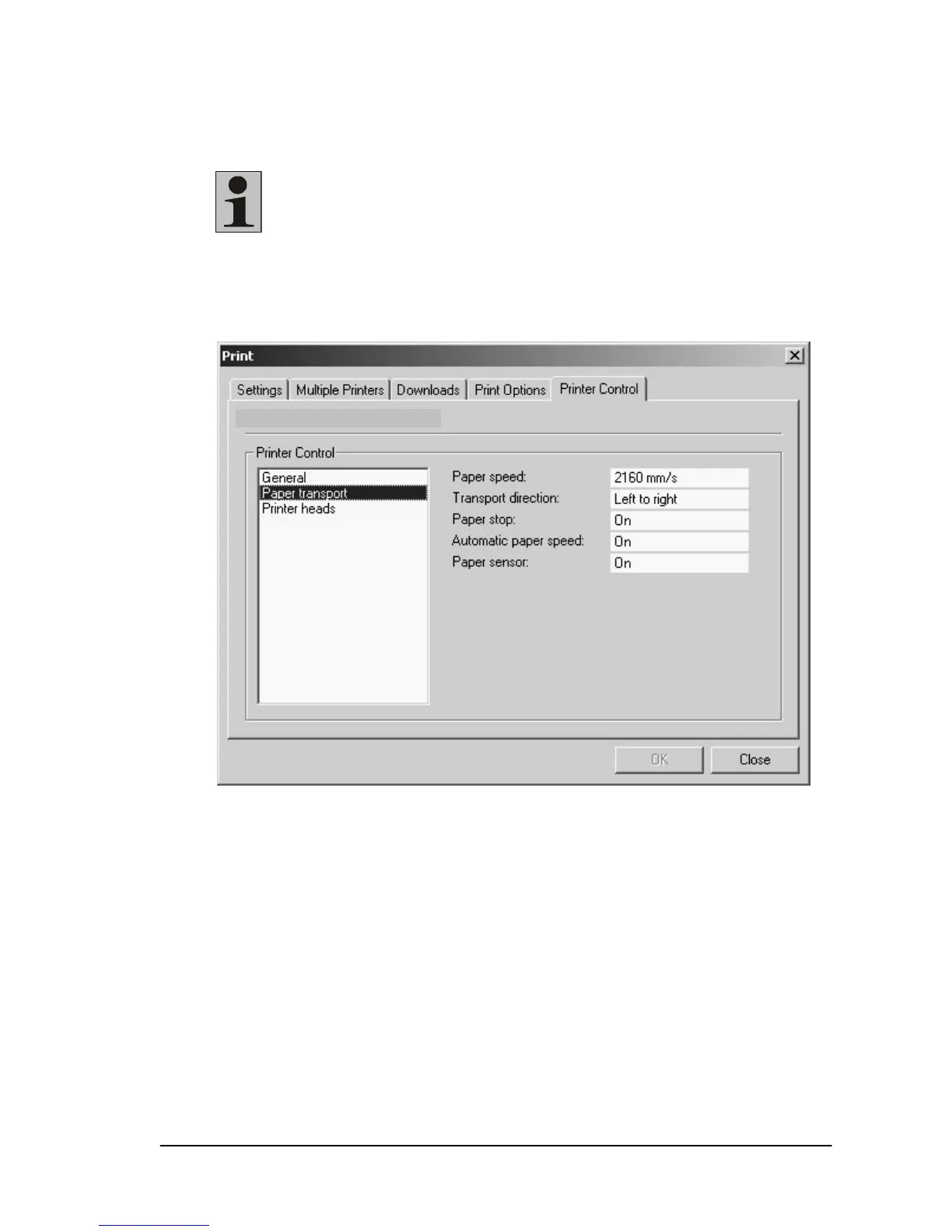
Under the “Paper transport“ option, the “Paper speed:” (paper
transport speed), can be selected.
Note: The speed depends on the print quality. You may
lower the transport speed, but if you set a higher speed
than is permitted by the print quality, the maximum print
speed will be automatically selected.
The “Transport direction” cannot be changed.
“Paper stop“ means that the transport band stops after the last
data set of a print job.
XPS-90



 To Next Page