RENA XPS-80/90
User Guide
6-2
Operation in programming mode
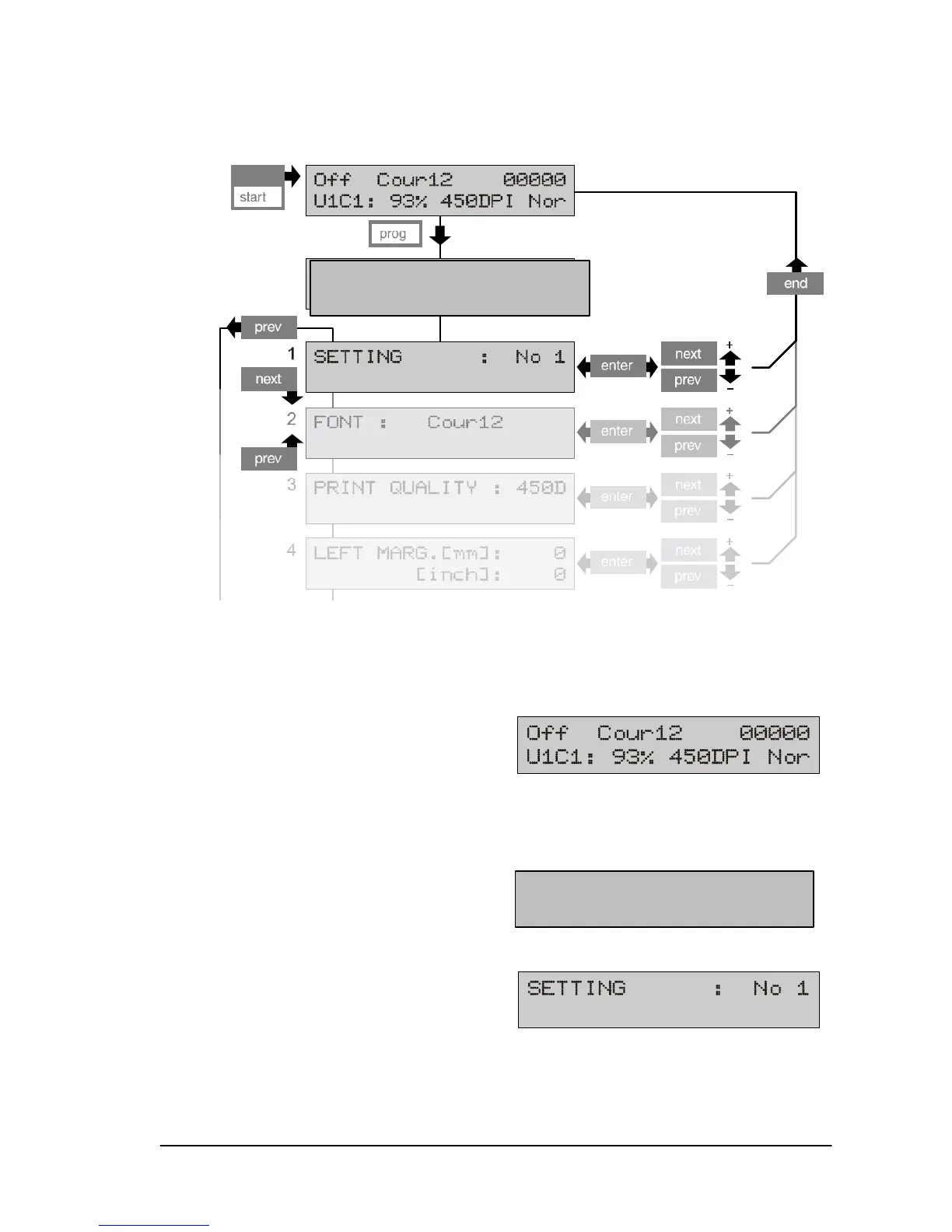
• Switch the XPS-80/90 on.
• Go to off-line mode by pressing the start key.
• Press the prog key
The following display appears for a few seconds
followed by the first main menu item.
The activated (changeable) part of the menu blinks. This is the
menu designation which appears when the user enters the menu.
XPS-80/90
Programming mode
XPS-80/90
Programming mode



 To Next Page