RENA XPS-80/90
User Guide
6-3
• Now use the enter key to select the options field of the dis-
played menu item. The options field is now activated (blinks).
• The values or settings of the menu options field may now be
changed by using the next or prev key.
• Use the enter key to confirm your setting.
Depending on the menu item type, either:
• the menu option field becomes inactive again,
• the menu item designation blinks again, or
• a sub-menu appears.
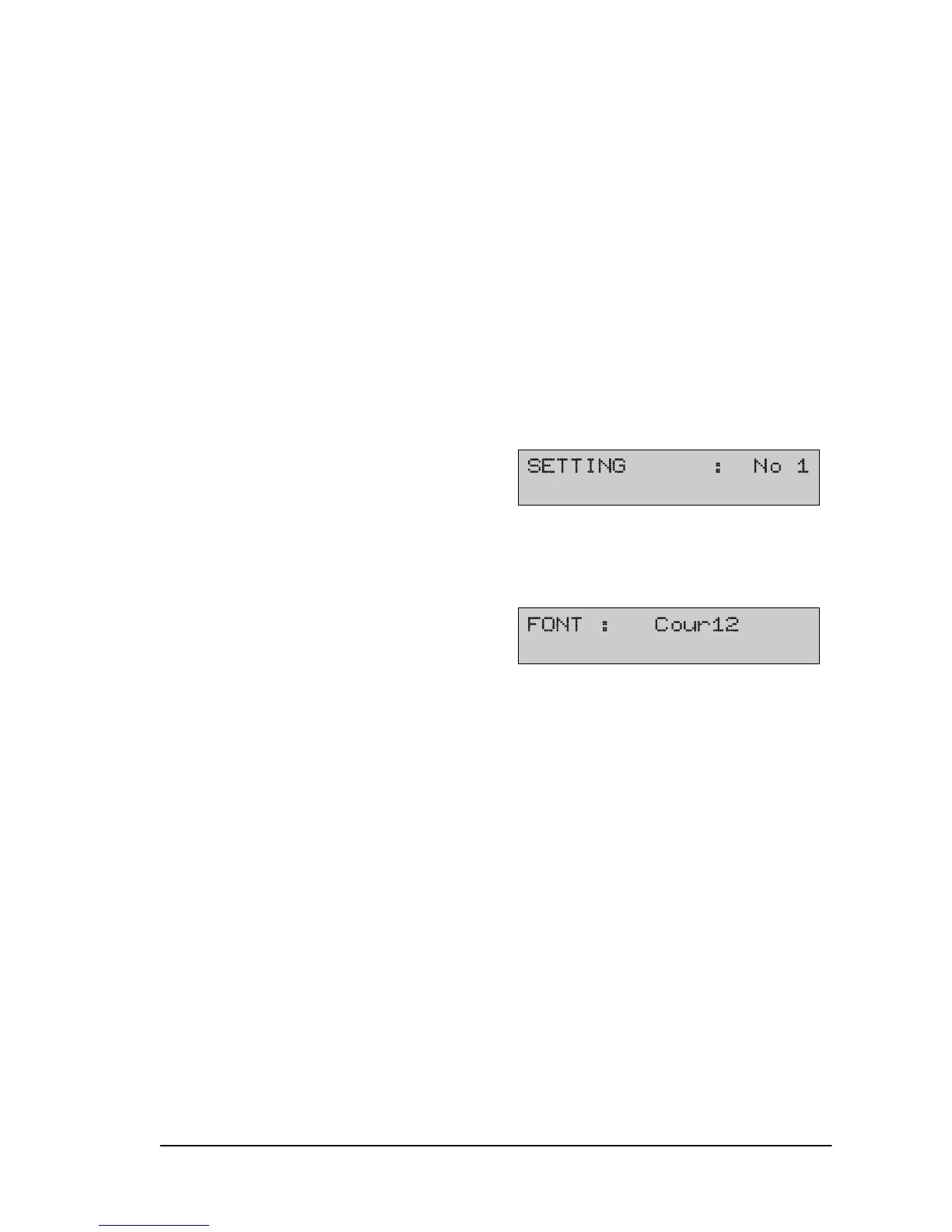
• You may go to the next menu item with the next key even
without making any changes to the current menu item, for in-
stance:
• Every repeated keystroke takes you to the subsequent menu
item.
• You may return to the previous menu item with the prev key.
Every repeated keystroke takes you back another menu item.
• Press the end key to terminate programming mode from the
main menu. Pressing end from a sub-menu will return you to
the main menu.



 To Next Page