RENA XPS-80/90
User Guide
6-9
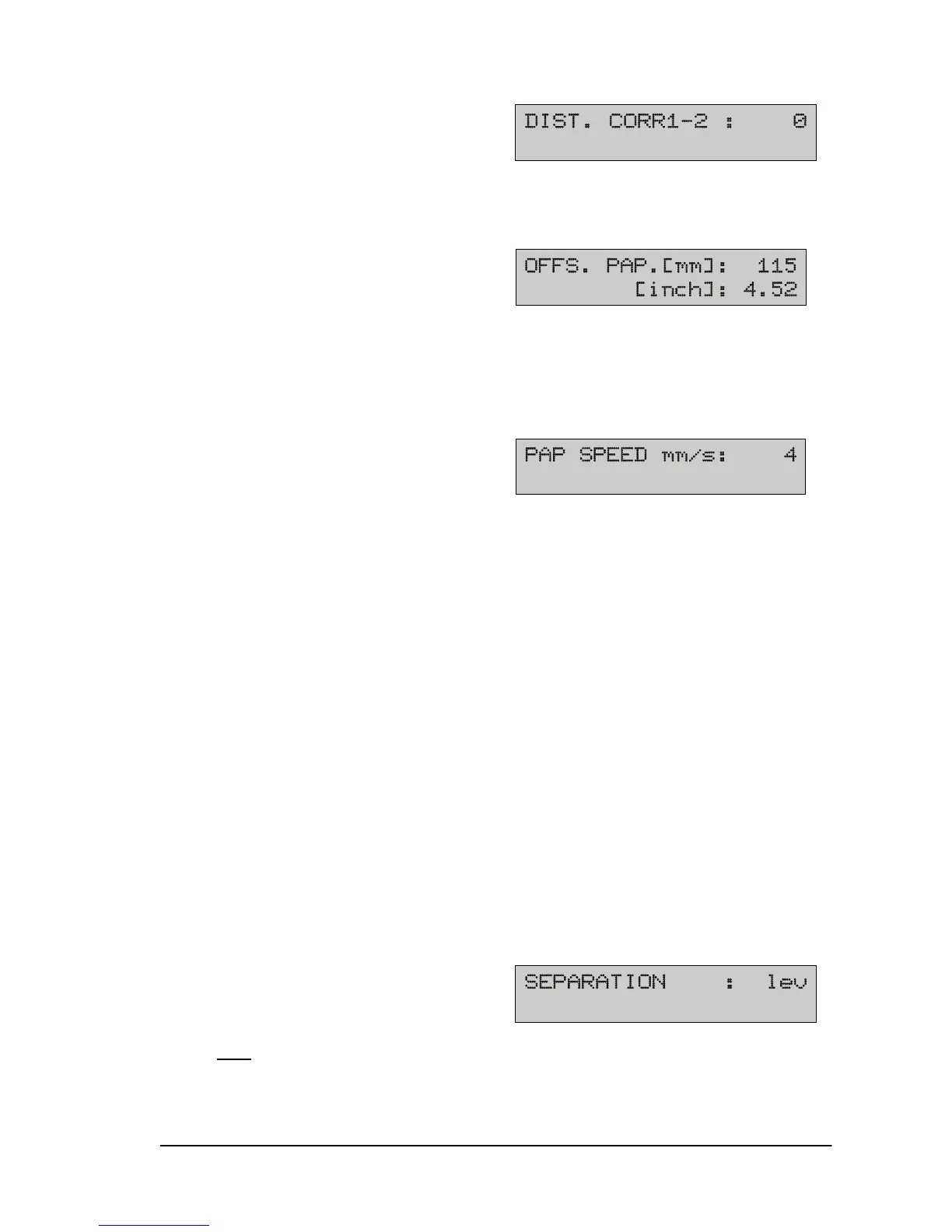
11) Distance correction U1-2
Horizontal calibration of print units U1 to U2. The description may
be found in Section 5.7.
12) Offset paper (XPS-90)
Offset paper is the distance between the media and the back
margin of the print area (22.5 mm, 0.88” from the edge of the
guide plate), see Section 5.4 and 5.5.
13) Paper speed
Setting the possible paper speeds:
1 152 mm/s (5.98 inch/s)
2 304 mm/s (11.9 inch/s)
3 406 mm/s (15.9 inch/s)
4 508 mm/s (20.0 inch/s)
5 812 mm/s (31.9 inch/s)
6 914 mm/s (35.9 inch/s)
7 1016 mm/s (40.0 inch/s)
8 1422 mm/s (55.9 inch/s)
9 1828 mm/s (71.9 inch/s)
max 2032 mm/s (80.0 inch/s)
The print-density setting has precedence over this setting. If a
print density permits only a lower speed than the one set, the
lower speed is automatically selected.
Note: The menu item “Auto Pap Speed”, located under “Special
Funct:”, must be set to “off” before you can manually adjust the
paper speed (transport speed).
14) Separation
min, lev1, lev2, lev3, lev4, lev5, lev6, lev7, lev8, lev9, max
When using a speed synchronized feeder (Rena AF635), the gap
between two separated pieces of media may be adjusted from
min, lev1 to lev9, max. max = the largest gap between pieces.


 To Next Page
 Loading...

