RENA XPS-80/90
User Guide
6-8
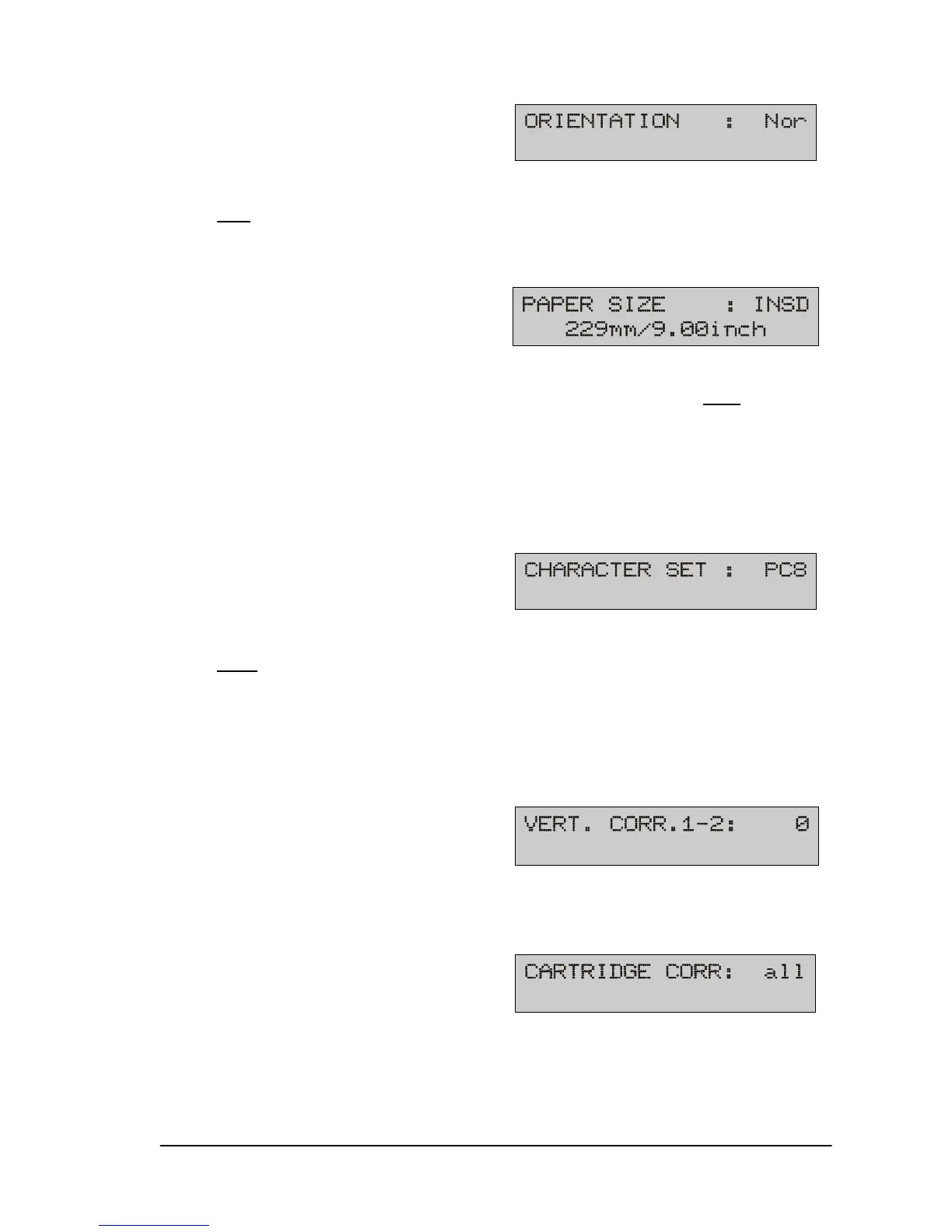
6) Orientation
Setting the print orientation.
Nor
normal: the print-out is legible from the user side.
Rev reverse: the print-out is rotated by 180°.
7) Paper size
Paper size choices:
EXEC, LETT, LEGA, LEDG, A3, A4, A5, A6, MONA, C10
, INTD,
C4, C5, C6, B4, B5, B5JI, INSD, CRD1, CRD2, HAGA, or USER.
The USER option can be used to manually set the paper length.
Maximum value 508 mm (20 inches).
(L) indicates that the setting is “local locked”.
8) Character set
Setting the country-specific character set:
PC8
, Rom8, P850, ECMA, P8DN, ICEL, P852, P860, Lat5,
USA7, UK7, Fra7, Ger7, Ita7, Spa7, Den7, Nor7, Swe7, SwN7,
Por7.
9) Vertical correction 1-2 (only XPS-90)
Vertical calibration of print units U1 to U2. This procedure is de-
scribed in Section 5.7.
10) Cartridge correction
Horizontal calibration of the print cartridges within each print unit.
The description may be found in Section 5.7.
(L)


 To Next Page
 Loading...

