RENA XPS-80/90
User Guide
6-11
17) Serial interface
Type of serial interface: DISP or PC.
DISP external display drive
PC
serial port of PC
Another five submenus are available to set the PC interface. They
are described in Section 6.5.
18) Service
These service menu items are provided for troubleshooting pur-
poses and were crated for use by qualified service personnel.
Rev. Display of Flashware (internal software) revision number.
Font Displays the currently loaded font package (i.e DDP).
Ram Displays the amount of memory installed, per print unit.
Adrc Counter status and all addresses printed since the printer
was installed.
Epld Displays the EPLD firmware revision (EPLD-Revis.: 9).
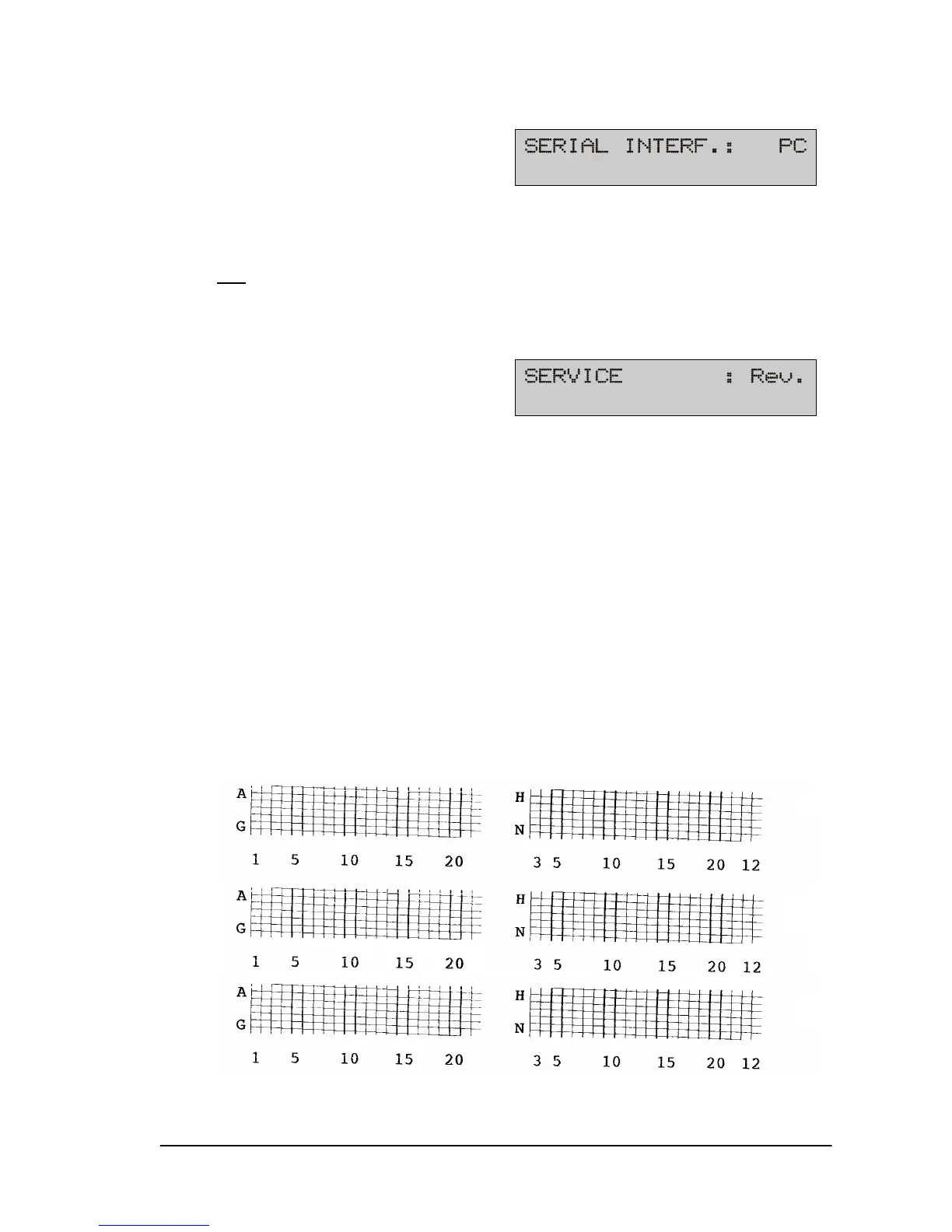
Cart The following test prints are performed for all cartridges:
a) The contacts to the nozzles are visualized in a grid
pattern,
C1
C2
C3



 To Next Page