RENA XPS-80/90
User Guide
6-13
Char Prints out all the characters, in the selected font choice,
that are available in the selected character set.
HexD This feature is used to check the connection between the
printer and the PC. In Hex-Dump, all characters received
by the receive buffer are printed in LetGot12. Prints out
data that is currently being received.
Hex-Dump may also be directly activated by keeping the
start key pressed down and switching on the printer.
Do not stop Hex-Dump by switching off the printer, as
some settings may be changed!
Use the prog, end or start keys to end Hex-Dump.
INPD Input-Dump. All 96 kBytes of the receive buffer are
printed out with PC8 symbols. Prints out data that has
been stored in the receive buffer.
The entire print-out requires approximately 80 sheets of
paper for two print units. Before a input dump print, switch
the printer off and then on again to clear the buffer. Send
the print job and then start the dump print-out. Stop the
process with the end key.
SETD Setup-dump. Print-out your current printer settings (All 10
setting configurations). Up to nine sheets of paper will be
required.
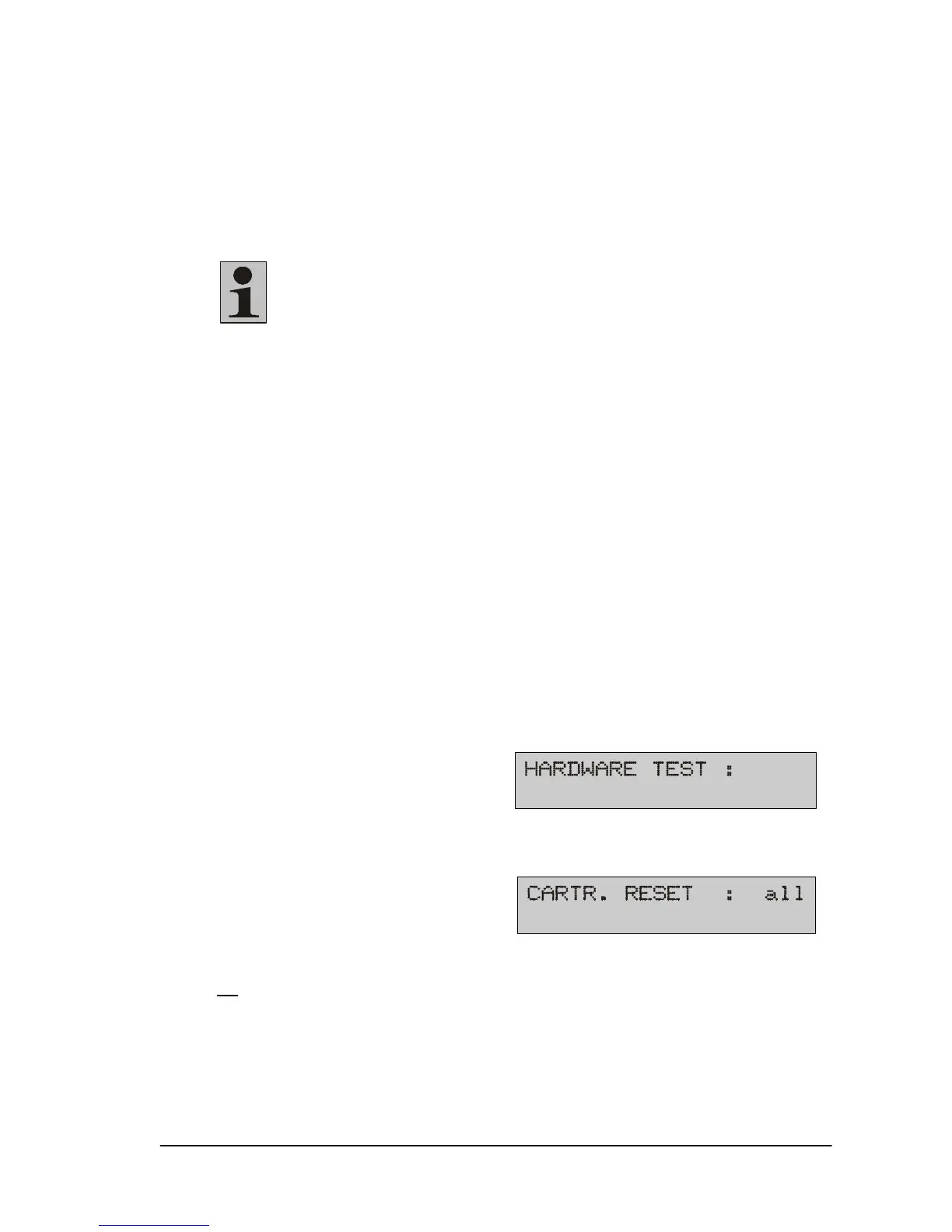
19) Hardware test
For use by authorized service personell.
20) Cartridge reset
Resetting the ink counter(s):
all
, U1, U2, no.
Select a cartridge in the following submenu:
all, Crt1, Crt2 or Crt3. Select no to abort the procedure.
The description may be found on Section 5.12.



 To Next Page