3.7
“Graphic service”
This menu is used to see the web-
site provided by the current station
when you have a connection.
Storing a station
From “Channels” mode or “Stations”
mode, press 13 then “Save as preset”.
You can also give a long press on one
of the preset buttons until you hear a
beep.
You can store up to 12 stations per
band.
“Update list”
Select this menu to update the list of
radio stations.
LISTENING TO THE RADIO (6/8)
13
Channels Stations Presets
Band
DR
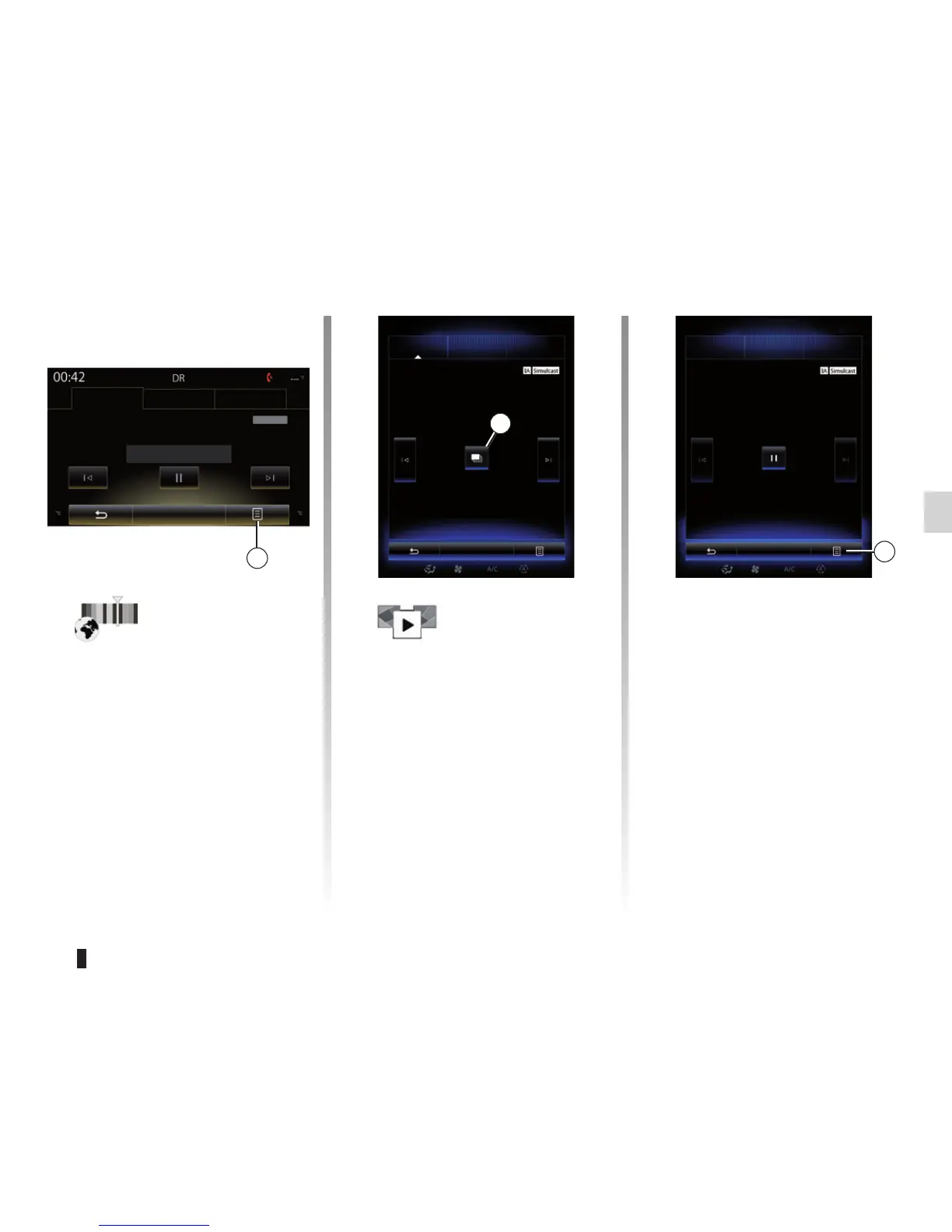
“Slideshow”
This menu is used to see images
provided by the station in slide-
show. You can also access this
menu by pressing 15.
Note: The slideshow 15 is dis-
played when Timeshift function
(direct control) is deactivated.
Channels Stations Presets
Band
DR
15
Channels Stations Presets
Band
Simulcast
13



 To Next Page