EasyManua.ls Logo

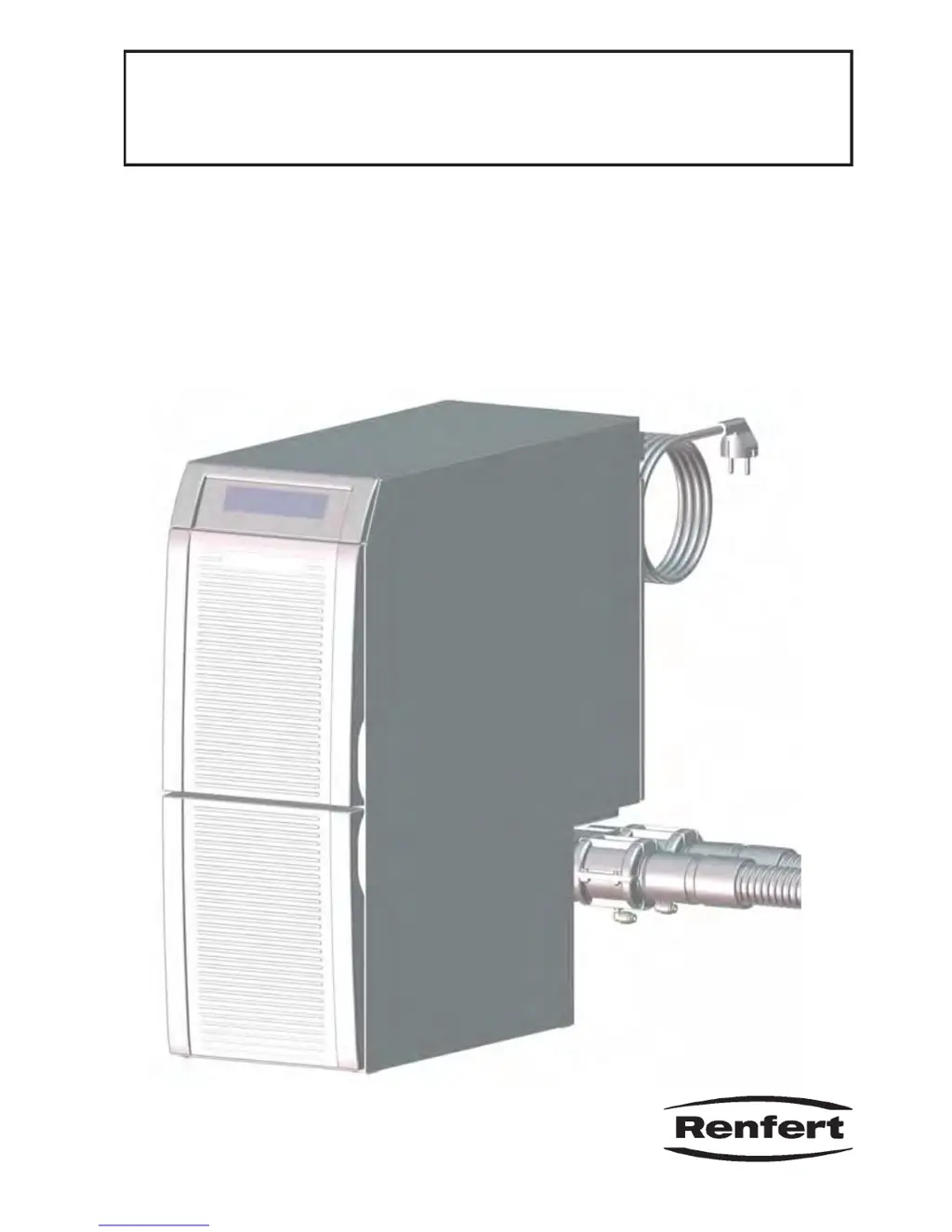
Renfert Silent TS2 - User Manual

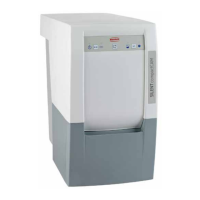
Renfert Silent TS2
20 pages
Print Icon
To Next Page IconTo Next Page
Loading...
#FEJFOVOHTBOMFJUVOH
*OTUSVDUJPONBOVBM߭.PEFEtFNQMPJ
*TUSV[JPOJEߤVTP߭*OTUSVDDJPOFTQBSBFMTFSWJDJP

瞦綣砞煿砖
Silent TS2
Nr. 2930 0050 / 2930 1050
21-6670 18032013 / A
Made in Germany Ideas for dental technology

Other manuals for Renfert Silent TS2

Questions and Answers

  • T
    thomashartmanAug 29, 2025
    What to do if Renfert Medical Equipment dust bag over full?
    • M
      mcfarlandleeAug 29, 2025
      If the dust bag in your Renfert Medical Equipment is overfull, it might be because the sensitivity of the “dust bag full“ signal is too high. To fix this, set a smaller value.
  • A
    Amanda AtkinsonAug 28, 2025
    How to fix Renfert Medical Equipment when suction hose cannot be closed by pressing the suction hose button?
    • J
      juan01Aug 28, 2025
      If the suction hose on your Renfert Medical Equipment can't be closed by pressing the suction hose button, it's likely because an electrical appliance connected to the suction hose is still running. To fix this, switch off the connected electrical appliance.
  • J
    Jordan FloresAug 27, 2025
    What to do if Renfert Medical Equipment dust bag full indicator appears shortly after replacing the dust bag?
    • J
      Jose LewisAug 27, 2025
      If the “Dust bag full” indicator on your Renfert Medical Equipment appears shortly after replacing the dust bag, it could be due to a blocked fine particle filter, an obstruction in the suction hose, or a too small cross-section of the dust generating device’s hosting. To resolve this: * Replace the fine particle filter. * Remove any obstructions in the suction hose. * Reset the sensitivity of the “dust bag full” indicator.
  • J
    Justin JacksonAug 26, 2025
    Why does Renfert Medical Equipment extractor fail to stop when a connected device is switched off?
    • C
      Claire CabreraAug 27, 2025
      If your Renfert Medical Equipment extractor doesn't stop when a connected device is switched off, it could be because the dust generating device isn't plugged into the coupler socket and the suction hose button is on, the start-up threshold is too low, or the shut-off delay is too long. Try these solutions: * Switch off the suction hose button and connect the dust generating device to the coupler socket. * Adjust the start-up threshold. * Set a shorter shut-off delay.
  • D
    David LopezAug 25, 2025
    Why does Renfert Medical Equipment extractor start even when a connected device is not being used?
    • B
      Brandy NealAug 26, 2025
      If your Renfert Medical Equipment extractor starts even when a connected device isn't in use, the start-up threshold of one of the suction hoses might be too low. Check which suction hose is open as indicated on the display, and then adjust the start-up threshold of that suction hose.
  • R
    Robert StanleyAug 25, 2025
    What to do if Renfert Medical Equipment extractor stops suddenly and shows an error code?
    • J
      John PatelAug 25, 2025
      If your Renfert Medical Equipment extractor stops suddenly and displays an error code, it means an error has been detected. Refer to the “Error Codes” table in the manual. If the provided instructions don't resolve the issue or the error isn't listed, make sure to note the error code and send the device in for repair, informing the repair service of the specific error code.

Summary

Introduction

Symbols

Explains warning symbols and their meanings for safe operation and equipment protection.

Safety

Intended Use

Defines the device's purpose for extracting dry, non-explosive dust in dental laboratories.

Improper Use

Details prohibited materials and uses to prevent hazards and damage.

Ambient Conditions for Safe Operation

Specifies environmental requirements for safe device operation, including temperature and humidity.

Ambient Conditions for Storage and Transport

Outlines temperature and humidity limits for storing and transporting the unit.

Hazard and Warning Information

Provides general and specific warnings for safe device usage and potential risks, including electrical hazards.

Authorized Persons

Defines qualifications required for operating and maintaining the device.

Disclaimer

States Renfert GmbH's liability limitations for product misuse or unauthorized modifications.

Product Description

General Description

Provides an overview of the workbench extraction unit for dental laboratories.

Areas of Application

Lists different dental laboratory applications suitable for the extraction unit.

Components and Functional Elements

Identifies and describes the main parts and controls of the Silent TS2 unit.

Scope of Delivery

Lists all items included in the product package upon purchase.

Accessories

Details optional accessories available for purchase to enhance the unit's functionality.

Setting Up

Unpacking

Instructions for removing the device and accessories from the packaging.

Setup

Guidance on positioning the extraction unit for optimal performance and accessibility.

External Exhaust Air Route

Information on setting up an external route for extracted air leaving the laboratory.

Electrical Connection

Steps for safely connecting the device to the power supply.

Compressed Air Connection

Instructions for connecting the unit to a compressed air supply for pinch valve operation.

Installing the Pinch Valves

Guide for attaching pre-assembled pinch valves and suction pipes to the unit.

Suction Pipe Alteration

Details how to reconfigure or alter the suction pipe and pinch valve assembly.

Connection to the Extraction Point

Instructions for connecting the suction hose to the unit's extraction point.

Electrical Connection

Explains how to connect external electrical appliances to the unit's coupler sockets.

Operation

Switching the Unit On

Describes the procedure for powering the extractor unit on and off.

Stand-By

Explains how the unit enters and exits stand-by mode.

Extraction

Details how the extraction process works when a suction hose is opened.

Extraction force

How to adjust and manage the suction power levels of the extractor.

Programming

Guide to setting and saving custom extractor configurations and parameters.

Self Diagnosis

How to activate and interpret the self-diagnosis function for device checks.

Audible Signal

Instructions for enabling or disabling audible signals for warnings and confirmations.

Dust Bag Full

Explains the indicator for a full dust bag and how to adjust its sensitivity.

Start-Up Threshold

How to set the point at which connected appliances activate the suction hose.

Shut-Off Delay

Configuration of the time delay between appliance shutdown and suction hose closure.

Cleaning; Maintenance

Replacing the Dust Bag

Step-by-step guide for removing and replacing the dust bag.

Filters

Overview of the unit's two-level filter system and general filter maintenance.

Replacing the Fine Particle Filter

Instructions for examining and replacing the fine particle filter.

Replacing the Exhaust Filter

Guide for replacing the exhaust filter that traps graphite brush particles.

Replacing the Electronics Filter

How to examine and replace the filter for the unit's electronics cooling air.

Change Commpressed filter

Instructions for changing the filter in the compressed air connection.

Self-Diagnosis

Explains the self-diagnosis process and its importance for detecting faults.

Safety Mechanism

Details the overload switches that protect the extractor and how to reset them.

Factory Set Parameter

How to reset all custom settings back to the original factory defaults.

Spare Parts

Information on where to find order numbers for consumables and spare parts.

Troubleshooting

Error codes

Lists specific error codes, their causes, and recommended corrective actions.

Technical Data

Warranty

Disposal Information

Disposing of Consumables

Guidelines for properly disposing of used dust bags and filters according to regulations.

Disposing of the Unit

Instructions for the authorized recycling and disposal of the entire unit.

Renfert Silent TS2 Specifications

General IconGeneral
TypeDust extraction unit
ApplicationDental laboratory
Supply voltage230 V, 50/60 Hz
Air pressureNo data available
Air consumptionNo data available
ConnectionNo data available
Power SupplyMains-operated

Related product manuals