58
b) Normal mode
Ifnobuttonispushed,thebasestationisalwaysinnormalmode.Ifthebasestationisinanothermode,youcanbriey
push the "HISTORY" (7) button to return to normal mode. Alternatively, wait for 30 seconds without pushing a button.
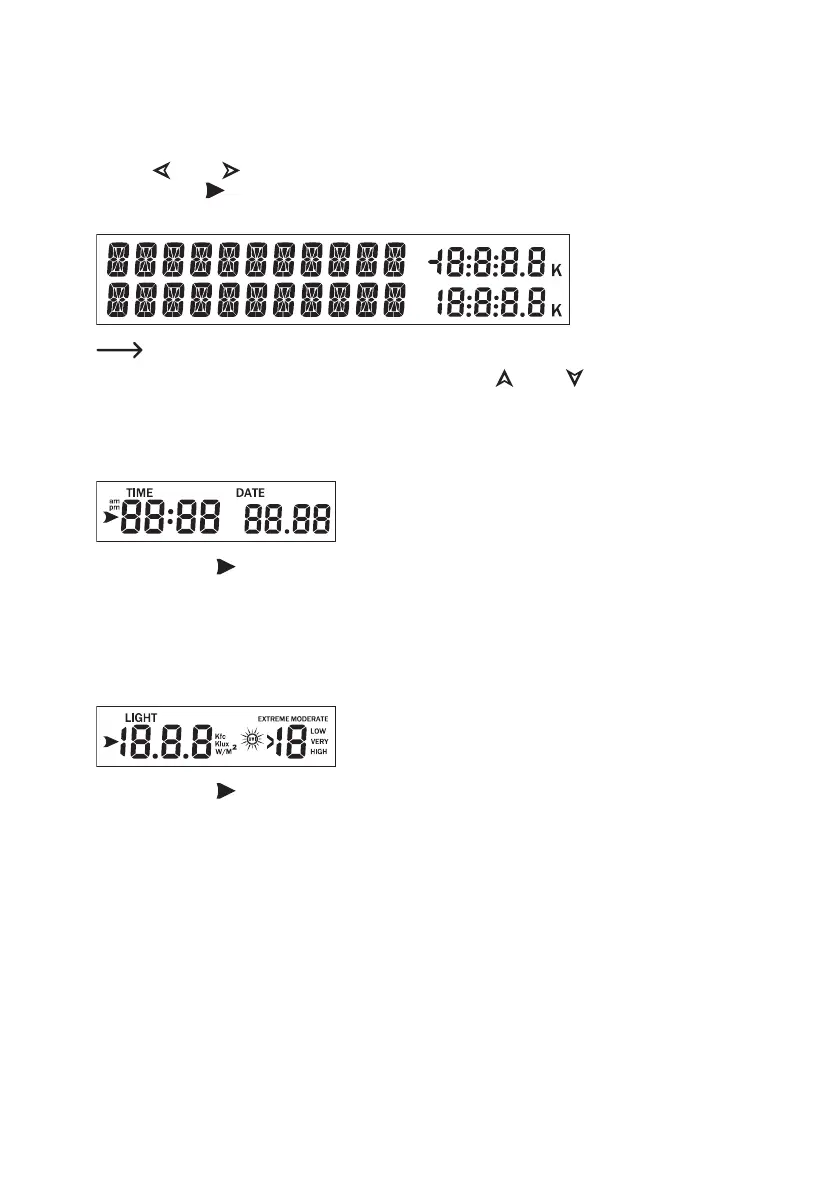
Use the " " (3) or " " (4) button to select a display range. The respective chosen display range is marked with
the arrow symbol " ".
The two lower lines of each display range show the corresponding information.
The11digitsontheleftsideareusedtodisplaytext;therightsidecandisplaygures.
The display will automatically switch after a few seconds. Use the " " (1) or " " (2) buttons to manually switch
the display.
The following information will appear in the corresponding display ranges:
Display range for time/date
If the arrow symbol " " is in this display range, the lower lines will show the following information:
• Year, weekday
• Alarm time and status of the alarm time (on/off)
• Name of the moon phase
Display range for light radiation/UV-index
If the arrow symbol " " is in this display range, the lower lines will show the following information:
• Max. lighting strength of the current day (incl. time at which the maximum occurred)
• Max. lighting strength since the last reset (incl. date/time at which the maximum occurred)
• Max. UV-index of the current day (incl. time at which the maximum occurred)
• Max. UV-index since the last reset (incl. date/time at which the maximum occurred)



 To Next Page