EasyManua.ls Logo

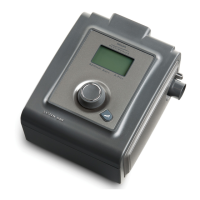
Respironics REMstar Plus - Connecting the Power Cord

Respironics REMstar Plus
25 pages
Print Icon
To Next Page IconTo Next Page
To Previous Page IconTo Previous Page
Loading...
First
Time Setup
Power
Cord
IVPORTAhni
WARNING!
WARNING!
CAUTION!
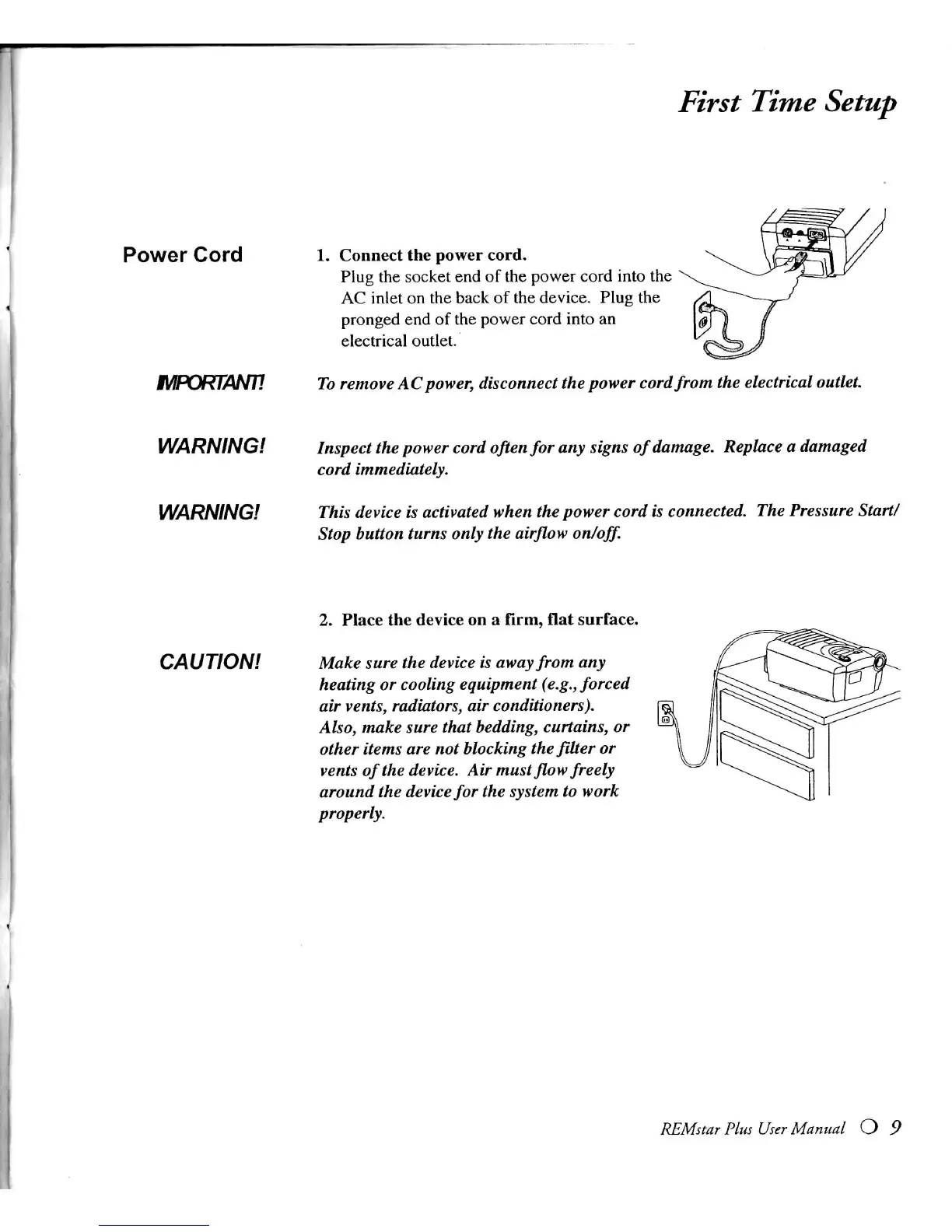
1.
Connect the power cord.
Plug
the socket end of the power cord into the
AC
inlet on the back of the
device.
Plug
the
pronged end of the power cord into an
electrical
outlet.
To
remove
AC
power,
disconnect the
power
cord from the electrical
outlet.
Inspect the
power
cord
often
for any signs
of
damage.
Replace a
damaged
cord
immediately.
This
device is
activated
when the
power
cord is connected. The Pressure Start/
Stop
button
turns
only
the
airflow
on/off.
2. Place the device on a
firm,
flat surface.
Make
sure the device is
away
from any
heating or cooling
equipment
(e.g.,
forced
air
vents,
radiators, air conditioners).
Also,
make
sure
that
bedding,
curtains, or
other
items
are not blocking the
filter
or
vents
of
the device. Air
must
flow
freely
around the device for the
system
to work
properly.
REMstar
Plus
User
Manual O 9

Related product manuals