First
Time Setup
Device
Settings
Once
the power cord is plugged
in,
the hourglass symbol and the hours of use
will
be displayed.
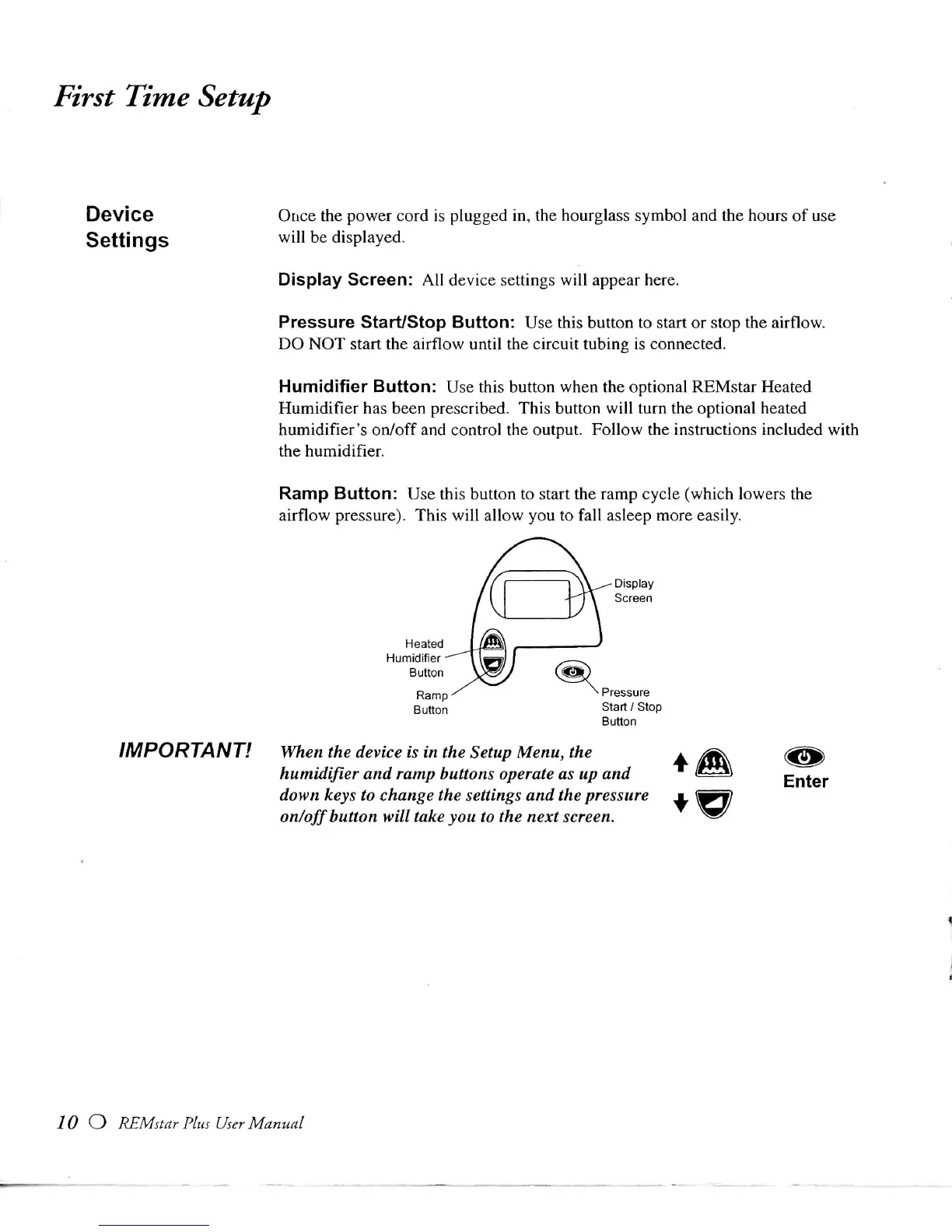
Display
Screen:
All
device settings
will
appear here.
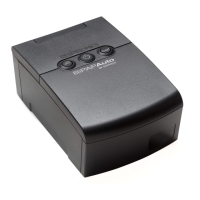
Pressure
Start/Stop
Button:
Use this button to start or stop the
airflow.
DO NOT
start the
airflow
until
the
circuit
tubing is connected.
Humidifier
Button:
Use this button when the optional
REMstar
Heated
Humidifier
has been prescribed.
This
button
will
turn the optional heated
humidifier's
on/off
and control the output.
Follow
the instructions included
with
the humidifier.
Ramp
Button:
Use this button to start the ramp
cycle
(which
lowers the
airflow
pressure).
This
will
allow
you to
fall
asleep more
easily.
Display
Screen
Button
Start
/
Stop
Button
IMPORTANT!
When the device is in the Setup
Menu,
the
humidifier and ramp buttons
operate
as up and
down keys to change the
settings
and the pressure
on/off
button
will
take
you to the next screen.
10 O
REMstar
Plus
User
Manual







 To Next Page