RAMP® System Operation
Operator’s Manual, RAMP
®
Reader 23
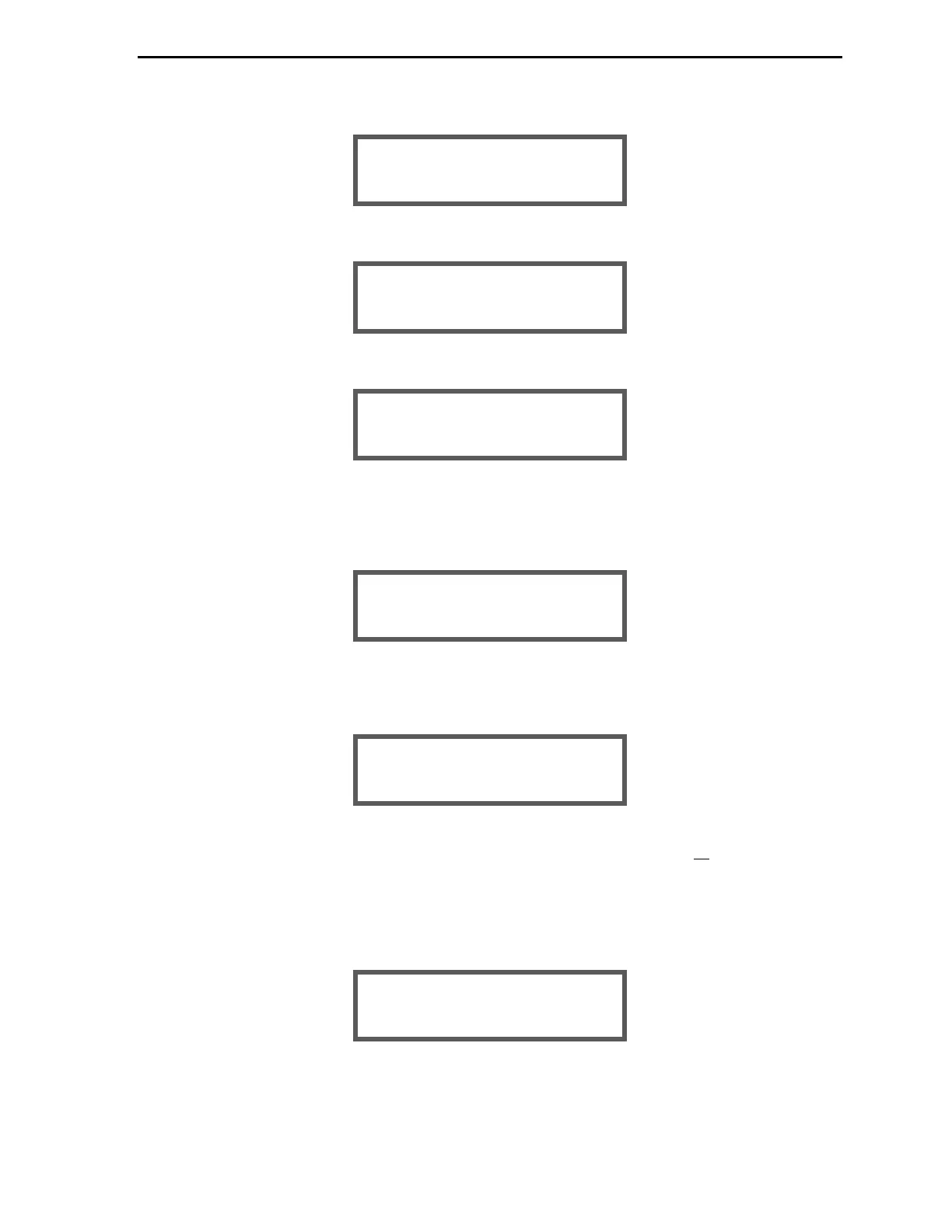
Press [Enter] again to display the sample result with date and time of the test.
Press [Enter] once more to display the Kit lot number with the expiry (Use by) date.
Press [Enter] to display the User ID that was recorded (if enabled) during the test.
NOTE: If a User ID was not used for the selected Sample ID, the screen is not displayed.
(Pressing [Options] returns the screen to the Sample Result list.)
Press [Enter] to display the following prompt:
Use [▲] or [▼] and [Enter] to select desired option.
If User Lock-out mode is disabled (Section 2.4.2), the following prompt is displayed:
NOTE: Within the VIEW Menu, deleting results does not create more memory space.
Deleting simply “hides” a result. To make more memory space, erase all results (Section
2.6.8).
Use [▲] or [▼] and [Enter] to select desired option.
If deleting result is selected, the operator is asked to confirm this request by the following prompt:
ARE YOU SURE? > NO
YES
DELETE RESULT? > NO
YES
PRINT RESULT? > NO
YES
USER ID:
USER001
LOT: M0xxxx
EXP. 30 Jun 2016
TnI 0.40 ng/mL
25 Jun 2015 – 19:19


 To Next Page