Troubleshooting Guide
Operator’s Manual, RAMP
®
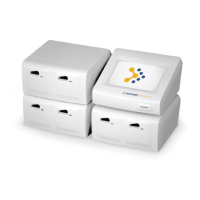
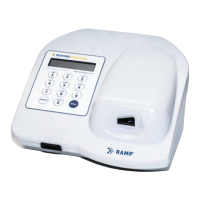
Reader 43
LCD Message Data Print Out
Message
Cause Action
SAMPLING ERROR #1
SEE INSTRUCTIONS
The lower line of the
message alternates
between “SEE
INSTRUCTIONS” and
“REMOVE
CARTRIDGE”.
SAMP ERROR 1 Sample flow occurred before the
Cartridge was inserted into the
Reader.
This may be due to:
A delay of more than 30 seconds
between sample addition to
Cartridge and insertion of the
Cartridge into the Reader (except
Environmental Tests).
Insertion of a used Cartridge.
Re-insertion of a Cartridge that has
been previously rejected by
Reader.
Cartridge is automatically
ejected.
Remove Cartridge.
Operator should refer to
the Test Kit Instructions
for Use for further
instructions.
‡
Repeat Test with fresh
set of components.
SAMPLING ERROR #2
SEE INSTRUCTIONS
The lower line of the
message alternates
between “SEE
INSTRUCTIONS” and
“REMOVE
CARTRIDGE”.
SAMP ERROR 2 Sample flow not detected.
This may be due to:
Insufficient sample being
transferred to the Cartridge.
A clogged sample pad.
Failure to use supplied Assay Tip.
Insufficient mixing of sample.
Analyte levels significantly higher
than the reportable range.
Cartridge is automatically
ejected.
Remove Cartridge.
Operator should refer to
the Test Kits Instructions
for Use for further
instructions.
‡
Repeat Test with a
fresh set of
components.


 To Next Page