Press the button (B1.1) to change to the programme mode. The display changes to the
current programme. The programme number is displayed next to the icon in the upper,
left quadrant.
To navigate ascending or descending through the programmes, wipe from right to left or
from left to right, respectively over the display in the control panel area of the settings (B2).
The position of the programme is displayed in the scroll bar (B3.6).
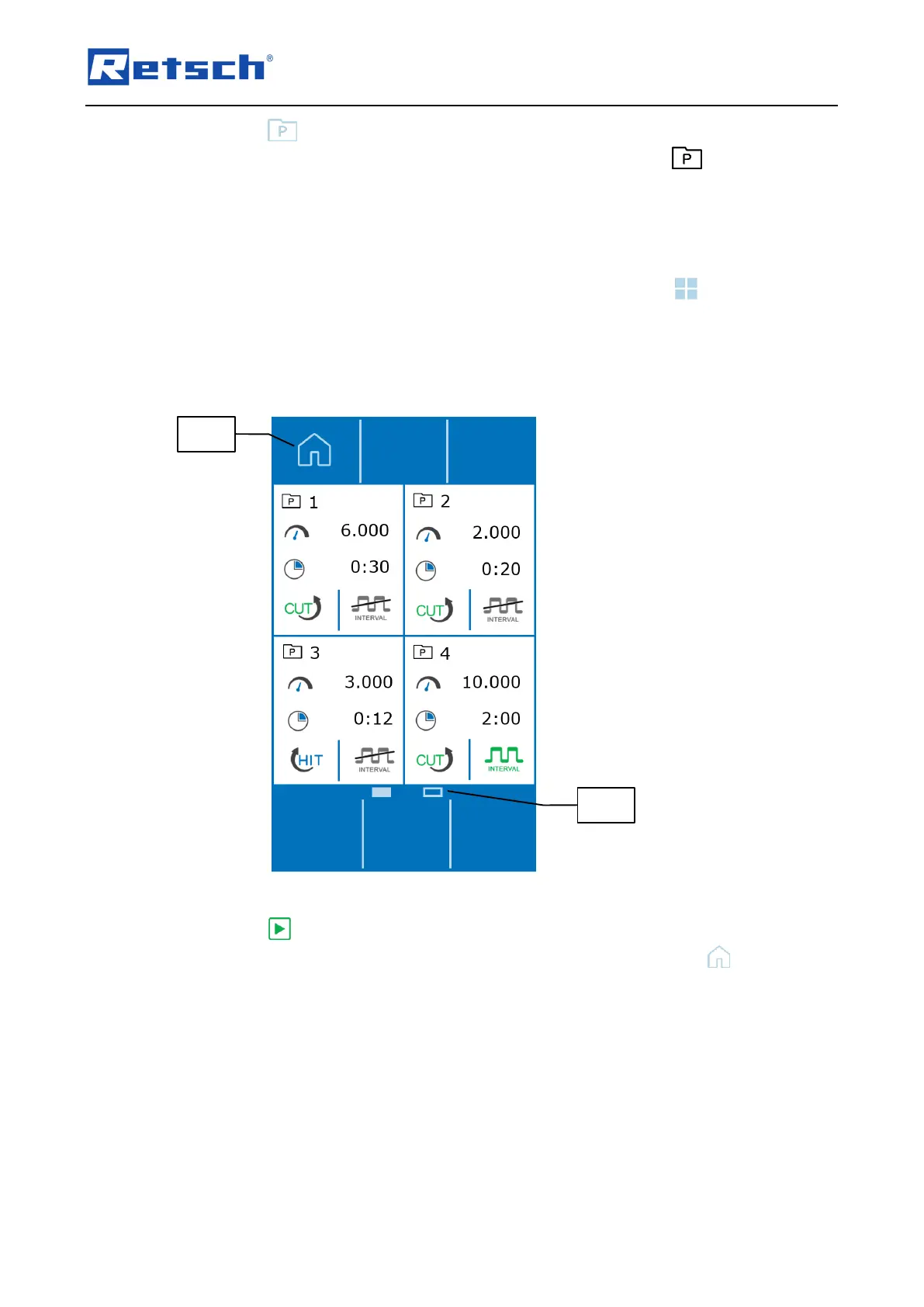
Alternatively, the programme overview can be accessed by pressing the button (B1.4).
Each programme is displayed in a quadrant.
Wipe over the display in the control panel area of the settings (B2) to switch between the
programme group 1 – 4 and 5 – 8.
To load a programme, press on the upper third of the desired quadrant.
Press the button (B3.3) to start the selected programme and thus the grinding process.
To exit the programme mode and to return to the manual mode, press the button (B1.5).



 To Next Page