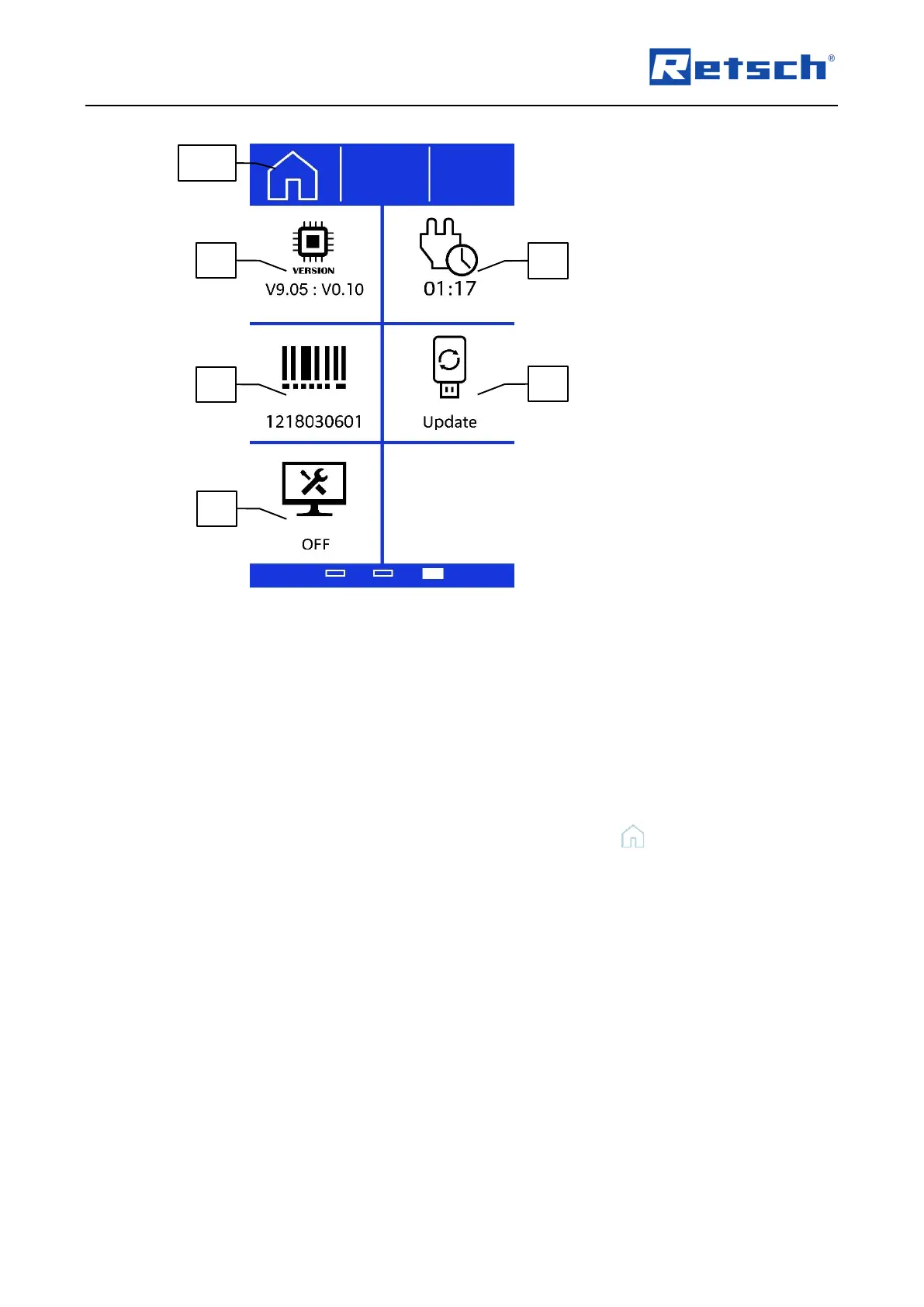
The following functions and information can be accessed in the settings:
Software versions (information)
Operating hours (information)
Display brightness (adjustable)
Web portal
Service environment
Software update
The individual functions and information are described in detail in the following subchapters.
To exit the settings and return to the manual mode, press the button (B1.5).
7.7.1 myRetsch
Section (E1) permits access to the myRetsch portal of Retsch GmbH by means of a QR code.
This can be scanned in using a mobile phone with the corresponding software and an internet
connection. It is then possible to obtain direct access to the website for the machine, which
contains information such as tips and tricks for the GM 200.
Press Section (E1) to show the QR code.



 To Next Page