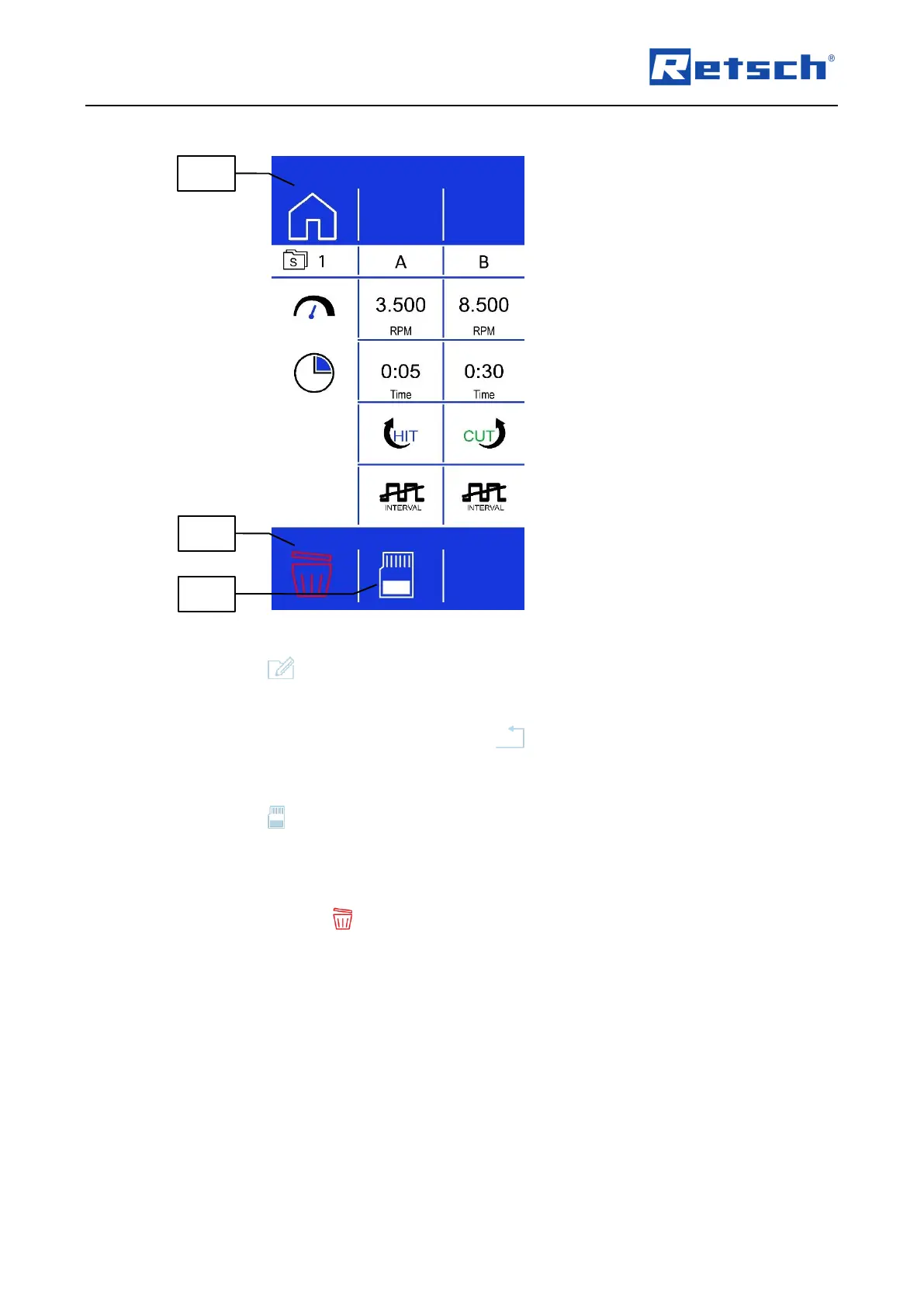
Press the button (B3.4) to edit the sequence.
Enter the desired grinding parameters for the parameter sets A and B.
The process can be cancelled by pressing the button (B1.6). All settings are discarded.
7.6.3 Save a Sequence
Press the button (B3.7) to save the set grinding parameters in the selected sequence
memory position.
7.6.4 Delete a Sequence
Press and hold the button (B3.5) for approx. two seconds to delete the grinding
parameters in the selected sequence memory position.
After clearing the settings, the speed and the process time of the two parameter sets A and B
are set to zero. The interval function is deactivated and the direction of rotation is set to cutting.



 To Next Page