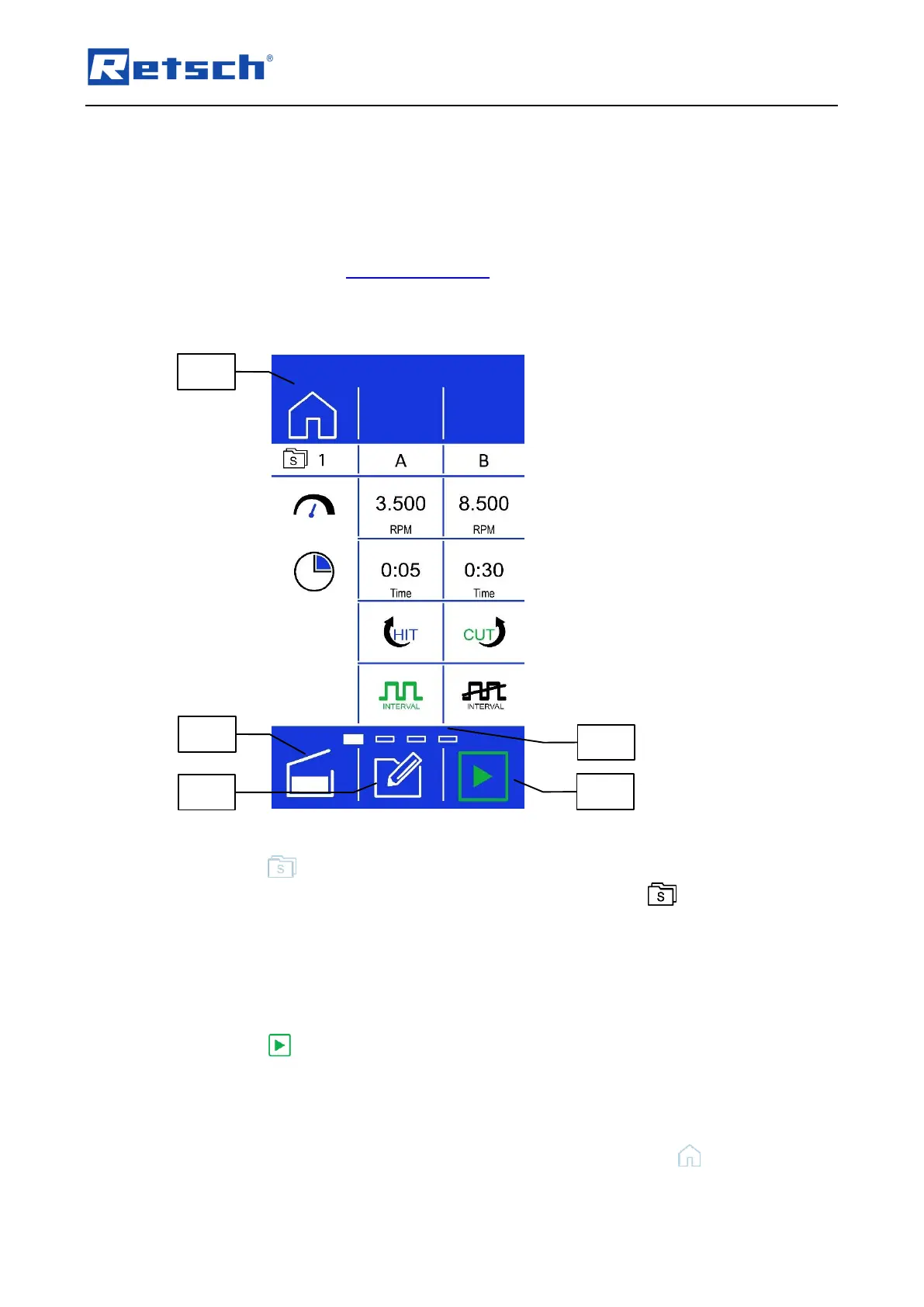
7.6 Sequence Mode
For special grinding tasks, grinding sequences can be set in this mode.
There are four sequence memory positions available. Each sequence consists of two
consecutive, freely selectable parameter sets.
Please refer to Chapter "Grinding Parameters" for a detailed description of the parameter
settings.
7.6.1 Select a Sequence
Press the button (B1.2) to change to the sequence mode. The display changes to the
current sequence. The sequence number is displayed next to the icon in the upper, left
corner.
To navigate ascending of descending through the sequences, wipe from right to left or from
left to right, respectively over the display in the control panel area of the settings (B2). The
position of the sequence is displayed in the scroll bar (B3.6).
A sequence consists of two parameter sets A and B.
Press the button (B3.3) to start the selected sequence and thus the grinding process.
During the grinding process, the currently processed parameter set of the sequence is
displayed in the navigation area (B1).
To exit the sequence mode and return to the manual mode, press the button (B1.5).



 To Next Page