Note
Due to unstable voltages caused by starting the car engine, a voltage
fluctuation in some vehicles may be especially obvious. If a flashing screen
or some other unforeseeable operating problem occurs when you start the
engine, it is recommended to unplug the device from the charger before
starting the engine, and then reconnect it after the engine is running.
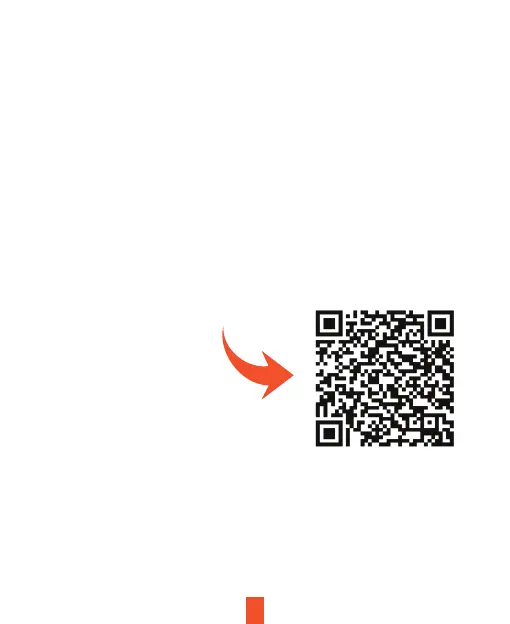
We kindly suggest taking a moment to watch our tutorial video. It's designed
to help you have a smooth and successful installation experience. We
believe you'll find it very helpful!
Please scan QR code
or go to
shop.rexingusa.com >
Buyer's Guide >
How to Install a Dash Cam
13
Note
• Press the Power Button to turn On or O the screen
• Press and hold the Power Button for 3 seconds to turn the device on or o



 To Next Page