2020 rf IDEAS Inc rfIDEAS Configuration Utility User Manual P a g e 31
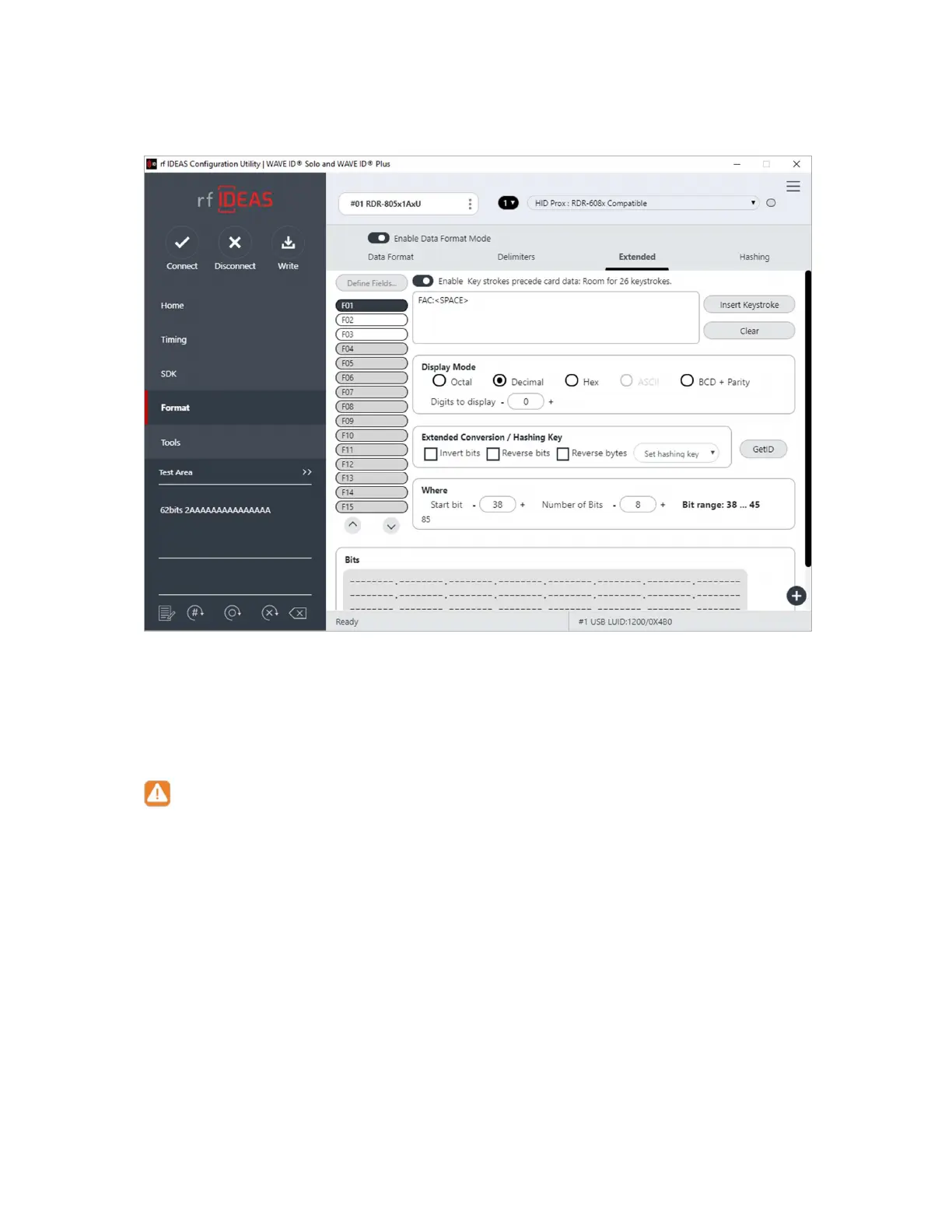
Image 35: Extended Tab
Enable Press the button to enable or disable the selected field This allows the delimiters to
be created and sent when the selected bits are processed
¾
The settings made on different fields will persist only when Write button is clicked
to save them
¾
When any of the fields is disabled and Write operation is not performed settings
of that particular field will not recover on enabling it again so it is best advised to
always save the settings via Write button present in Icon Toolbar
However in case of above scenario you may reconnect the readerIt will bring the
reader to its last saved settings from where you will need to do the settings all over
again
¾
If you would like to do extend settings from scratch follow the steps mentioned
below:
A
Bring the WaveID reader to its defaults from Hamburger Menu Device
Menu Reset to Factory DefaultsMove to desired configuration



 To Next Page